

Coordinating jobs, quotes, compliance and materials for trades teams becomes a bottleneck when contractor management software cannot centralise site, office and financial workflows in a way field crews actually use. Many platforms either lock essential scheduling or mobile features behind expensive enterprise plans or require constant manual updates between accounting, quoting and project tracking tools. This comparison details features, integrations and pricing across five leading contractor management systems so you can select one that fits your team's site needs and office processes without stitching together spreadsheets and third party apps.
Table of Contents
TradeWise
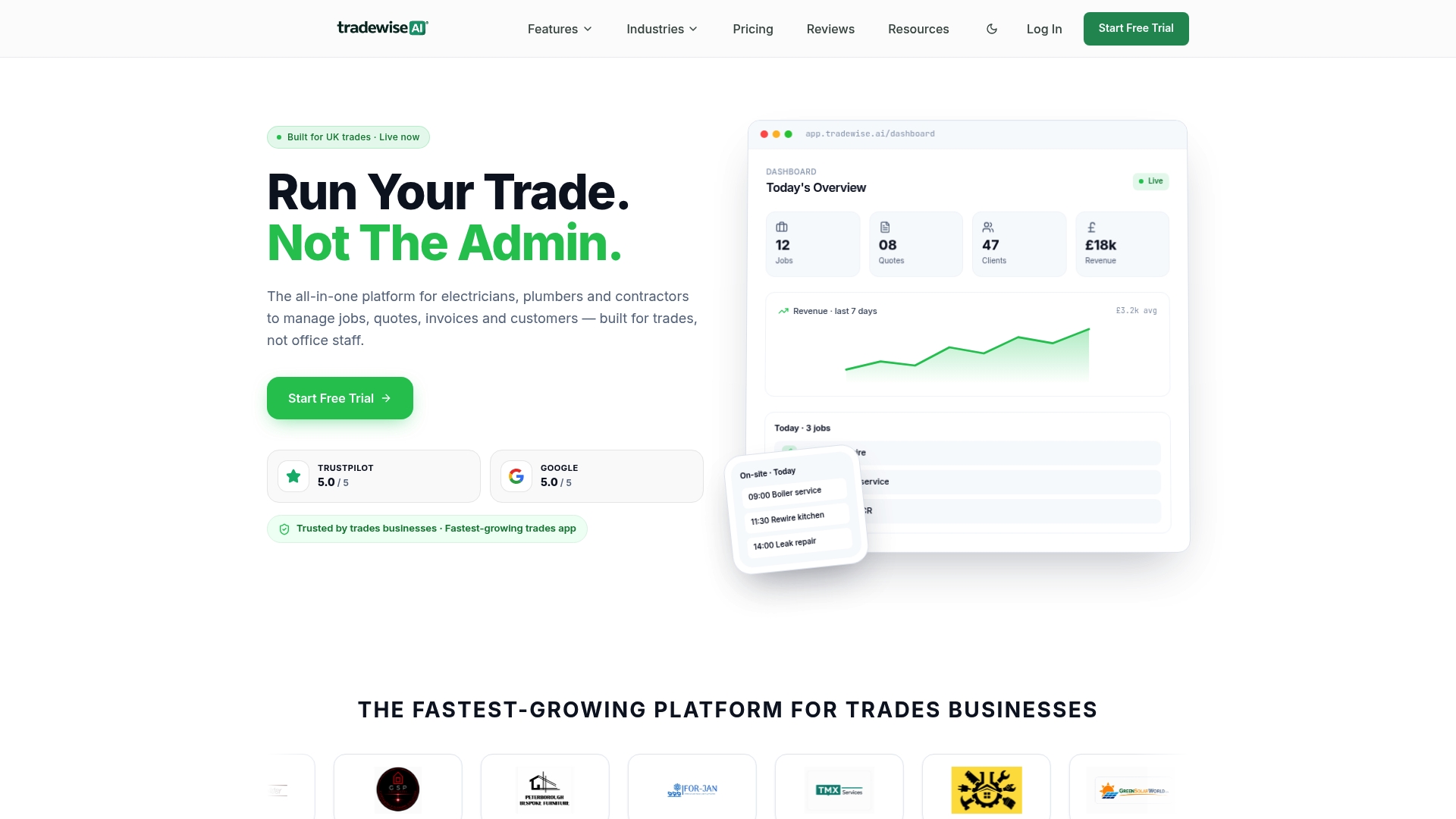
At a Glance
Starts at £23/month billed yearly for the basic plan and packages job management, AI tools and a website builder into a single mobile-first app aimed at UK trades. The platform also bundles materials ordering, supplier comparison and ad campaign controls into the same dashboard.
Core Features
Job and schedule management with mobile job sheets and live workforce syncing so vans know current assignments.
Quotes and invoices generation and tracking from site via the app.
AI assistant that helps draft messages, quotes and routine admin responses.
Material ordering and supplier comparison built into purchasing flows.
Website builder with lead capture plus advertising management for Facebook, Instagram and Google.
An API opens the door for custom workflows and integrations with accounting and payment providers.
Key Differentiator
Built for UK trades, TradeWise pairs AI drafting tools and live workforce syncing with on-platform marketing and a website builder. That combination lets a single supplier host field operations and lead-generation tools rather than forcing you to stitch multiple specialist apps together.
Pros
-
Mobile-first setup makes onboarding quick for field teams. The product data highlights easy-to-use mobile quoting and job management that works on site.
-
AI tools reduce repetitive admin by drafting messages and basic quotes, saving tradespeople time on paperwork.
-
Combines marketing with operations. Running Facebook, Instagram and Google campaigns from the same dashboard avoids exporting leads between systems.
-
Built-in purchase flows and supplier comparison keep materials decisions and ordering within the job lifecycle rather than in separate spreadsheets.
-
API, Stripe, Xero and QuickBooks connectivity mean you can connect payments and accounting without manual re-entry.
Cons
- Can be too feature-rich for solo trades or very small teams; some users report a learning curve when first configuring advanced workflows.
Notable Integrations
TradeWise advertises connections to common advertising and finance tools. Integrations listed in the product data include:
- Facebook Ads, Instagram Ads, Google Ads
- Stripe for payments
- QuickBooks and Xero for accounting
- Slack and WhatsApp for team and customer messaging
Who It's For
Trades businesses such as electricians, plumbers, builders, HVAC technicians and roofing contractors who want a single system for jobs, quotes, invoices and marketing. Best suited to firms with a small team or multiple vans rather than solo operators who only want basic job tracking.
Unique Value Proposition
The ability to build a lead-capturing website, run paid ads and manage day-to-day field jobs from one mobile app changes how you allocate admin time. Instead of exporting, uploading and reconciling leads, one workflow takes a prospect from capture to quoted job to invoice within the same product.
Real World Use Case
A small electrical contractor uses TradeWise to generate a lead from a Facebook form, qualify it via the CRM, create a site quote with the AI assistant, order materials from preferred suppliers and invoice the client — all without moving data between apps.
Pricing
Starter plans begin at £23/month when billed yearly. Higher tiers named Pro, Business and Enterprise add more users, advanced features and larger team capacity. A free trial is available according to the vendor.
Website: https://tradewisehq.com
Contractor Foreman
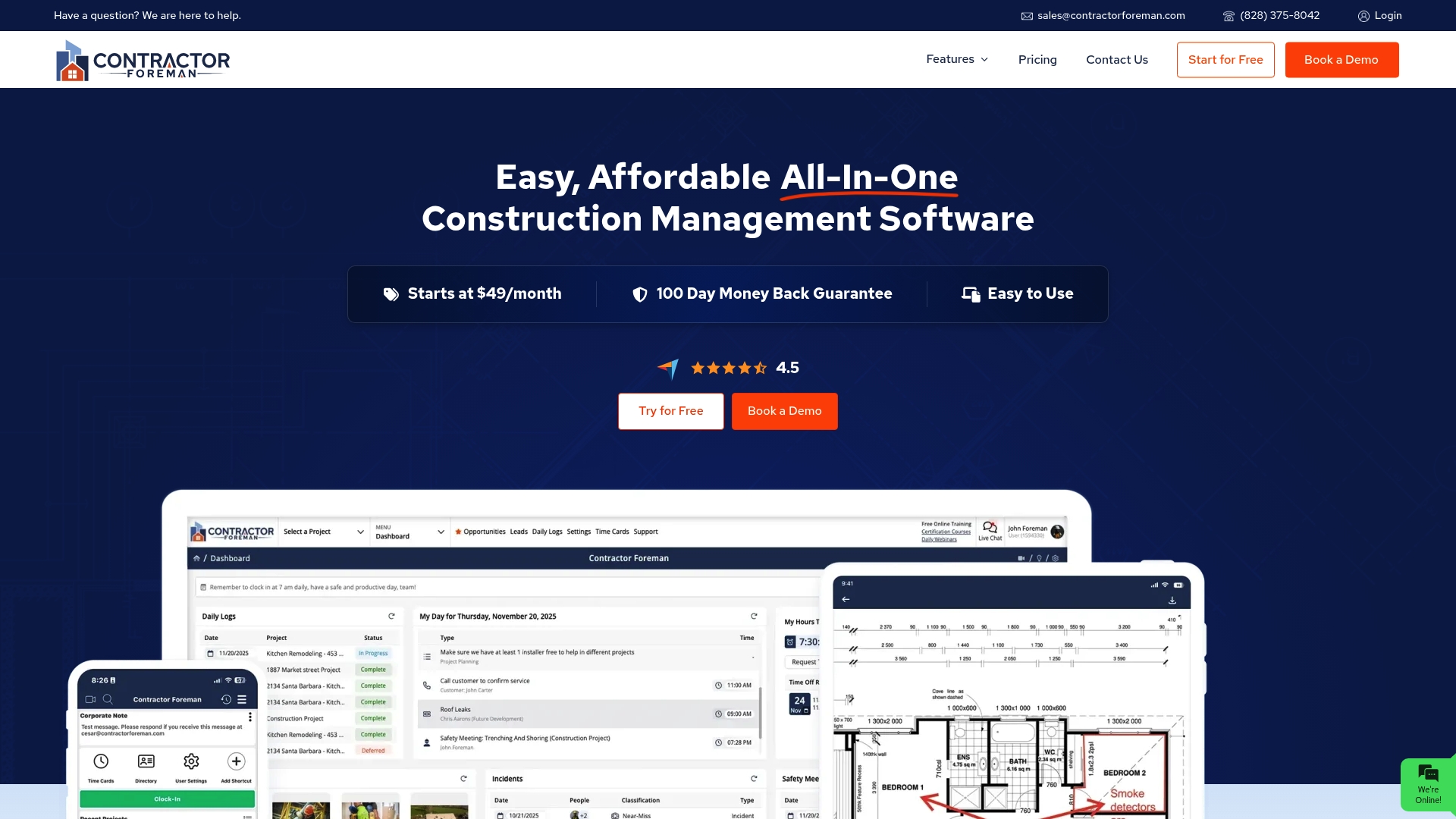
At a Glance
Starts at $49/month, Contractor Foreman packages project controls, financial tools and mobile timecards aimed at small and medium contractors who want a single system for office and site work. The vendor positions the product as created by contractors, for contractors.
Core Features
Project handling includes scheduling, daily logs, work orders, inspections, punchlists and a client portal. Financial tools cover estimates, change orders, invoices, purchase orders and a real time cost database. People management offers team chat, GPS time cards and crew scheduling. Document handling includes RFIs, submittals and PDF markup.
Key Differentiator
What sets Contractor Foreman apart is its trade-first design and pricing that keeps project counts unrestricted. The product aims to map contractor terminology and workflows directly into the app, which reduces the translation work your office normally does when adopting generalist tools.
Pros
-
Strong value proposition for lean teams. The $49/month entry point plus support for unlimited projects keeps licence cost predictable as you add crews.
-
Familiar contractor language and workflow. Because the product was built by contractors, common tasks such as change orders and daily logs use terms your supervisors already understand.
-
Consolidates data that usually lives in multiple apps. Estimates, purchase orders and on-site timecards live in one record so cost-to-complete is easier to track.
-
Mobile-first features are practical on site. GPS timecards, crew chat and vehicle logs reduce paper chasing on small to medium projects.
Cons
-
Estimate workflows can glitch when handling very large item lists. That creates extra QA work before sending bids.
-
Time tracking and clock in functionality attract occasional bug reports, which means you may need a backup process while support resolves issues.
-
Customisation for specialised workflows can be time consuming. Some config options feel restrictive until you adapt processes to the tool.
When It May Not Fit
If you run enterprise scale projects with complex resource levelling or advanced portfolio forecasting, Contractor Foreman may feel lightweight. Teams that rely on flawless, built in time tracking for payroll should test clocking functions thoroughly before full rollout.
Notable Integrations
-
QuickBooks and Xero cover accounting synchronisation.
-
Calendar sync via Google Calendar and Outlook 365 keeps schedules aligned between office tools.
-
Zapier, CompanyCam, Gusto and Angi Leads extend the platform into other back office and field photo workflows. Microsoft Project integration is listed as coming mid 2026.
Who It's For
Small to medium residential and commercial general and trade contractors who need project, financial and field tools in a single product. Good for offices that prefer contractor terminology over generic project management jargon.
Real World Use Case
A remodeling contractor runs project schedules, captures crew hours with GPS timecards and uses team chat for same day task changes. Estimates and invoices flow from the same job record so job profitability is visible without juggling spreadsheets.
Pricing
Pricing starts at $49/month. The vendor advertises that small teams can begin on the entry plan and scale without per project licence increases. Confirm current tiers and any onboarding fees with sales.
Website: https://contractorforeman.com
Site Manager Pro
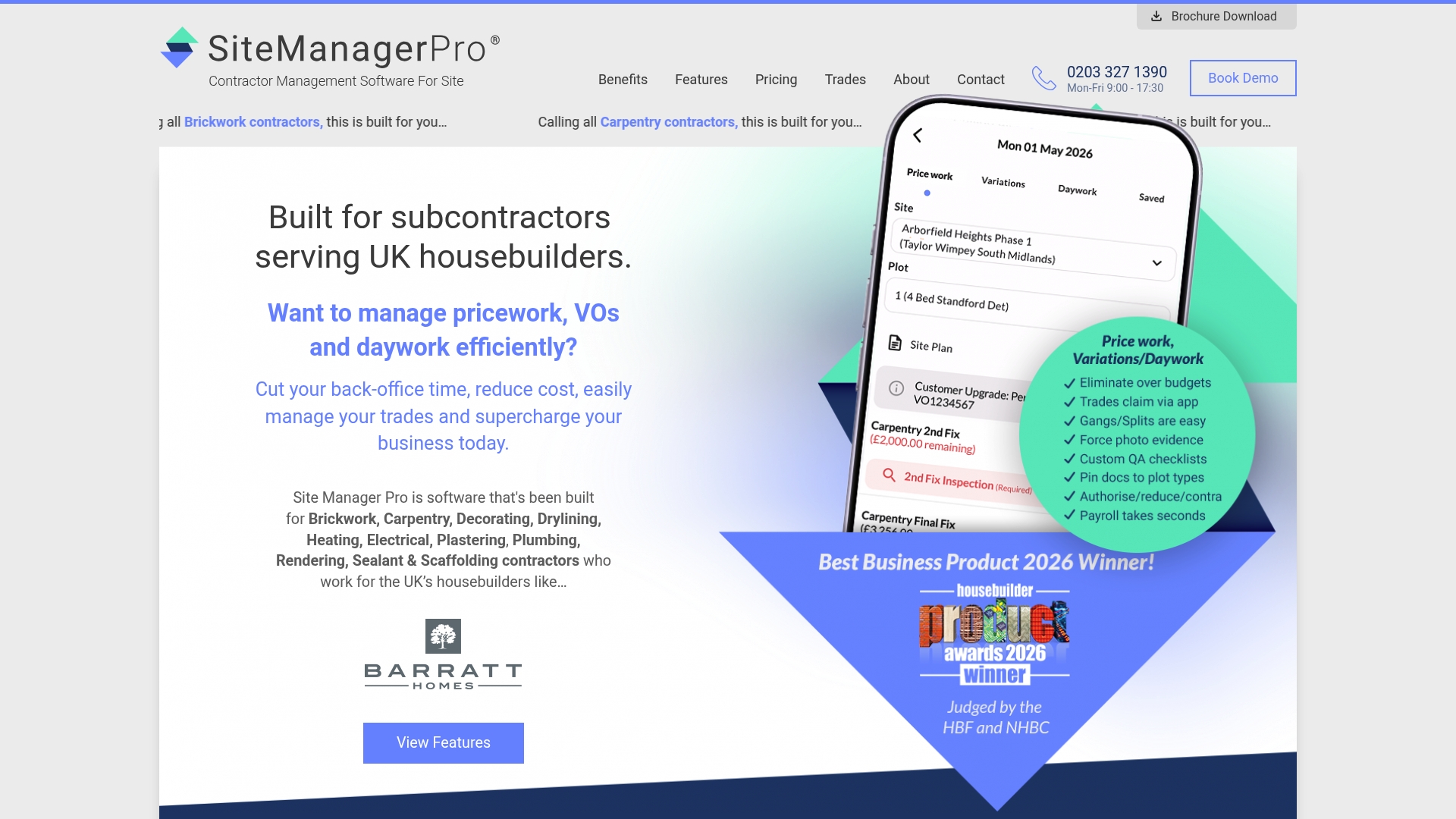
At a Glance
Plans start at £245 and scale to £1,995 per month depending on workforce size, with every tier including the full suite of modules. The product is aimed specifically at subcontractors on UK housebuilding sites and packages features around site wages, inspections and compliance.
Core Features
Site Manager Pro centralises the day to day tasks site teams handle and makes them mobile accessible.
- Digital wage booking for price work, variations and daywork that replaces paper timesheets.
- Customisable inspection and handover checklists that export to PDF for client sign-off.
- Order management for products and materials with price control and photo-backed snagging tracking.
- Digital document sharing, signature capture and a QA module for snagging with comments and images.
Key Differentiator
The selling point is the narrow focus on UK housebuilding subcontractors and site operations. That focus means payroll workflows, inspection templates and compliance trackers are preconfigured for on-site realities rather than generic project management features. Everything is available on mobile so site supervisors can record wages, snags and sign-offs as they work.
Pros
-
Built for UK site contractors. The product packs construction-specific workflows so you do not have to adapt a generic tool to trades work.
-
Tiered pricing fits growing workforces. The banded model lets small crews start cheaply and move up as headcount grows without losing access to modules.
-
Mobile accessibility keeps foremen productive; wage bookings and snag photos happen at the point of work rather than back in the office.
-
Strong onboarding and support. Customer feedback in the product brief highlights active support during rollout which speeds adoption on busy sites.
-
Modules cover wages, quality, documentation and compliance in one place, reducing duplication across spreadsheets and paper files.
Cons
-
Third party reviews highlight the system feels complex and needs formal training to use well, which adds upfront time and cost.
-
Several advanced features carry a steep learning curve for supervisors used to paper or basic apps.
-
The provided content gives limited detail on integrations with accounting or ERP systems, so you may need workarounds to connect to payroll or finance.
When It May Not Fit
If you run very small crews who need a zero training solution, the platform's depth can be overkill. Likewise, businesses that depend on tight integrations with specific accounting packages will find the sparse integration detail worrying. If you bill solely by the hour and require embedded time and payroll exports, double check compatibility first.
Who It's For
UK based subcontractors working on new build residential sites and site managers overseeing multiple trades. It suits firms that want structured wage booking, digital inspections and a way to evidence compliance during handovers.
Real World Use Case
A carpentry subcontractor uses Site Manager Pro to record daywork and variations in real time, upload inspection photos and share handover PDFs with the main contractor. That process replaces paper forms, reduces query turnaround and strengthens bids by showing organised site records.
Pricing
Plans range from £245 to £1,995 per month depending on workforce size. Each tier includes all modules for wages, inspections, compliance and documentation so upgrades add capacity rather than features.
Website: https://sitemanagerpro.co.uk
Sitetrakker
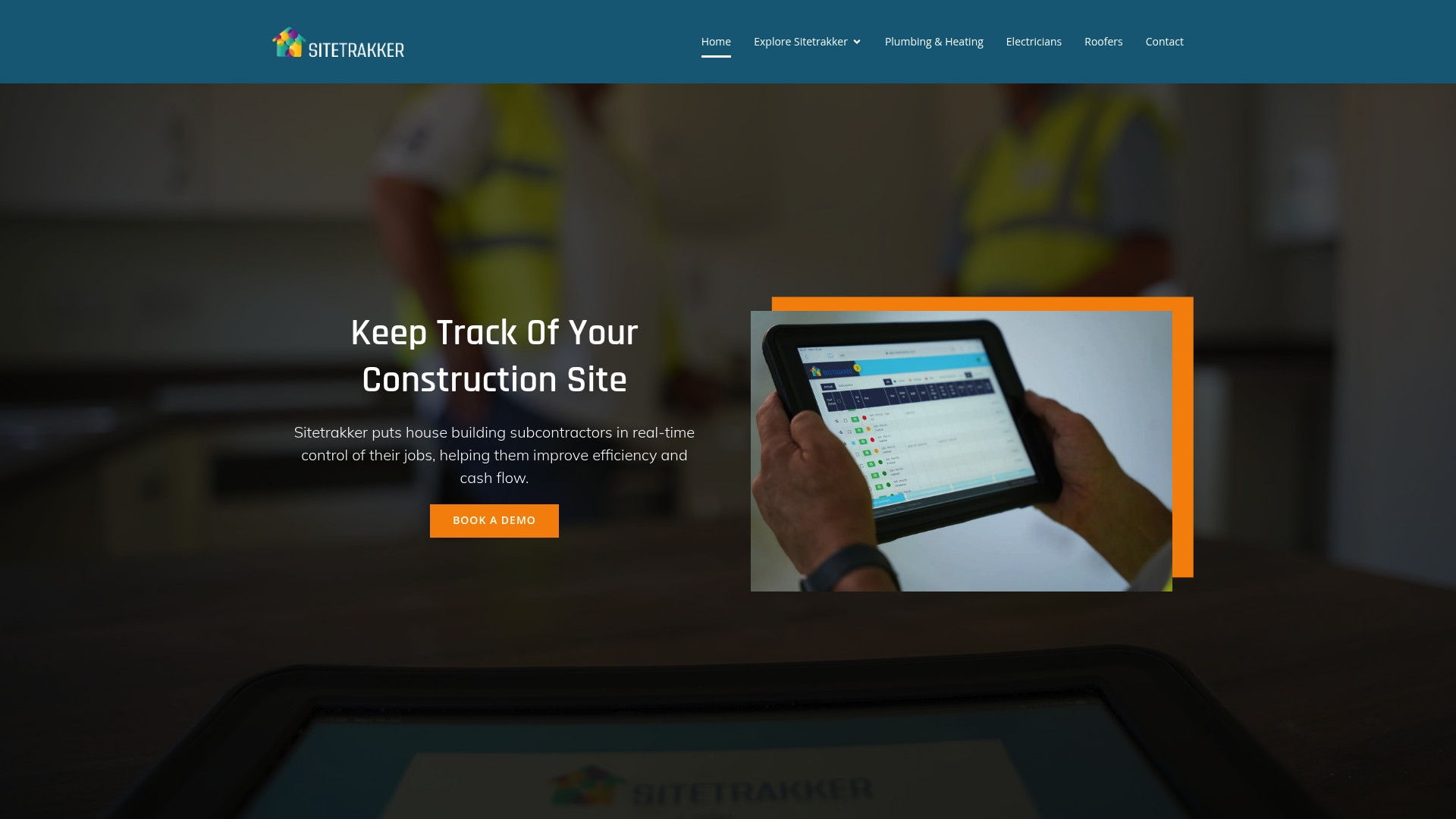
At a Glance
Accessible via tablets and iPads, Sitetrakker gives site teams live project control from the site office, van or home. The app bundles task assignment, material requisition and photographic logging to reduce on-site errors and help stabilise cash flow for housebuilding projects.
Core Features
- Real-time project tracking for status updates and progress monitoring across multiple plots.
- Task assignment and monitoring with clear owner and status flags for everyday site coordination.
- Material requisition and management to log deliveries, shortages and approvals from the site.
- Progress tracking and site monitoring with timestamped records and checklists.
- Photographic evidence in the cloud for extras, snagging and audit trails.
Key Differentiator
The product is built specifically for construction teams and places mobile site control at its centre. That focus on real-time site control via tablet and iPad apps makes it a tool you reach for when crews are dispersed and decisions must be made with immediate, visual information.
Pros
- Document sharing reduces email attachments on projects where drawings and submittals change daily; site staff access the latest files on a tablet.
- Enables safer sharing of drawings, submittals and forms between subcontractors and main contractors, which reduces rework.
- Enterprise-grade security is advertised for stored documentation and photographic records, giving clients confidence about sensitive site information.
- Remote management works well on tablets and iPads, letting supervisors assign tasks and approve deliveries without returning to the office.
- Supports coordination across trades, which cuts down on missed deadlines and site mistakes when the team uses the same records.
Cons
- Reporting and data insights are limited. The platform lacks advanced analytics for forecasting labour needs or long-term material spend.
- Application speed can be sluggish on larger schemes, which interrupts quick updates during a busy site day.
- Some users reported the need for regional data centres to improve delivery speed; that point affects remote or rural sites.
When It May Not Fit
If you rely on heavy-duty analytics to predict costs or run resource levelling across dozens of simultaneous projects, Sitetrakker’s reporting constraints will feel restrictive. Also, if your sites have poor mobile connectivity, the app’s slower response on large projects will be a recurring annoyance.
Who It's For
Subcontractors and small to medium construction firms handling housebuilding projects will get the most from Sitetrakker. It suits teams that need mobile, visual control of materials and tasks rather than deep BI or enterprise resource planning.
Real World Use Case
A subcontractor monitors incoming deliveries, assigns daily tasks to crew members and uploads photographic proof of completed stages via tablet. That live feed cuts approval delays and helps the main contractor keep the build programme moving with fewer on-site disputes.
Pricing
Not applicable — informational only. The vendor’s site describes the product and capabilities but does not list standard subscription tiers or per-user pricing publicly.
Website: https://sitetrakker.co.uk
JobTread
At a Glance
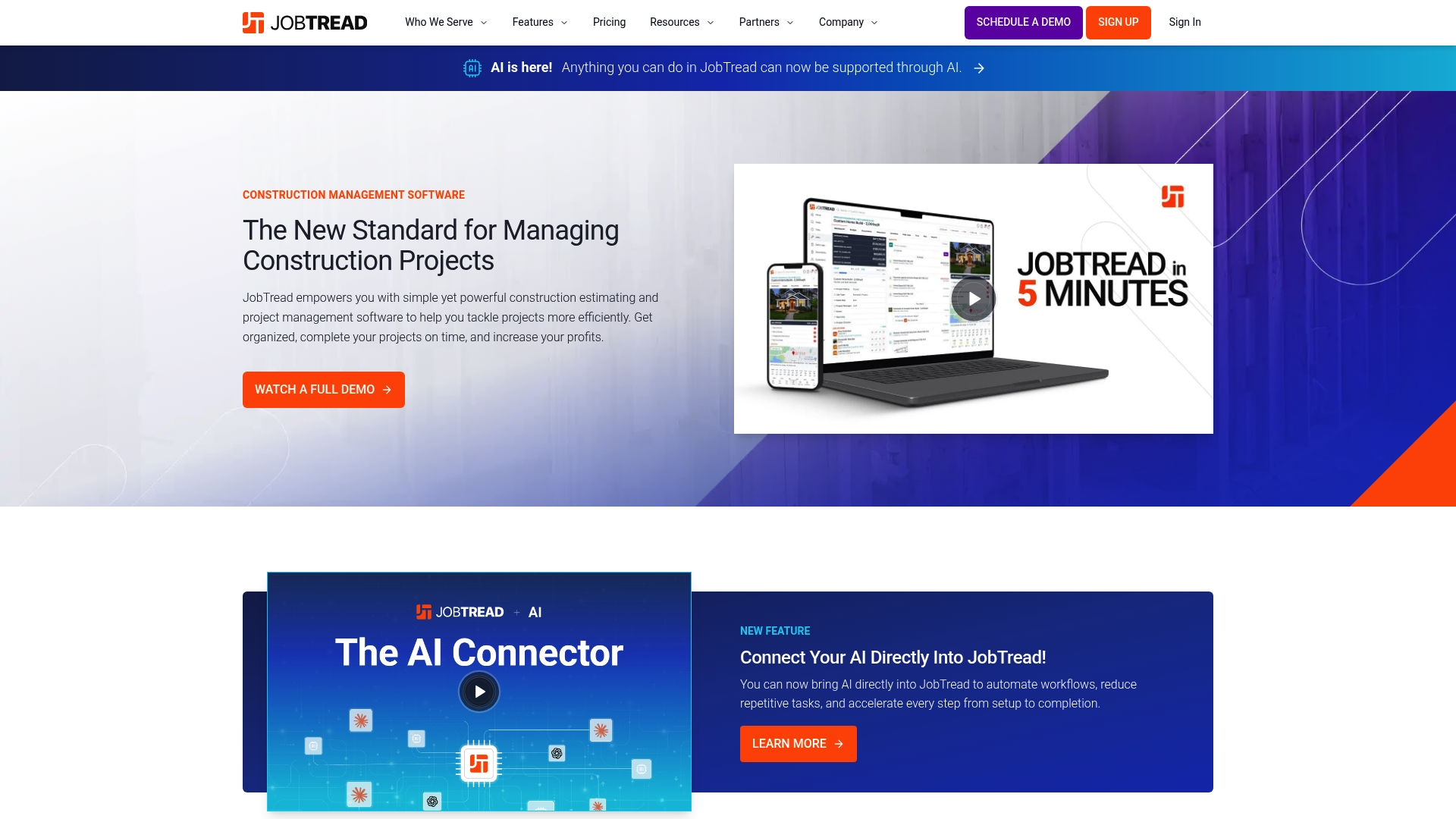
JobTread ties estimating, job finances and customer portals together while offering direct connectors to QuickBooks Online, Home Depot and Eagleview. The platform also exposes an AI Connector to help automate repetitive tasks and accelerate decision making for contractors.
The product focuses on reducing manual reconciliation between bids and accounts so project managers spend less time hunting numbers and more time on site.
Core Features
Sales tools include CRM, takeoffs, bid requests, contracts and eSignatures so your sales pipeline and proposals live in the same place as estimates.
Project management covers mobile apps, scheduling, daily logs and vendor portals while job finances provide budgeting, cost tracking, change orders and invoicing with reporting dashboards.
Customer experience features add portals, communication threads, warranties and online payments to keep clients informed and reduce phone tag.
Key Differentiator
JobTread’s appeal is that estimating, project tracking and job financials are not separate modules but part of a single workflow. That integration reduces double entry and makes cost-to-complete visible in the same view where you produce proposals.
Compared with Tradewisehq, JobTread leans harder into construction estimating and job costing rather than a mobile-first operating system for day to day crew coordination.
Pros
-
Faster proposal production improves bid velocity and helps sales staff close more leads using the Estimating and takeoff toolkit.
-
Real time job tracking keeps budgets and actuals aligned which aids project managers when chasing change orders.
-
Responsive customer support is consistently cited in reviews and helps teams adopt the system faster.
-
Regular feature updates mean gaps get addressed; the vendor appears committed to continuous improvement.
-
Good value for contractors who want estimating, project management and finances in a single package rather than stitching multiple apps together.
Cons
-
Catalog and cost item updates do not always propogate smoothly into cost groups which can require manual correction.
-
Takeoff measurements and plan tools occasionally show alignment issues that add rework for estimators.
-
The pace and frequency of updates can interrupt workflows for teams that prefer a slower change cadence.
-
Navigation and interface complexity present a learning curve for new users who expect a very simple UI.
When It May Not Fit
If your team demands an ultra-stable interface with infrequent releases, JobTread’s update rhythm may cause frustration. If you rely on flawless plan measurement inside the estimating toolchain, the occasional takeoff misalignment could slow bidding rather than speed it.
Notable Integrations
- QuickBooks Online
- Home Depot
- Eagleview
- AI Connector
- Gusto
- Zapier
- NiceJob
- CompanyCam
These integrations cover accounting sync, materials pricing, aerial measurement and field photo capture so you can connect core data sources without heavy custom work.
Who It's For
Contractors, builders and subcontractors who want one system to handle estimating, project delivery and job financials. It suits companies that value tighter bid to book reconciliation and that can tolerate a modest onboarding curve to gain integrated workflows.
Real World Use Case
A residential contractor produces an estimate, sends an eSigned contract and tracks daily logs in JobTread. Vendor invoices and job costs flow into the budget view and QuickBooks Online syncs final invoices, shortening the billing cycle and clarifying job profitability.
Pricing
The product data lists pricing as not applicable. Contact JobTread for a demo and a tailored quote that reflects company size and required modules.
Website: https://jobtread.com
Comparative Analysis
Contractor Management Software Comparison
Compare various contractor management software solutions based on their core features, pricing, and notable limitations to find the best fit for your team's needs.
| Product | Core Features | Key Differentiator | Pricing | Notable Limitation |
|---|---|---|---|---|
| TradeWise | Job management, AI tools, website builder | Comprehensive toolset tailored for UK trades | £23/month billed yearly | May overwhelm solo trades due to extensive features |
| Contractor Foreman | Project management, financial tools | Affordable with support for unlimited projects | $49/month | Limited time tracking features prone to glitches |
| Site Manager Pro | Quality control, wage booking | Specialised for UK housebuilding subcontractors | £245–£1,995/month | Complexity requires in-depth training for effective use |
| Sitetrakker | Task assignment, material tracking | Strong real-time project tracking capabilities | Not disclosed | Lacks advanced analytics for detailed project insights |
| JobTread | Estimating, project budgeting | Integrated workflow from estimates to finances | Not disclosed | Regular updates may disrupt team workflows |
Your Best Alternative to Askforeman.co.uk for Tradespeople
Managing trades operations while juggling quotes, invoices, scheduling and marketing can get overwhelming when using multiple apps. This article highlights how finding the right all-in-one solution is critical for small to medium trades teams aiming to reduce admin and improve job visibility. Tradewisehq offers an AI-powered operating system designed just for UK tradespeople like electricians, plumbers, builders and HVAC teams. It combines live workforce syncing and AI tools with job management, supplier comparison and a built-in website builder all in one mobile-first platform.
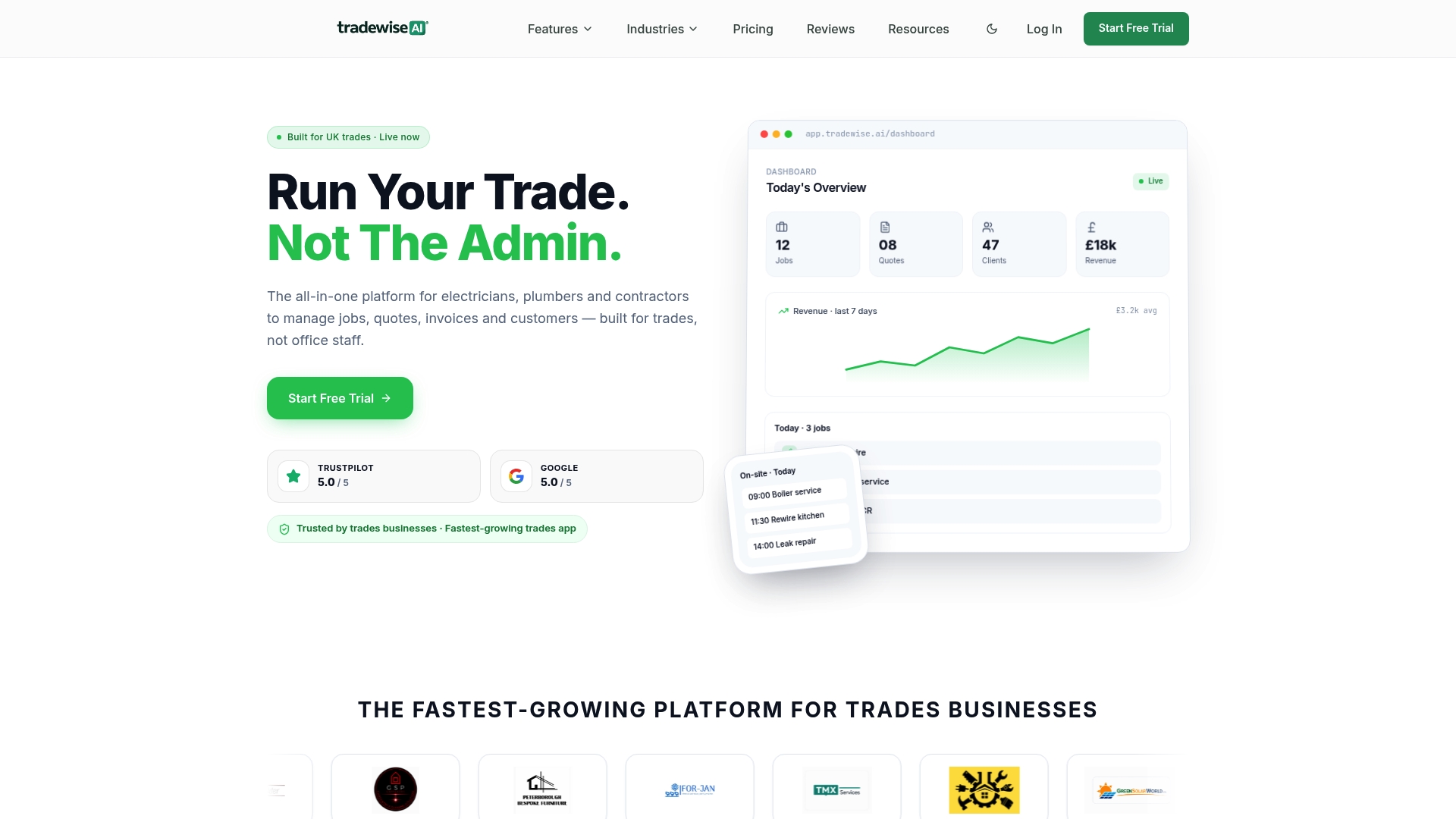
Discover how Tradewisehq can help you take charge of your business with less paperwork and more time on site. Visit TradeWise to explore how you can generate quotes, manage jobs and run marketing campaigns from your phone. Import your leads and convert them efficiently so you spend more time growing your trade business instead of switching between apps.
Frequently Asked Questions
What is the key feature of Tradewisehq for job management?
Tradewisehq offers mobile job sheets and live workforce syncing, ensuring that teams can manage their assignments in real time. This includes job and schedule management that links directly to the app, making it easier for tradespeople to stay organised while on site. For optimal efficiency, consider implementing this feature in your workflow.
How does Tradewisehq's pricing compare to Contractor Foreman?
Contractor Foreman starts at $49/month, which is a competitive price point for small contractors. Tradewisehq, on the other hand, begins at £23/month billed yearly, bundling multiple features into a single mobile-first app aimed at UK trades. If you're after a comprehensive package tailored for UK trades, Tradewisehq may be the preferred option.
What unique integration does Tradewisehq offer that enhances its usability?
Tradewisehq features an API that allows for custom workflows and integrations with accounting and payment providers. This makes it easier to connect and streamline processes, unlike other platforms that may require more manual entry. By incorporating this into your daily operations, you can save time on administrative tasks.
Can I use Tradewisehq for both marketing and operations?
Tradewisehq effectively combines marketing and operational tools into a single app, allowing users to run advertising campaigns from platforms like Facebook, Instagram, and Google. This integration helps avoid the hassle of exporting leads between different systems. Consider using this feature to streamline your advertising efforts alongside job management.
What is the advantage of using Site Manager Pro for subcontractors?
Site Manager Pro offers a focused suite of tools specifically designed for UK subcontractors, including digital wage booking and custom inspection checklists. While Tradewisehq is great for all trades, Site Manager Pro may be better suited for those needing detailed compliance and wage management features. Evaluate your specific needs to determine the best fit.