

Treat each van as a dedicated, audited stock location with enforced scan in/out and par levels, and you will cut revisits, reduce stock loss, and lift first-time fix rates in a matter of weeks. That single discipline separates field teams that run efficiently from those that spend half their day chasing parts.
The essential elements that make it work:
- Accurate stocklists per van, mapped to the job types that vehicle handles
- Par-level rules that trigger replenishment before a stockout happens
- Mobile scanning with offline capability so technicians can record usage anywhere
- Scheduled replenishment aligned to depot windows and technician rotas
- Routine audits (cycle counts, not just annual stocktakes) to catch drift early
Pro Tip: Set a 60-second start-of-shift check using a service call checklist — technicians scan or confirm the five highest-usage items before leaving the depot. Discrepancies surface before they become a problem on site.
Key takeaways
Effective van stock management comes down to one discipline: treat every vehicle as an audited stock location, enforce scan in/out at point of use, and let par-level automation handle replenishment before stockouts happen.
| Point | Details |
|---|---|
| Treat vans as locations | Assign each vehicle a named location in your system and record every transfer formally. |
| Apply the 80/20 rule | Focus par-level effort on the small share of SKUs that account for most repairs. |
| Offline scanning is non-negotiable | Field teams lose connectivity regularly; your tool must work without signal. |
| Track six core KPIs | First-time fix rate, stockouts, stock value per van, turns, admin time, and lead time. |
| Tradewisehq for UK teams | Mobile-first van location control, scan workflows, and par-level automation in one platform. |
Table of Contents
- What does 'van stock' actually mean, and how is it different from warehouse inventory?
- Why van stock management directly affects your first-time fix rate
- How van stock management works in day-to-day field operations
- How to set up van stock control from scratch
- What to look for in van stock management software
- Common mistakes that cause stock loss and how to avoid them
- How to measure whether your van stock control is working
- Tradewisehq gives UK field teams real control over van stock
- A note from the field on what actually slows rollouts down
- Sources
What does 'van stock' actually mean, and how is it different from warehouse inventory?
Van stock is the collection of parts, consumables, and materials a technician carries on their service vehicle to complete jobs without returning to a depot or waiting for a delivery. The goal is simple: arrive with the right parts, fix the problem first time, move on.
The operational differences from warehouse inventory are significant enough to require a separate management approach entirely.
| Dimension | Warehouse inventory | Van stock |
|---|---|---|
| Location | Fixed, controlled environment | Mobile, distributed across multiple vehicles |
| Transaction frequency | Moderate, planned receipts and picks | High, multiple issues per shift |
| Loss and shrinkage risk | Lower, with CCTV and access controls | Higher, harder to audit in the field |
| Reconciliation | Periodic, scheduled | Required after every job or shift |
| Replenishment trigger | Reorder point or MRP run | Par level breach or end-of-shift count |
The mobility factor is what changes everything. A warehouse manager can walk the aisles; a van stock manager is tracking stock across a dozen vehicles spread across a county. Without formal transfer records and scan-at-use discipline, the numbers drift fast.
Why van stock management directly affects your first-time fix rate
Poor van stock management can materially reduce first-time fix rates and increase revisits. A technician who arrives without the right part does not just fail to fix the job — they consume travel time, labour cost, and customer goodwill on a call that generates no revenue.
The business impacts stack up quickly:
- Revisits add full labour and travel cost to a job that should have been closed
- Idle time while waiting for parts to be couriered or collected from a depot
- Customer dissatisfaction from delays, which affects contract renewals and referrals
- Overbilling risk when parts used are not recorded at point of use
One vendor-stated claim from SmartVan (Inventor-e) suggests that teams using dedicated van stock software can improve first-time fix rates significantly, but exact figures vary by trade and baseline performance. Separately, one portal vendor (StockRightNow) claims large reductions in holding and high availability rates; again, these are vendor-stated figures and should be read as indicative of what structured control can achieve, not as typical results.
The metrics worth tracking from day one: first-time fix rate, stockouts per van per week, average stock value per van, and replenishment lead time. These four numbers tell you whether your vehicle inventory management is working.
How van stock management works in day-to-day field operations
The operational flow follows the same five-step framework that governs any inventory management process: plan and forecast, purchase, receive and store, track and control, then fulfil and audit. At van level, each step has a specific owner and a specific control point.
Purchase and receipt happen at the depot or warehouse. Parts are received, checked, and logged into the central system before anything moves to a vehicle.
Formal transfer to van is the step most teams get wrong. The moment stock moves from a shelf to a vehicle, it must be recorded as a transfer transaction — the van becomes a named stock location in the system. Treating the van as an audited location with formal transfer records is the single most consistent control that reduces shrinkage and inaccuracy.

Scan in/out at job is where technicians record usage at point of work. The dispatcher sees what was used; the system decrements stock; the job record captures the parts for billing.
Reconciliation closes the loop. After a large job or at end of shift, the technician confirms what remains on the van against what the system expects. Discrepancies trigger an investigation rather than a write-off.
Replenishment is either scheduled (a fixed depot visit) or triggered automatically when a par level is breached. The par-level concept is where a van stock calculator becomes useful: it sets the minimum quantity below which a reorder fires, and the maximum quantity the van should carry.
Pro Tip: Assign each van a unique location code in your stock management system from day one. It sounds obvious, but teams that skip this step end up with a single "field stock" bucket that nobody can audit.
How to set up van stock control from scratch
A structured setup takes roughly four to six weeks from first audit to live scanning. Here is the sequence that works.
- Run a physical audit of every van. Count what is actually on each vehicle, not what the system says. This baseline is your starting point and will almost certainly reveal discrepancies.
- Build a canonical part list per trade or job type. Consolidate duplicate SKUs and remove obsolete parts. Apply the 80/20 inventory rule — a small share of SKUs typically accounts for most repairs, so focus your par-level effort there first.
- Calculate par levels per van. The formula: minimum par = average daily usage × replenishment lead time (days). Maximum par adds a safety buffer, typically 1.5× to 2× the minimum. A worked example: if a plumber uses three compression fittings per day and the depot restocks every two days, minimum par = 6, maximum par = 9–12.
- Assign vans as named locations in your stock management system and enter the opening stock from the audit.
- Train technicians on scan rules. Keep it to one rule: scan every part out at point of use, no exceptions. Teams that allow informal "grab and record later" habits lose accuracy within days.
- Set reorder triggers at the minimum par level so replenishment fires automatically or alerts the dispatcher.
- Schedule cycle counts. Weekly counts on the top-20 SKUs by value or usage; full van counts monthly. Do not wait for an annual stocktake to find problems.
Pro Tip: Design van profiles using job-type frequency first, then tune after four weeks of real usage data. A 'core kit' for common fixes plus role-specific add-ons is easier to manage than a single universal stocklist.

What to look for in van stock management software
Not all field service inventory tools handle mobile stock well. Many are warehouse systems with a van location bolted on. The checklist below separates purpose-built mobile tools from adapted warehouse platforms.
| Feature category | What to require | Why it matters |
|---|---|---|
| Van-as-location | Named vehicle locations with transfer workflows | Enables formal stock movements and audit trails |
| Scanning | Barcode and QR scanning; NFC optional | Fast, accurate issue recording at point of use |
| Offline mode | Full scan and count capability without signal | Field teams regularly work in basements, rural areas, and sites with no connectivity |
| Real-time sync | Automatic sync when connection restores | Dispatcher visibility without manual data entry |
| Par-level automation | Configurable min/max per van, per SKU | Triggers replenishment without dispatcher intervention |
| Mobile counts | Technician-led cycle counts from a handset | Removes the need for a separate counting device |
| Audit trail | Timestamped transaction log per van | Supports loss investigation and compliance |
| Charge capture | Parts linked to job record at point of use | Improves billing accuracy and job costing |
On integrations: your van stock tool must connect to your job management or field service management (FSM) platform, your purchasing or ERP system, and ideally your supplier ordering portal. Without the FSM link, parts used on a job do not flow into the invoice. Without the purchasing link, replenishment orders require manual intervention. Check API availability and sync frequency — a nightly batch sync is not sufficient for a team running multiple shifts.
Pro Tip: Offline mode is the feature most buyers underestimate during demos. Test it in a real signal-dead environment before committing. If technicians find the process slow or unreliable, they will bypass it — and your data quality collapses.
For a broader view of materials management tools for UK contractors, the integration picture matters as much as the core scanning features.
Common mistakes that cause stock loss and how to avoid them
The behaviours that destroy van stock accuracy are almost always process failures, not technology failures.
Do:
- Record every transfer from depot to van as a formal transaction before the vehicle leaves
- Scan parts out at the exact moment of use, not at end of shift from memory
- Run reconciliations after any large job where multiple parts were consumed
- Use simple incentive measures — accuracy scores per technician, visible on a team dashboard — rather than relying on goodwill alone
Do not:
- Allow a "top-up from the shelf" culture where technicians help themselves without scanning
- Skip audits when the team is busy; that is precisely when discrepancies grow fastest
- Write off small consumable losses without investigating the pattern first
On theft and small losses: consumables below a certain value (cable ties, fixings, small fittings) are genuinely difficult to track at unit level. Set a minimum-value threshold below which you track by batch rather than unit, and accept a small shrinkage allowance. Focus your audit effort on the high-value, high-usage SKUs where loss has real financial impact.
Pro Tip: After a large job, ask the technician to do a 90-second van count of the top-10 items before driving away. Catching a discrepancy on site is far easier than reconstructing it two days later.
How to measure whether your van stock control is working
Six KPIs give you a complete picture of on-site stock tracking performance:
- First-time fix rate — the primary outcome metric; target depends on trade and contract type
- Stockouts per van per week — how often a technician arrives without a required part
- Stock value per van — total holding cost; reducing this without increasing stockouts is the efficiency goal
- Inventory turns at van level — how quickly stock cycles through; low turns indicate overstocking
- Time spent on stock administration — technician hours on counts, transfers, and reconciliation
- Replenishment lead time — days from par-level breach to restocked van
A simple ROI calculation for justifying investment: (reduced revisits per month × average revisit labour cost) + (stock holding reduction × annual carrying cost rate) − monthly software cost = monthly net benefit. For a team of ten technicians averaging two avoidable revisits per week at £150 labour cost each, eliminating half of those revisits saves roughly £6,000 per month before any stock holding benefit is counted.
| Reporting cadence | Audience | Metrics |
|---|---|---|
| Weekly | Operations manager | Stockouts, first-time fix rate, reconciliation exceptions |
| Monthly | Finance / senior management | Stock value per van, inventory turns, ROI vs baseline |
Tradewisehq gives UK field teams real control over van stock
Most van stock problems are not parts problems — they are visibility problems. Tradewisehq is built for exactly this: a mobile-first platform that gives UK trade businesses live oversight of what is on every van, what was used on every job, and what needs ordering before tomorrow's shift.
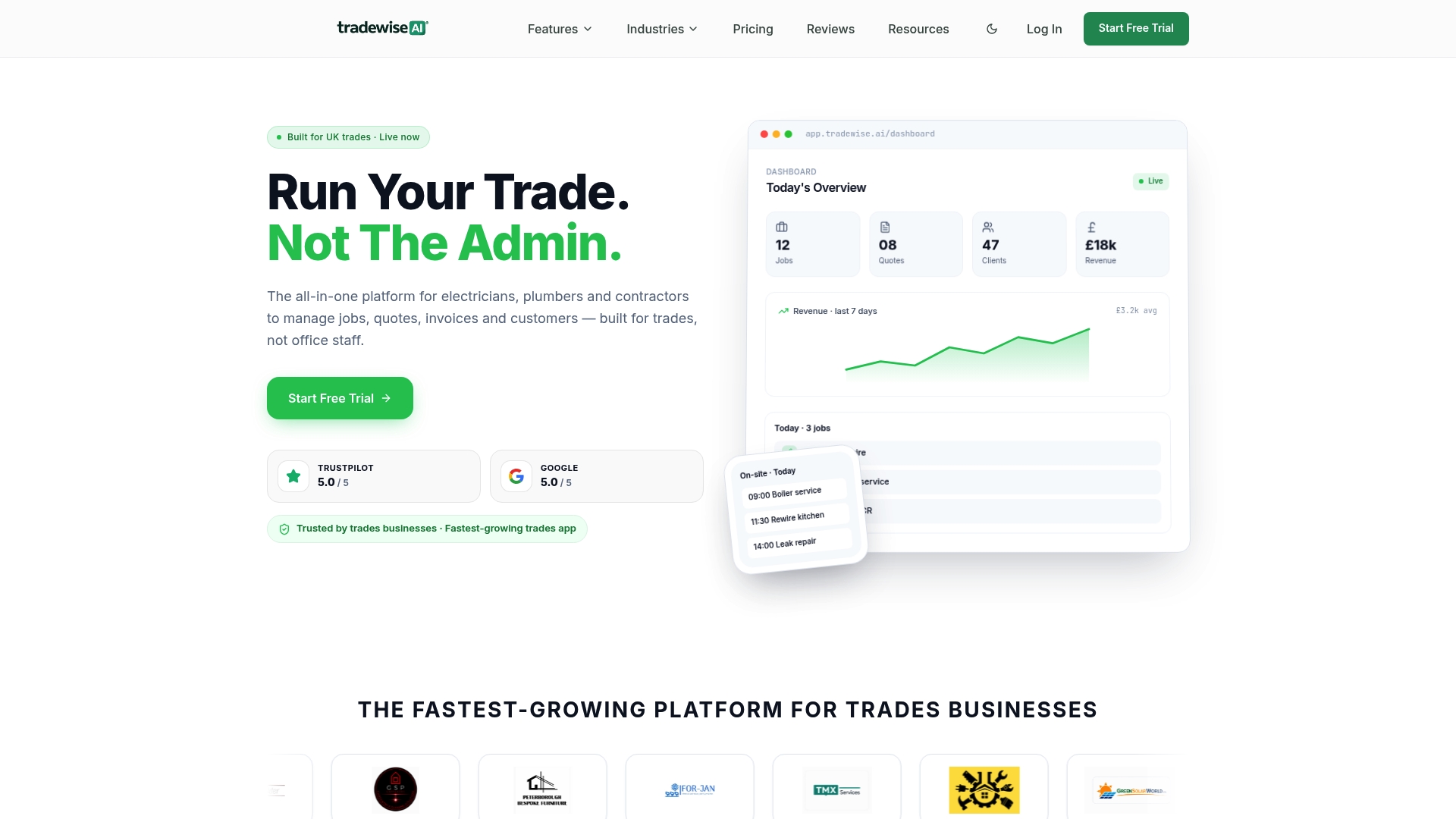
Where Tradewisehq maps directly to the checklist above: van locations with formal transfer workflows, barcode scanning built into the mobile app, par-level automation that triggers supplier orders, and charge capture that links parts used to the job record for accurate invoicing. The platform connects job management, scheduling, and materials ordering in one place, so a dispatcher does not need three systems open to answer "what is on van 4 right now?"
Onboarding a pilot fleet typically takes one to two weeks: set up van locations, import your part list, run the opening audit, and train technicians on the scan workflow. Most teams see their first-time fix rate data improving within 30 days. By 90 days, replenishment is largely automated and stock administration time has dropped noticeably.
Start a free 14-day trial at Tradewisehq and see what your van stock actually looks like.
A note from the field on what actually slows rollouts down
The technical setup for van stock control is rarely the hard part. Par levels, scan workflows, and location codes can be configured in a day. What takes longer is the behavioural shift: getting technicians to scan consistently, every time, under time pressure, when the job is running late and the customer is waiting.
The teams that get there fastest are the ones that keep the process genuinely simple at the technician level — one scan per part, no exceptions — and give managers the visibility to spot non-compliance early rather than discovering it at month-end. Realistic timelines: expect two to four weeks before scanning compliance reaches a useful level, and six to eight weeks before your stock data is reliable enough to make replenishment decisions from. Plan your pilot accordingly, and resist the urge to expand to the full fleet before the first five vans are running cleanly.
Sources
- How Poor Van Stock Management Impacts First-Time Fix ...
- Inventory management process: 5 essential steps - ChannelEngine
- What is the 80/20 inventory management rule? - Katana MRP