
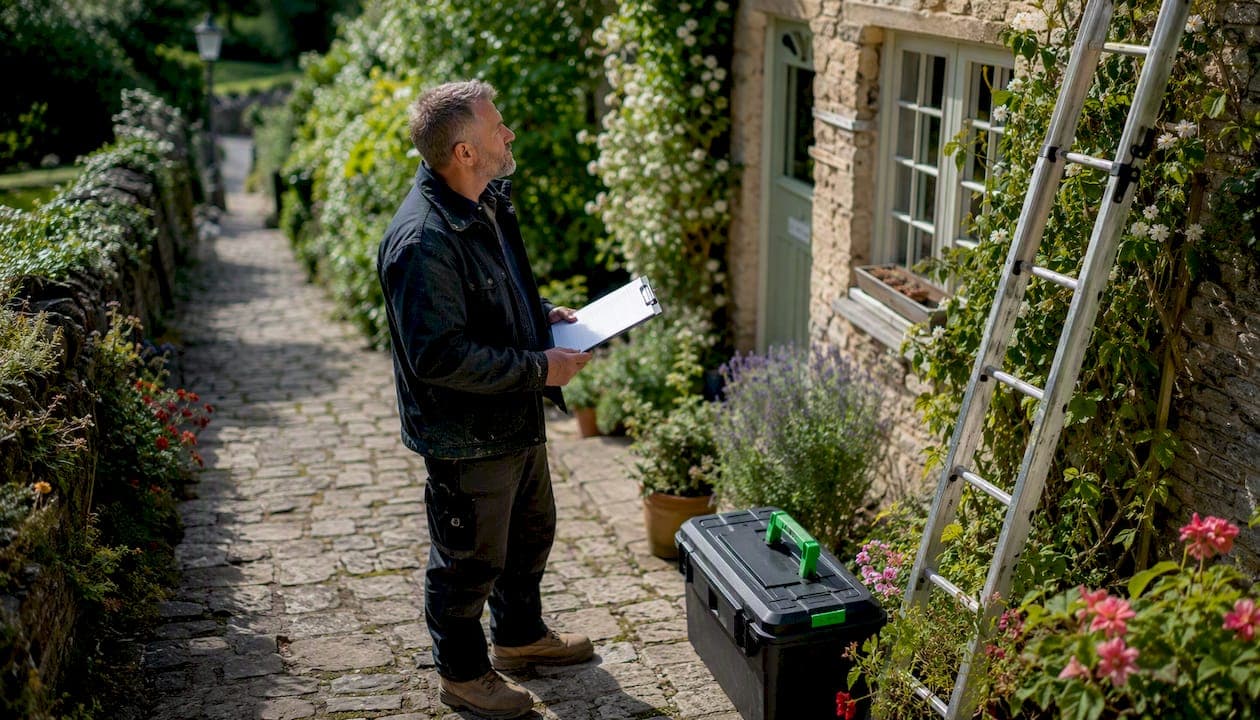
A service call is a scheduled on-site visit or remote consultation where a tradesperson diagnoses and resolves a specific client issue, covering everything from the initial request through to invoicing. Get it right and you leave with a signed job sheet, a paid invoice and a customer who books again. Get it wrong and you're back on the road unpaid.
Quick-reference checklist you can paste into any job sheet:
- Confirm booking, price band and access details before leaving the yard
- Arrive with PPE, ID and the right tools for the likely fault
- Diagnose, quote or repair, then test before signing off
- Photograph before and after, capture serial numbers and get a signature
- Issue the invoice on-site or within 24 hours
Key references to keep to hand: HSE guidance for site safety, HMRC for VAT and record-keeping, Gas Safe Register for gas work, and Tradewisehq for job management and invoicing.
Table of Contents
- What a service call actually involves, stage by stage
- How long service calls take and how to price them
- Pre-visit confirmation and job sheet templates you can use today
- How to run the visit professionally
- When a remote or video service call makes sense
- Red flags that mean you stop work immediately
- Recording the job and issuing a compliant invoice
- How service call software saves you time and return visits
- Key takeaways
- The bit most tradespeople skip
- Tradewisehq handles your service call admin automatically
- Useful sources
What a service call actually involves, stage by stage
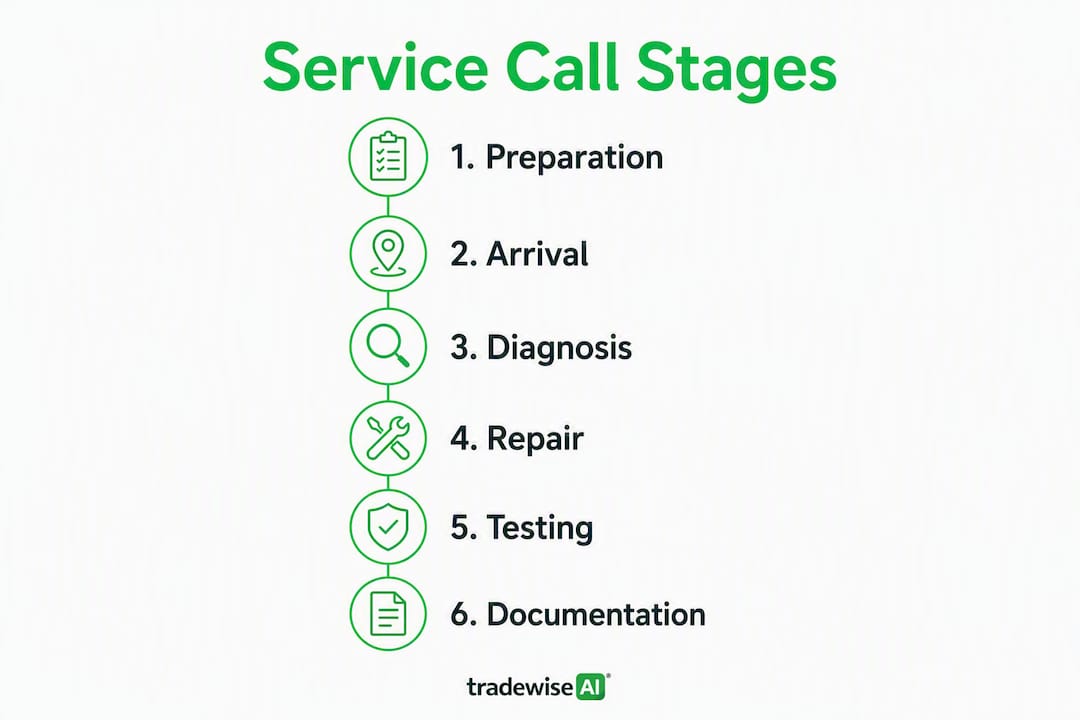
A service call covers six core stages: request capture, triage and scheduling, arrival and diagnosis, repair or quotation, testing, and finally documentation and invoicing. Miss one and you either lose money or create a dispute.
- Request capture. Log the customer's name, address, contact number, the reported fault and any urgency level. An emergency service request needs a time-stamp from the moment it lands.
- Triage. Ask three quick questions: What exactly is the symptom? Has anyone worked on this before? Is there safe access? These cut wasted visits significantly.
- Schedule and dispatch. Assign the job to the right engineer, confirm the appointment window and send a written confirmation. Good service appointment scheduling keeps your route tight and your day predictable.
- Arrival and diagnosis. Show ID, set the scope, carry out a visual inspection and take baseline readings or photos before touching anything.
- Repair or quotation. Fix what you can within the agreed scope. If parts are missing or a permit is needed, issue a written quote and schedule a return visit rather than starting work you cannot finish.
- Testing. Verify the fix works under normal operating conditions. A boiler that fires once is not a boiler that's fixed.
- Customer sign-off and documentation. Walk the customer through findings in plain English, get a signature on the job sheet and record part codes, serial numbers and test readings.
- Invoicing. Issue the invoice on-site or within 24 hours. Delayed invoicing is one of the most common causes of late payment.
Pro Tip: Ask your three triage questions before you leave the office, not on the doorstep. "What's the symptom, has anyone touched it before, and is there safe access?" takes 90 seconds and saves a wasted 40-minute drive.
When a visit needs converting to a follow-up, note the reason on the job sheet immediately: parts on order, permit pending, or access refused. That note protects you if the customer later disputes the call-out fee.
How long service calls take and how to price them
Duration varies widely. A boiler annual service typically runs around an hour. A leak diagnosis on a concealed pipe can take longer before you even quote for repair. A full system replacement is a multi-day project that starts with a scoping visit, not a repair call.
Pricing components to include on every quote:
- Call-out or diagnostic fee. Charge for your time getting there and diagnosing the fault, regardless of whether you carry out the repair. This is standard practice and protects you from free-diagnosis fishing.
- Labour rate. Hourly or fixed price per job type. Fixed price suits repeat jobs you know well; time-and-materials suits complex or unknown faults.
- Parts and materials. Apply a reasonable markup to cover procurement time and warranty risk.
- Travel and parking. Itemise these separately, especially in city centres.
- VAT. Add VAT at the current rate if you are VAT-registered. State it clearly on the quote and invoice.
Contractors spend some time researching a lead's property history before a call. Automated lead enrichment cuts that to seconds, which is why pre-call triage pays for itself quickly. To avoid scope creep, state in writing what the call-out fee covers and what triggers a new quote. A short note on common quoting errors can save you hundreds per month.
Pre-visit confirmation and job sheet templates you can use today
Standardising your confirmation message and job sheet fields takes an afternoon to set up and saves hours every week.
SMS or WhatsApp confirmation template:
Phone triage script (run through before dispatch):
- What is the fault symptom and when did it start?
- Has another contractor worked on this recently?
- Is there safe, unobstructed access to the affected area?
- Are there any known hazards (asbestos, gas, live electrics nearby)?
- Do you have the make and model of the appliance or system?
Job sheet fields to capture on arrival:
- Customer name, address and contact number
- Site contact (if different from customer)
- Appliance or system make, model and serial number
- Reported fault and initial visual findings
- Meter or test readings (before and after)
- Photos taken (file names or timestamps)
- Work carried out and parts used (with part codes)
- Next steps or follow-up required
- Customer signature and date
Tools and parts checklist for a typical visit: multimeter, PPE kit, phone or tablet for the job sheet app, manufacturer fault codes reference, common consumables for the trade (filters, seals, fuses), and a camera or phone with sufficient storage for photos.
How to run the visit professionally
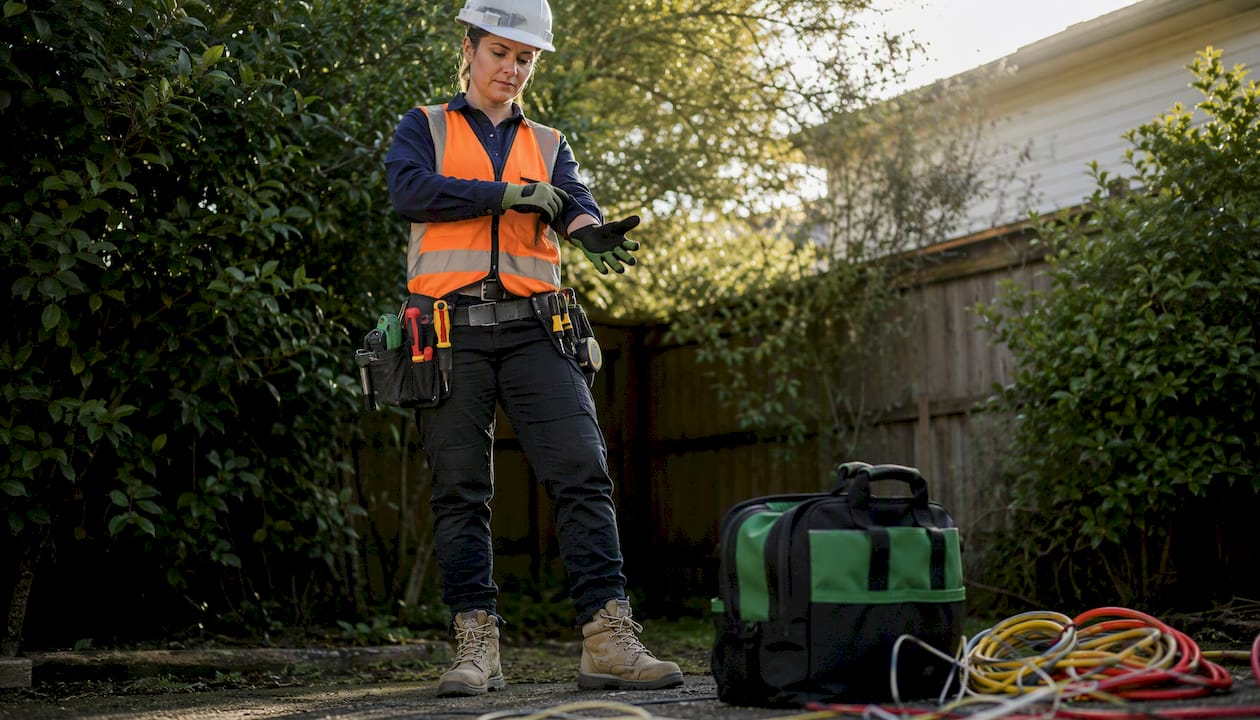
Arrival sets the tone. Show your ID card, put on PPE before entering, and state clearly what you are there to do and roughly how long it will take. Customers who know what to expect are far less likely to hover anxiously or dispute the bill.
On-site communication matters as much as the technical work. Explain findings in plain English before quoting for repair. "The heat exchanger has a hairline crack and needs replacing" lands better than a part number and a shrug. Present options where they exist, including cost and likely outcome for each, so the customer makes an informed decision rather than feeling sold to. Good client communication practice reduces disputes and generates referrals.
Before leaving, run through your testing checklist: does the repair hold under normal load, do all safety devices function, and are readings within manufacturer tolerances? Then walk the customer through what you did, hand over any relevant documentation, and get a signature. A service call tracked by response time and first-time fix rate is a service call you can improve over time.
When a remote or video service call makes sense
Remote calls work well for simple diagnostics, triage-only assessments, manufacturer warranty checks and post-repair guidance. They do not replace a physical visit for anything requiring hands-on access, pressure testing or work in a confined space.
Step-by-step for a video service call:
- Send the customer a pre-call checklist: good lighting, phone charged, access to the appliance and any error codes displayed.
- Open the call and confirm the customer's name and address for your records.
- Ask the customer to show you the fault from a safe distance before guiding them closer.
- Take screenshots of any error codes, visible damage or meter readings.
- Advise on next steps: self-fix, parts to order, or an on-site visit required.
- Send a written summary of findings and recommendations immediately after the call.
Consent and safety notes:
- Obtain verbal or written consent to record the session before you start
- Never guide a customer into a confined space, near live electrics or into any situation that requires a qualified operative
- State clearly in your summary that remote advice does not substitute for a physical inspection where one is required
For remote IT support services and similar digital-first trades, the same consent and documentation principles apply. Charge a fixed remote-diagnostic fee, keep sessions to a defined time slot of moderate length., and convert to an on-site visit if the fault cannot be resolved remotely.
Red flags that mean you stop work immediately
Some situations require you to down tools, document what you found and leave. Recognising them fast protects you legally and keeps everyone safe.
Red flags to act on immediately:
- Smell of gas or burning near electrical components
- Exposed live wiring or evidence of DIY electrical work without certification
- Unsafe access: unsecured scaffolding, missing floor sections, no fall protection where required
- Evidence of previous tampering or repairs that breach manufacturer or regulatory standards
- Incomplete or absent permits where the work legally requires them
- Asbestos or suspected hazardous materials not declared before the visit
When in doubt, stop. The HSE is clear: a tradesperson who continues work in an unsafe environment carries liability for any resulting harm. Refusing unsafe work is not a commercial decision — it is a legal and professional obligation. Record your refusal with timestamped photos, a written note on the job sheet, and a customer signature where possible. Escalate to the relevant register (Gas Safe for gas faults, NICEIC or NAPIT for electrical concerns) if you suspect a dangerous installation.
Liability sits with the person who last touched the system. A clear, dated refusal note is your defence.
Recording the job and issuing a compliant invoice
A defensible job record and a clean invoice are what get you paid and keep HMRC satisfied.
Job-record checklist:
- Start and finish time (to the minute)
- Labour time in minutes, not just hours
- Parts used: description, part code and cost price
- Photos: before, during and after
- Test readings and pass/fail notes
- Customer acceptance signature and date
Invoice line items to include:
- Diagnostic or call-out fee
- Labour (hours × rate, or fixed price)
- Parts and materials (with VAT shown separately if VAT-registered)
- Travel or parking surcharge (itemised)
- Payment terms (e.g. 14 days from invoice date)
If you are VAT-registered, charge VAT at the current standard rate on labour and parts. Issue a VAT receipt for any cash payment. Store all job records for at least six years to meet HMRC requirements and to defend against any dispute. Digital storage is fine; just make sure it is backed up.
How service call software saves you time and return visits
The core workflow for a well-run service call looks like this: capture the request, enrich it with property and fault history, schedule and route efficiently, complete a mobile job sheet on-site, order parts if needed, and invoice before you leave the postcode.
Service call management software covers this entire chain, from inbound request through to reporting on response time and first-time fix rate. The practical difference between a spreadsheet and a proper platform shows up on the third return visit you could have avoided.
| Feature | Entry-level apps | Job management platforms | Enterprise systems |
|---|---|---|---|
| Scheduling and dispatch | Basic calendar | Drag-and-drop with routing | AI-optimised multi-team dispatch |
| Mobile job sheet | PDF forms | Native offline app | Offline app with IoT integration |
| Parts ordering | Manual | Integrated supplier catalogue | Automated reorder triggers |
| Invoicing | Basic | On-site with payment links | ERP-integrated |
| Reporting | None | Job KPIs | Full field service analytics |
Tradewisehq covers the job management platform tier and beyond, with AI-powered scheduling, mobile job sheets, parts price comparison, and invoicing built into one mobile-first system.
Pro Tip: Before accepting a job, pull the property's fault history and any previous contractor notes. Platforms that enrich lead data automatically flag repeat faults, which tells you whether a repair is viable or whether the customer needs a replacement quote instead. That one check prevents the most common type of unpaid return visit.
Key takeaways
Running a service call well comes down to preparation, documentation and charging correctly for every stage of the job.
| Point | Details |
|---|---|
| Standardise triage | Three pre-visit questions cut wasted journeys and set the right scope before you leave. |
| Charge for diagnostics | A call-out fee on every job protects your time whether or not a repair follows. |
| Document everything | Timestamped photos, serial numbers and a signed job sheet are your defence in any dispute. |
| Use software for routing and invoicing | Platforms with offline mobile job sheets and integrated invoicing raise first-time fix rates and speed up payment. |
| Tradewisehq automates the admin | From scheduling and job sheets to parts ordering and invoicing, Tradewisehq handles the workflow so you focus on the work. |
The bit most tradespeople skip
The single most overlooked part of a service call is not the diagnosis or the repair. It is the 10 minutes of admin that happens before and after the job. Tradespeople who standardise their confirmation message, their triage questions and their job sheet fields consistently get paid faster, generate fewer disputes and spend less time on the phone chasing customers for information they should have captured at booking.
The tools exist to automate most of that admin. The tradespeople who use them are not working harder; they are just not repeating the same friction on every job. A consistent job sheet is not a bureaucratic exercise. It is the difference between a business that scales and one that stays stuck at the same number of jobs per week indefinitely.
Tradewisehq handles your service call admin automatically
Fewer return visits, faster invoicing, and less time on the phone chasing job details: that is what Tradewisehq delivers for UK tradespeople running service calls every day.
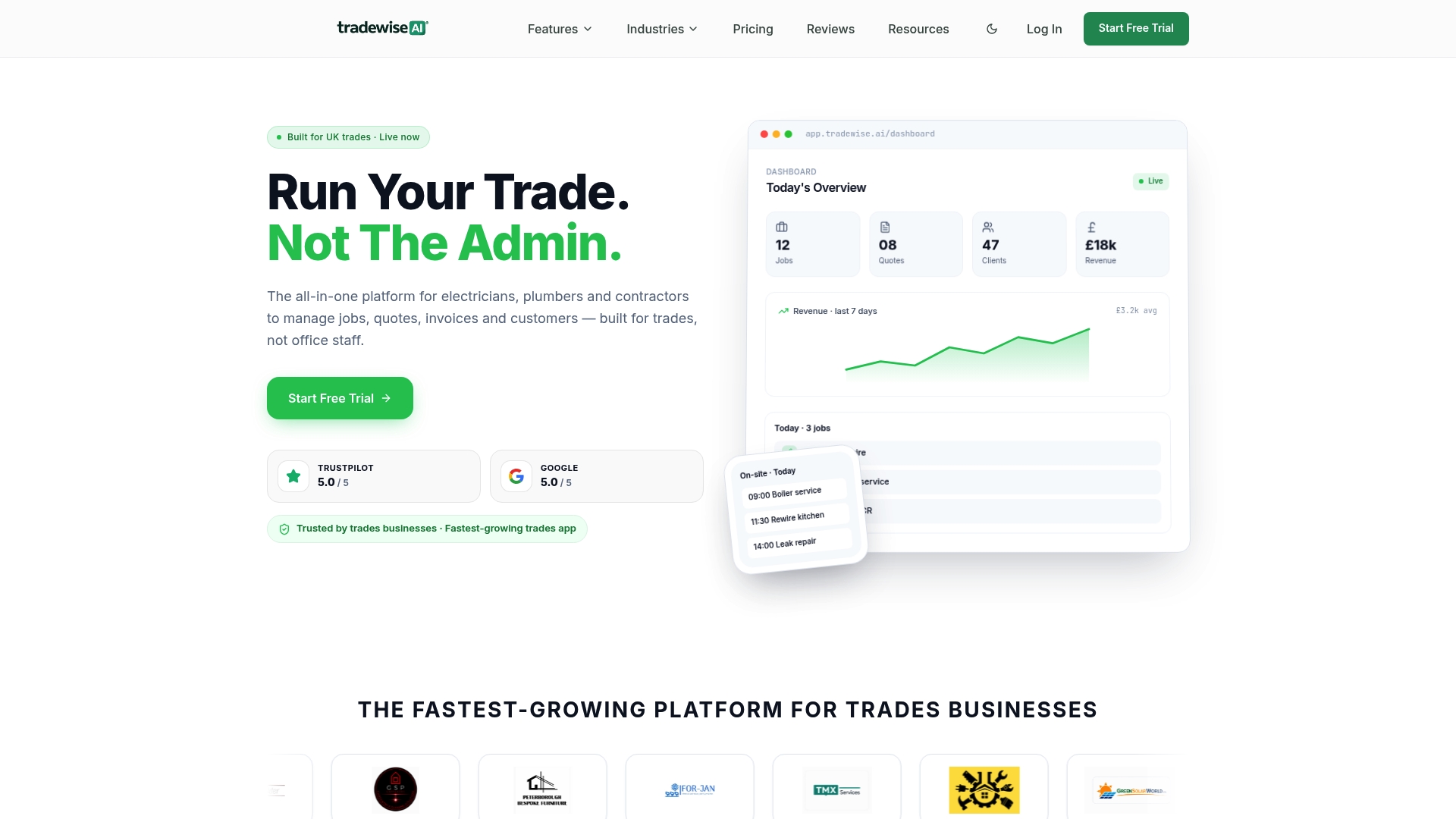
Tradewisehq automates the full service call workflow: request capture, AI-powered scheduling, mobile job sheets that work offline, parts price comparison, and on-site invoicing with payment links. Your engineers arrive prepared, your customers get a professional experience, and your invoices go out the same day. No separate apps, no manual data entry, no chasing paperwork at the end of the week.
Start your 14-day free trial and see how much admin you can cut from your first week.
Useful sources
Save these as bookmarks and check them before taking on unfamiliar work.
- HSE (Health and Safety Executive) — the primary UK authority on site safety, PPE requirements and working in hazardous environments. Check here before any job involving confined spaces, asbestos risk or working at height.
- HMRC — VAT registration thresholds, record-keeping requirements and self-assessment guidance. The six-year record retention rule comes from here.
- Gas Safe Register — mandatory registration for any gas work in the UK. Check engineer registration status and report unsafe gas installations here.
- Tradewisehq blog — practical guides on managing client expectations, scheduling and winning more contracts written specifically for UK tradespeople. Bookmark it for operational reference alongside the regulatory sources above.
- Service business marketing — practical steps for follow-up communications and rebooking customers after a completed job.