

Managing job schedules, quotes, and compliance for field service teams in one system creates extra admin and lost time. Too many platforms focus on generic workflows or restrict trade-specific tools to expensive plans and hidden costs. Field service managers can choose five alternatives with UK-focused features, transparent pricing, and tailored sector workflows without risking a mismatched subscription.
Table of Contents
TradeWise
At a Glance
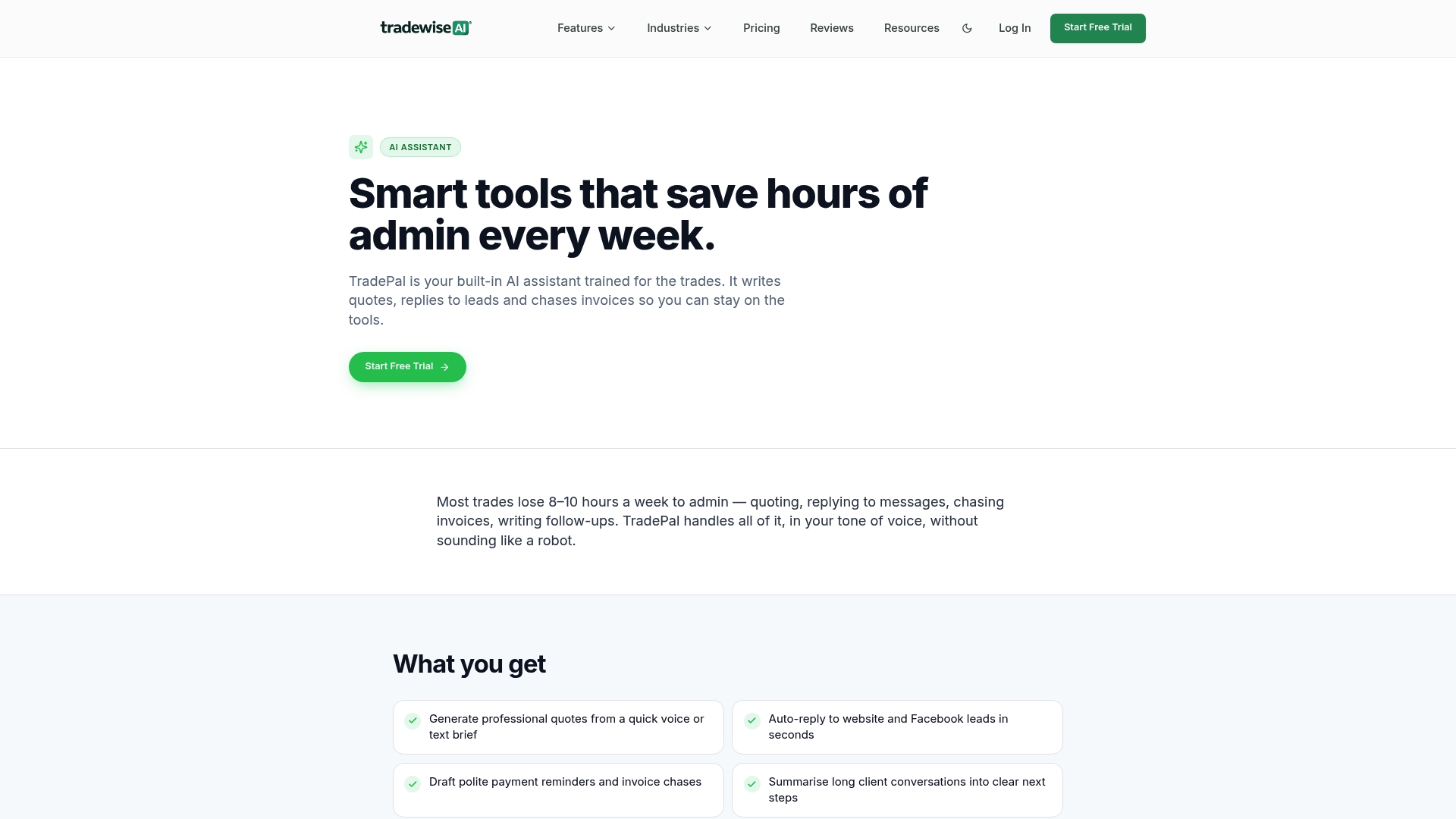
Starts from £23/month and includes a 14-day free trial, which makes testing the app feasible for small teams. The platform targets electricians, plumbers, roofers, and contractors in the UK. TradeWise pairs job and financial tools with lead capture and marketing features in a single mobile-first system.
Core Features
TradeWise centralises job management, scheduling, and customer records so crews and office staff work from the same live data. The platform creates and converts quotes into invoices, and its AI Assistant automates admin tasks and customer messages to reduce repetitive work. A Material Broker helps compare suppliers and manage material costs while lead generation links website forms and social channels to the CRM.
Key Differentiator
TradeWise focuses exclusively on trades businesses and bundles operations with marketing and materials sourcing. The platform places a mobile-first workflow alongside automation and AI tools so teams can manage jobs, quotes, invoices, navigation, materials, and client communication from one app. That industry focus shapes templates, workflows, and integrations aimed at trade workflows rather than generic office use.
Pros
Built with trade workflows in mind, TradeWise supplies features that match common on-site tasks. The mobile-first approach lets you view jobs, send quotes, and take payments from the van or site. Combining CRM, marketing, and billing within a single platform reduces the need to juggle separate apps. Custom pricing for larger teams makes it possible to adapt the setup to an expanding operation. The integrated website builder and campaign tools let you capture leads without a separate agency or service.
Cons
- May require paid training or time to master the full feature set for teams new to digital job management.
Notable Integrations
- Stripe
- Zapier
- Make
- Slack
- Gmail
- Google Calendar
- QuickBooks
,Xero,OpenAI,Twilio
Who It's For
Small contractors and medium-sized trades businesses in the UK who need a single app for site work and office tasks will get the most value. Solo electricians and plumbers can use the Solo tier to manage quotes and invoices while larger teams can pick custom plans. The product suits companies wanting marketing and lead capture tied directly to job dispatch and invoicing.
Unique Value Proposition
The Material Broker plus an AI assistant reduces time spent sourcing materials and answering routine enquiries. That combination moves purchase decisions and customer follow up inside the same system you use for scheduling and billing. For a trades team that buys materials frequently, this can cut the back-and-forth between suppliers and the office.
Real World Use Case
A roofing company uses TradeWise to schedule daily crews, issue quotes after site visits, order materials from the broker tool, and chase unpaid invoices. Site supervisors update job status on their phones so the office shows real-time progress. Marketing campaigns capture leads and feed them into the same CRM used to send quotes.
Pricing
Pricing starts from £23/month for the Solo plan and rises to custom enterprise solutions for larger operations. A 14-day free trial lets you test job workflows and the AI Assistant before committing. Enterprise customers can request bespoke pricing and workflows.
Website: https://tradewisehq.com
Oneserve
At a Glance
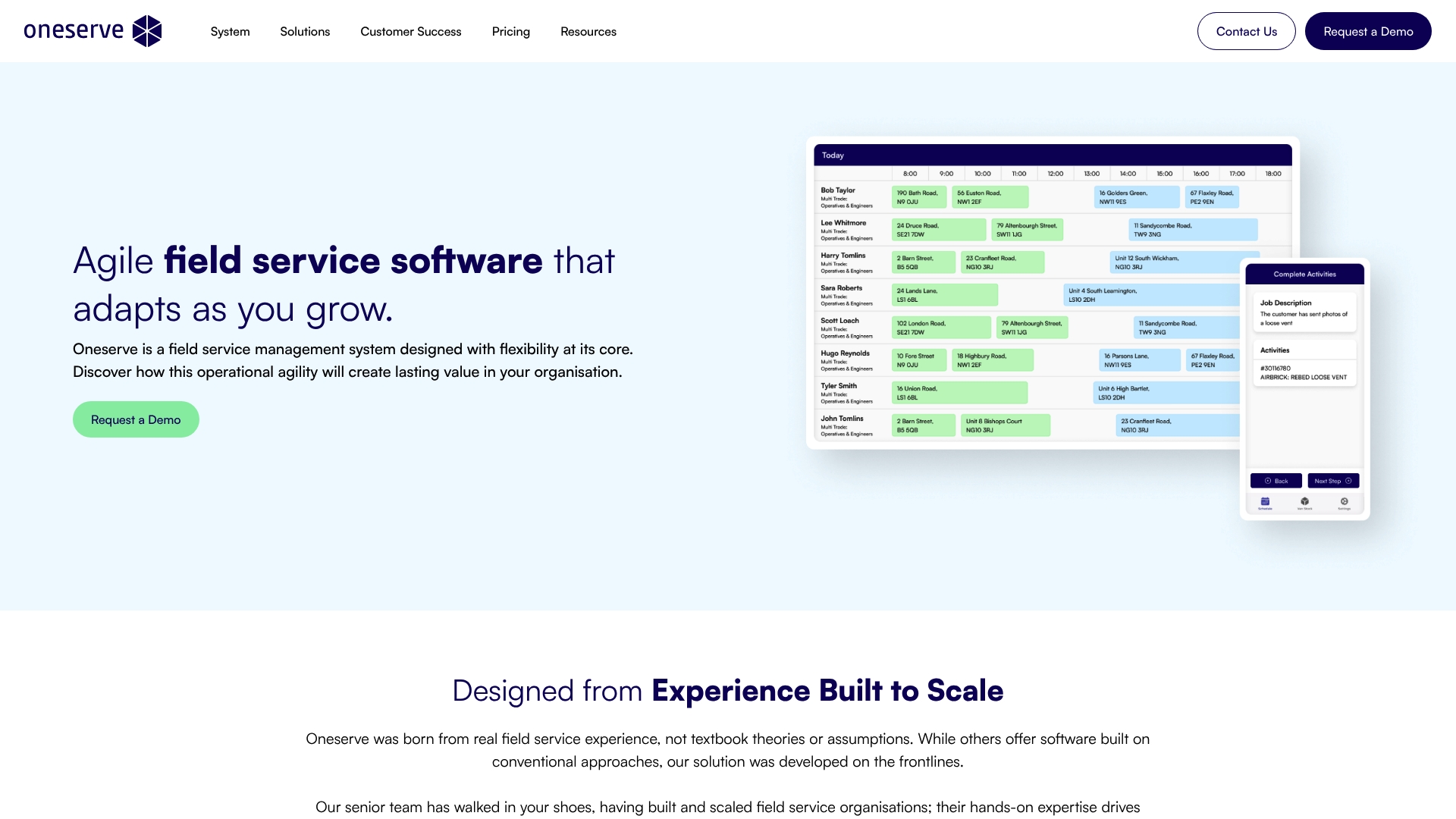
Built from hands-on field service experience, Oneserve lets organisations tailor workflows as they scale. It bundles mobile offline work, automated scheduling, van stock control and asset history. The product targets larger social housing and property teams that need adaptable processes rather than a simple app.
Core Features
Oneserve provides flexible workflow design and customisation so teams can model reactive and planned maintenance and refurbishment workflows. The mobile application supports offline and online field operations and ties into automated scheduling and dispatch. The platform also covers compliance forms, site and asset history, van stock control and real-time analytics dashboards.
Key Differentiator
The defining feature is its origin in real industry practice. Oneserve prioritises configurable processes over fixed templates, which helps organisations preserve existing ways of working. That focus on practical adaptability differentiates it from off-the-shelf field service tools.
Pros
Oneserve’s strengths lie in practical detail and support. The product brings together mobile field work, scheduling and analytics so teams see job history and asset data on the move. The vendor also offers training, upgrades and support to help with adoption, and case studies report measurable efficiency and satisfaction gains.
Cons
-
Pricing depends on organisation requirements, so cost estimation can be complex for procurement teams.
-
Implementation and onboarding can carry higher initial costs than simple out-of-the-box systems.
-
The system is aimed at larger or growing organisations; smaller teams under 25 users may find it over‑engineered.
When It May Not Fit
If you run a small team with fewer than 25 users, Oneserve may be more than you need. Teams that require a quick, low-cost setup with minimal customisation will likely find the implementation effort high. Organisations with very tight budgets for onboarding should consider simpler alternatives.
Who It's For
Organisations in social housing, utilities and property management that are growing or already sizeable will gain most. Teams needing configurable workflows, mobile offline capability and live analytics will find its feature set relevant. Buyers seeking standard, low-touch apps will not get the best value here.
Real World Use Case
A social housing landlord uses Oneserve to combine tenant reporting with planned and reactive maintenance workflows. Planners dispatch operatives with a full site history and van stock details on their mobile devices. The landlord reports fewer repeat visits and improved tenant communication as a result.
Pricing
Pricing depends on the level of customisation and the integrations you require. The vendor charges a per-user subscription and advertises no fixed upfront licence fee. Expect implementation and onboarding costs to be quoted separately during procurement.
Website: https://oneserve.co.uk
pro-Forms
At a Glance
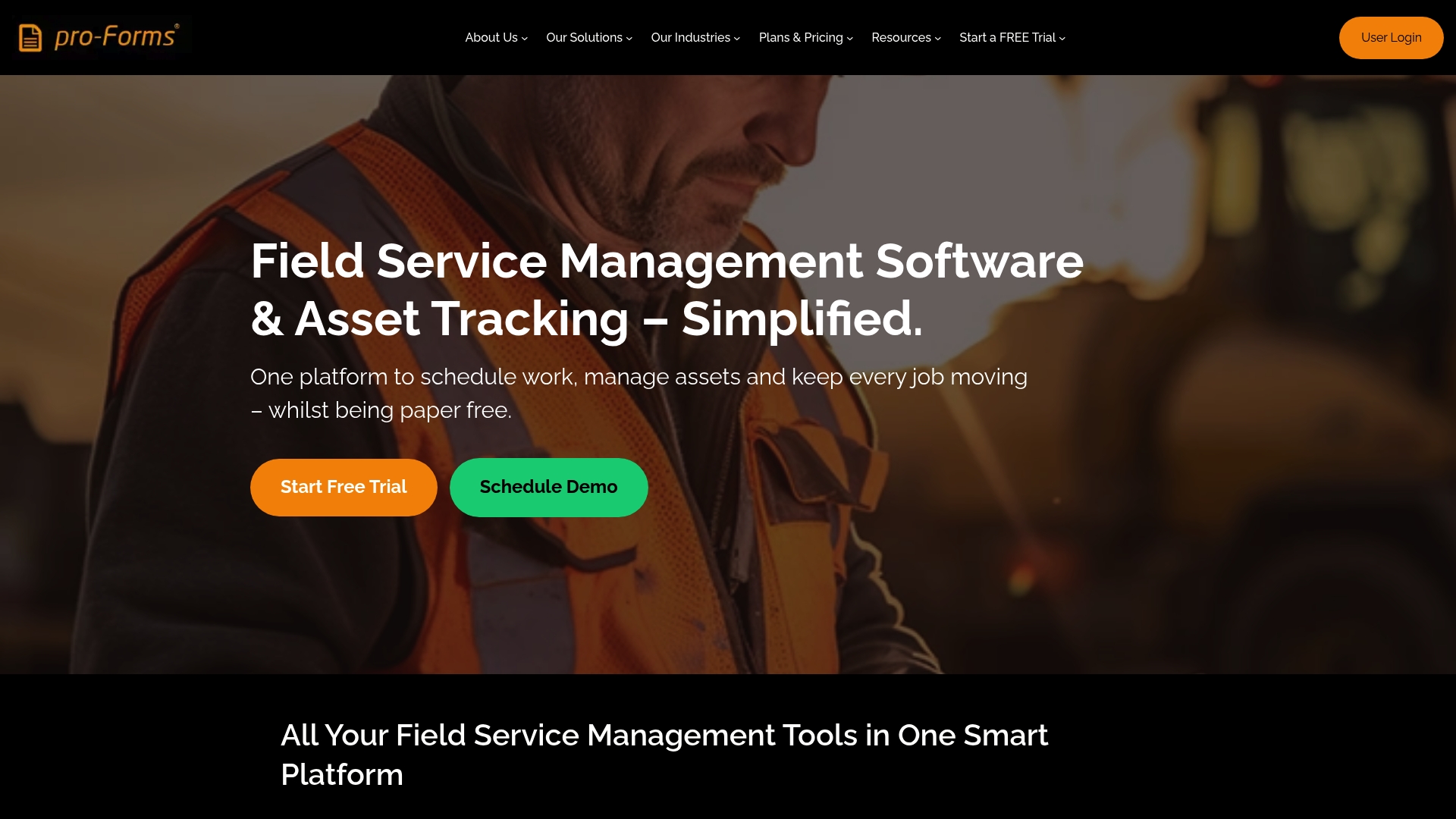
The vendor states UK hosted, GDPR compliant data storage has been in place since 2006. That long run suggests a focus on UK regulation and data residency. pro-Forms targets businesses that need field teams to move from paper to digital while keeping data within the UK.
Core Features
pro-Forms bundles job scheduling and dispatch with digital mobile forms and offline capability so teams can record work on site without paper. The platform includes asset management with compliance tracking and online forms tied to workflow automation to close administrative loops. UK hosted data and real-time job visibility link field entries back to the office for faster reporting.
Key Differentiator
The main selling point is the UK hosted approach built for UK mobile workforces. That hosting claim and the emphasis on on-site compliance give pro-Forms a narrower focus than international cloud-first competitors. The system aims to keep every job record and asset history inside UK borders while showing live job status.
Pros
pro-Forms consolidates job scheduling, asset records, and field forms into a single interface, which reduces the number of separate tools a team must use. The paperless forms cut down on transcription errors and speed up invoicing and client reporting. Longstanding operation since 2006 signals experience with field service workflows and sector needs such as construction, HVAC, and fire and security.
Cons
-
Initial setup and deep customisation can be complex for teams without a dedicated IT lead. This has been highlighted in third party reviews.
-
Offline features exist, but performance depends on the device and local connectivity. Some scenarios may see limited capability.
-
Integration options are not fully specified, so connecting bespoke back office systems could require additional development.
When It May Not Fit
If your business relies on heavy third party integrations, pro-Forms may not be ideal because integration details are limited. Larger enterprises that need extensive custom APIs or marketplace connectors will probably find the platform constrained. Teams that operate in areas with persistently poor mobile coverage should test offline behaviour before committing.
Who It's For
pro-Forms suits UK based small and medium sized enterprises that run mobile field teams and need GDPR compliant data residency. Typical buyers include contractors in construction, fire and security, HVAC, and facilities management. It works well for businesses moving from paper forms to digital records who want local hosting.
Real World Use Case
A regional fire and security company replaced paper job sheets with pro-Forms to schedule visits, record asset details, and store compliance checks. Field operatives used mobile forms offline and synced on return to signal completed work. The office gained faster access to job histories and improved customer reporting.
Pricing
Pricing is not explicitly specified and appears to be based on plan selection or custom quoting. The vendor offers a free trial, which lets teams test job scheduling and mobile forms before a purchase decision. Contact the vendor for exact licence and deployment costs.
Website: https://pro-forms.co.uk
Supervisor360
At a Glance
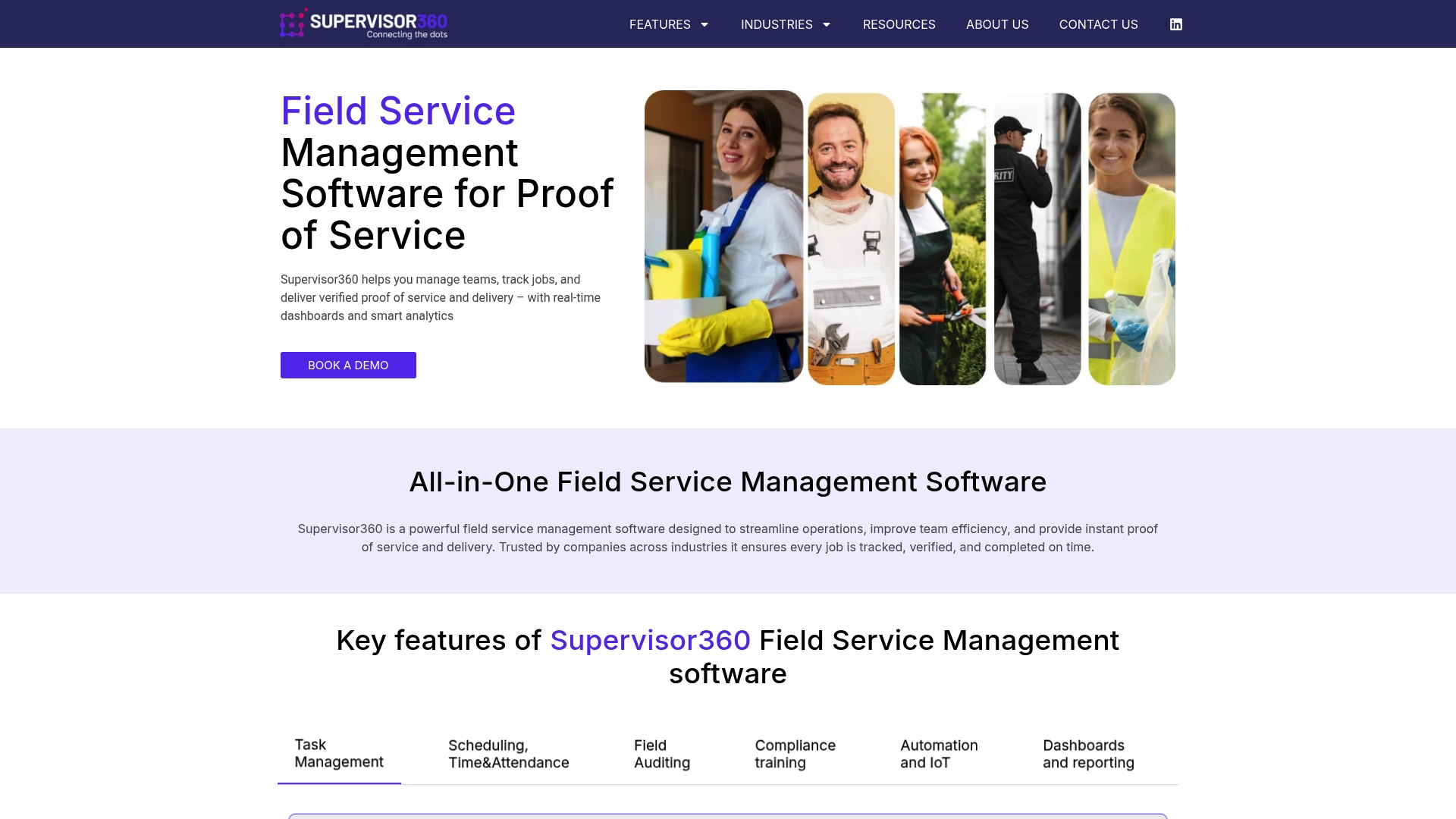
Industry-specific modules link to IoT sensors to trigger alerts and capture audit-ready proof of service from the field. Supervisor360 targets cleaning, security, transport, pest control, landscaping, hospitality, and facilities management teams. This makes it a notable choice among getbreezyapp.com alternatives for organisations that need device-driven audits and digital evidence.
Core Features
The platform centralises task management, scheduling, time and attendance, and field auditing into a single workflow. It also delivers compliance training and automation, and supports triggers and alerts on real time data from connected devices and sensors. Teams receive dashboards and reporting that keep audits and proofs linked to individual jobs and staff.
Key Differentiator
What sets this product apart is its focus on industry-specific modules combined with IoT and audit capabilities. That combination turns sensor events into actionable alerts and ties those events to proof of service records. The approach suits operations that must demonstrate compliance across many sites.
Pros
Supervisor360 provides workflows tailored to particular sectors, which reduces configuration work for cleaning and facilities teams. The platform captures photos, signatures, geolocation, and timestamps for audit-ready documentation and displays those items in real time dashboards. Automation and IoT integrations remove repetitive checks and escalate exceptions to supervisors without manual intervention. The system supports deployment across multiple sites, so regional supervisors can view consistent reports from diverse locations.
Cons
-
Limited pricing transparency may slow procurement for smaller firms that need clear costs before trialling the product.
-
Heavy reliance on mobile connectivity and IoT devices can cause gaps in low signal areas or sites with poor network coverage.
-
Some buyers report a learning curve for full utilisation, and there have been occasional deployment delays during rollouts.
When It May Not Fit
This product may not suit sole traders or very small teams that need a simple scheduling app and clear pricing. Rural operations with unreliable mobile data will struggle to use sensor-driven triggers and immediate proof capture. Organisations seeking a trial with up-front cost estimates may find the vendor’s pricing information insufficient.
Who It's For
Field service managers and operations teams in cleaning, security, transport, pest control, landscaping, hospitality, and facilities management will get the most from Supervisor360. It fits teams that must collect audit evidence and link it to jobs across multiple sites. Companies planning to use IoT sensors to cut down manual checks will benefit most.
Real World Use Case
A UK transport operator schedules cleaners across depots and assigns daily audits to supervisors. Auditors capture photos, signatures, and timestamps after each shift, and the client receives live proof of service. That flow reduces disputes and helps maintain contractual compliance.
Pricing
Pricing details are not publicly listed and the product page presents information for enquiry rather than transparent tiers. Procurement teams should request a formal quotation and ask about training and deployment costs. The lack of an advertised starting price means budget planning requires direct contact with the vendor.
Website: https://supervisor360.co.uk
Eworks Manager
At a Glance
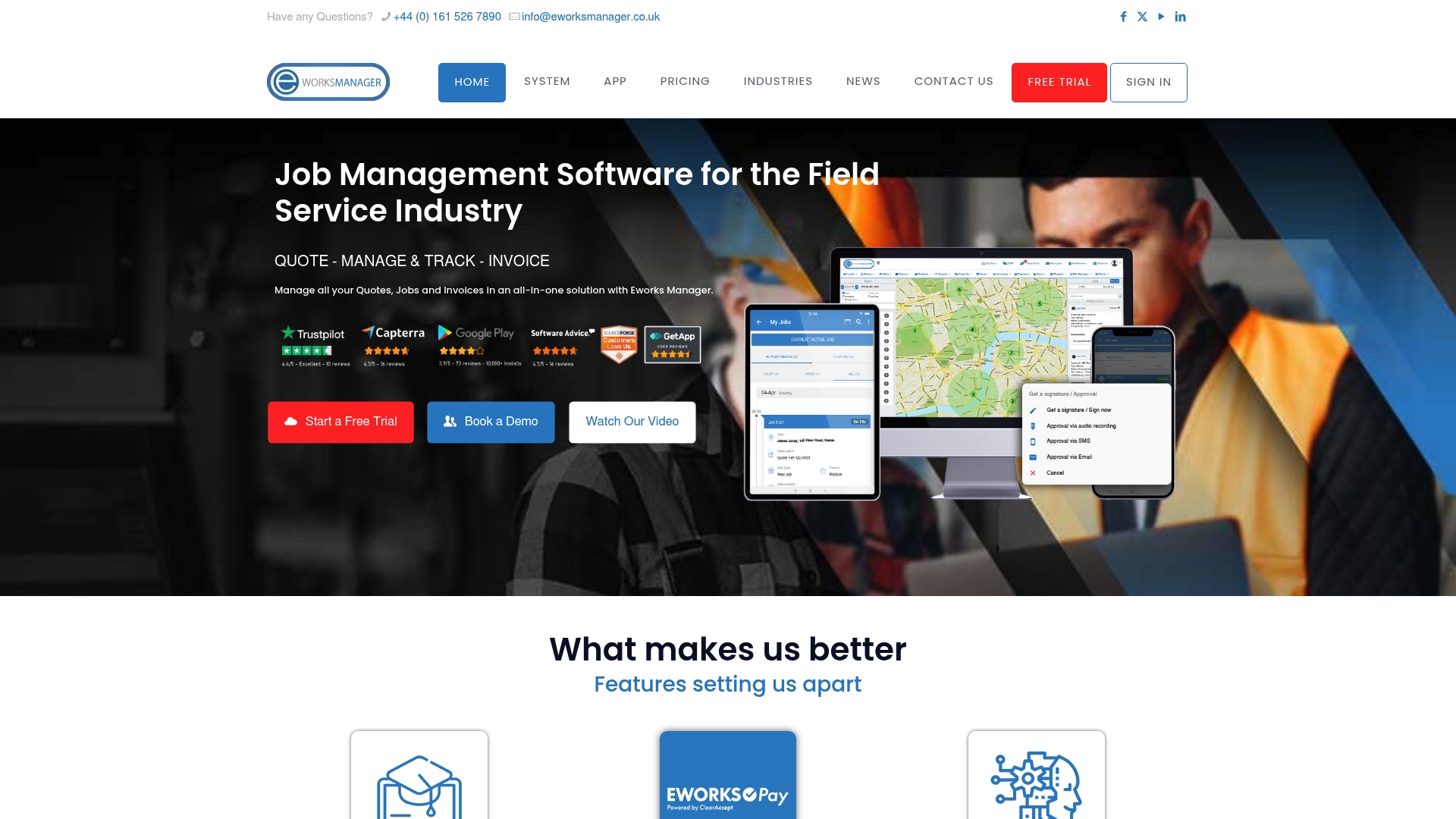
Eworks Manager's marketing materials state it connects to more than 5,000 apps via Zapier and APIs. The platform bundles scheduling, quotes, invoices, asset tracking, and a field mobile app into a single product. That mix suits teams that need one place to manage jobs and payments.
Core Features
The product offers an all in one job management system with lead, quote, job, asset, inventory, and invoice modules, plus CRM and help desk capabilities. It includes advanced scheduling and route planning alongside a mobile app with offline capability for field workers. The platform also supports embedded payments through EworksPay and reporting tools to monitor business operations.
Key Differentiator
Eworks Manager positions itself as an all in one platform for field service companies that want invoicing, CRM, scheduling, and mobility in a single package. That approach reduces the number of separate tools your office and engineers must learn and maintain. The claim about the integration breadth is prominent in its messaging and influences how it hooks into other systems.
Pros
Strong support and onboarding are highlighted, which helps teams get the system configured and training delivered. The mobile app lets technicians view job sheets, capture signatures, and record notes offline, keeping paperwork digital even on poor signal. Flexible subscription plans charge per team rather than per user, which can suit crews that rotate staff across vans and sites.
Cons
- Error pages on the site suggest navigation or content update problems, which may frustrate prospects looking for clear documentation.
- The tiered subscription model uses additional modules and storage as extras, so total cost can climb as you add functionality.
- The provided content lacks detail about native third party plugins beyond Zapier, which makes it harder to assess out of the box connectivity.
When It May Not Fit
If you want a bare bones tool focused only on quoting and invoicing, this feature depth will feel excessive. Organisations that require detailed native integrations with specific third party packages should check compatibility before buying. Small sole traders who need a low cost per user entry point may find team pricing less economical.
Notable Integrations
The product integrates with Zapier to extend connections to many other apps. The vendor also exposes APIs for custom links to accounting packages, parts suppliers, and routing services.
Who It's For
Field service companies of small to large size seeking a single platform to manage jobs, assets, and customer billing will find the feature set relevant. Teams that move technicians between vans and sites will benefit from the offline capable mobile app. Businesses that prefer team based subscription billing rather than per user licences should consider it.
Real World Use Case
A plumbing firm uses Eworks Manager to track leads, convert quotes to jobs, and push schedules to engineers on site. Technicians update job sheets and take card payments through the embedded payment module at completion. Office staff then generate invoices from the same job record, reducing duplicated data entry.
Pricing
Pricing starts in the range GBP £130 to £151 per month depending on tier and is charged per team rather than per user. Additional modules and extra storage are available at further cost, so budget for add ons if you need advanced modules.
Website: https://eworksmanager.co.uk
Comparison of alternatives
TradeWise excels in its integration-focused approach tailored exclusively for tradespeople, offering features like material brokerage and AI-powered admin task automation. Comparing TradeWise against its competitors highlights the tradeoffs and strengths of each platform, addressing varied needs in the field service management domain.
Uses of integrated features
TradeWise stands out for consolidating job management, customer engagement, and material purchasing workflows into a single system. This caters specifically to trades businesses and enables efficiencies not offered by more generic software. In contrast, Oneserve provides adaptable workflow solutions beneficial for large organisations requiring customisations across property management workflows. Businesses seeking flexible field operations but without the material focus of TradeWise will find Oneserve a valuable option.
Compliance and proof workflows
Supervisor360 surpasses with its IoT-based scheduling and proof-of-service records, capturing field activity directly linked via sensors and delivering audit-ready documentation in real time. This capability caters perfectly to organisations bound by strict compliance requirements. However, Supervisor360's heavy IoT reliance necessitates strong mobile connectivity, which could deter businesses in poorly serviced regions.
Best fit
- For tradespeople requiring material cost evaluations and lead generation tied to job and financial processes, TradeWise is in its practical and trades-oriented offerings.
- Enterprises needing full IoT integration across compliance-heavy fields will benefit most from Supervisor360, which links organisational data to real-time field operations.
- Organisations favouring offline-first operational tools while ensuring UK-only data residency should explore pro-Forms for its secure and localised data management.
Our pick
TradeWise stands out as the prime choice for trades businesses seeking an all-in-one platform that integrates operational, customer, and material handling workflows in a streamlined package. Its targeted design for UK contractors ensures its relevance and efficacy. However, businesses prioritising IoT compliance and live field feedback may find Supervisor360 a more suitable fit.
Tradewisehq excels due to its unique features designed specifically for trades professionals, seamlessly integrating job management with marketing and financial tools in a mobile-first platform.
| Product Name | Key Feature | Best Suited For | Pricing | Limitation |
|---|---|---|---|---|
| Tradewisehq | AI-powered tools for tradespeople | Small to medium UK trades businesses | From £23/month | Familiarisation may require initial training. |
| Oneserve | Configurable workflows | Large organisations in property | Price not published | May feel complex for small teams under 25 users. |
| pro-Forms | UK-hosted, GDPR-compliant forms | SMEs moving from paper workflows | Price not published | Limited defined third-party integrations. |
| Supervisor360 | IoT-linked auditing tools | Facilities management teams | Price not published | Network-dependent features limit performance in low signal areas. |
| Eworks Manager | All-in-one job, CRM, and billing | Field service companies of all sizes | £130–£151/team/month | Subscription pricing may climb with add-ons. |
What Trade Businesses Need From Getbreezyapp.com Alternatives
Tradespeople and service businesses often struggle with juggling separate tools for jobs, billing, scheduling, and client communication. The article highlights that many UK electricians, plumbers, and contractors want a single app that handles site work and office tasks, including marketing and material sourcing. Managing quotes, invoices, and job progress on mobile devices is vital for these teams.
Tradewisehq offers an AI-powered system built exactly for these needs. Its mobile-first platform combines job management, financial tools, lead capture, and a Material Broker to reduce back-and-forth with suppliers. Tradewisehq helps small contractors and medium-sized trades teams save time with automated messaging and syncs live workforce data to keep everyone aligned.
See how Tradewisehq meets the demands of trades teams who want fewer apps and more control. Visit Tradewisehq and book a demo to test job workflows and material management from anywhere.
FAQ
How does Tradewisehq support job management for trades businesses?
Tradewisehq centralises job management, scheduling, and customer records in one platform. This feature ensures that crews and office staff can work from the same live data, streamlining operations for trades businesses such as electricians and plumbers. You can start maximising efficiency with a 14-day free trial to test the platform's capabilities.
What is the difference between Tradewisehq and Oneserve?
Oneserve offers advanced workflow design and customisation tailored to larger organisations' needs. Tradewisehq focuses on providing mobile-first job management features specifically for trades businesses, allowing smaller operations to navigate job scheduling and invoicing without complex setups. Consider trying Tradewisehq if you need a straightforward solution that integrates marketing and job management for trades.
Which platform is better for tracking materials, Tradewisehq or pro-Forms?
Tradewisehq includes a Material Broker feature that helps compare suppliers and manage material costs efficiently. This capability is essential for trades businesses that frequently source materials and prefer having everything integrated. For those prioritising ease of material sourcing, Tradewisehq provides a more suitable option.
Can I use Tradewisehq if I have a small team?
Yes, Tradewisehq is ideal for small teams, as it offers a Solo tier specifically designed for solo electricians and plumbers to manage quotes and invoices. This tier makes it accessible for smaller operations that require essential job management tools without overwhelming features.
How does the pricing of Tradewisehq compare to Eworks Manager?
Tradewisehq starts from £23 per month, making it a more budget-friendly option for small trades businesses. Eworks Manager, while offering extensive features, may have additional costs for modules and storage that could accumulate. Consider your budget when deciding, as Tradewisehq provides a 14-day free trial to evaluate its fit for your needs.