

A purchase order approval workflow routes a spend request to the right person and records who signed it off before the order goes out. That record, the sequence of routing rules plus the sign-off trail, is what stops unauthorised spend before it happens rather than catching it in the accounts at month-end.
Before you touch a single setting, run these checks:
- Confirm every approver mapping is current and includes a substitute for holiday or sickness cover.
- Turn on an auto-approve rule for genuinely low-risk purchases, so routine reordering does not queue behind a manager's inbox.
- Check that the system captures approver identity and timestamp on the PO record itself, not in a separate email thread.
- Verify that PO approval happens before invoice approval and three-way matching, not after the goods have already landed.
Pro Tip: If you can't answer "who approved this and when" from the PO record alone within ten seconds, your audit trail has a gap worth fixing before you roll out anything new.
Key Takeaways
A working PO approval workflow depends on thresholds built from real spend data, a well-designed auto-approve tier, and exception routes defined before the tool is configured.
| Point | Details |
|---|---|
| Define before you configure | Map approver limits, delegates and exception rules before touching workflow settings. |
| Build thresholds from spend data | Use twelve months of purchase history rather than template defaults to set approval bands. |
| Route on multiple dimensions | Combine amount, department, vendor tier and category rather than value alone. |
| Track cycle time and exceptions | Monitor median and Median cycle time, auto-approval rate and exception rate weekly during rollout. |
| Centralise with an integrated platform | Tradewisehq links requests, approvals and materials ordering in one mobile-first system for trade businesses. |
Table of Contents
- What is a purchase order approval workflow?
- Essential components and terms in a PO approval process
- Step-by-step: setting up your PO approval workflow
- How to set routing rules and approval thresholds that work
- How should exceptions and delegation be handled?
- Native ERP approvals vs a procurement automation layer
- What KPIs should you monitor after rollout?
- Common pitfalls that break PO approval workflows
- How TradeWise thinks about PO approvals for trade businesses
- What most PO approval advice gets backwards
- A simpler way to handle PO approvals and materials ordering
- Sources
What is a purchase order approval workflow?
A purchase order approval workflow is the set of rules that decides who reviews a purchase request, in what order, and what happens if they say no. Get this right and most POs never touch a human at all; get it wrong and every purchase, however small, waits in a queue.
Before enabling or changing a workflow, work through this checklist:
- Confirm approver records exist for every department and that each has a named substitute.
- Set notification channels (email, mobile push, in-app) and switch on instant delivery rather than daily digests.
- Define threshold bands by value and mark out a safe auto-approve tier for low-risk spend.
- Check the vendor master and GL codes are accurate. Wrong codes cause more stalled POs than broken rules do.
- Run one live test PO through the whole chain and check the audit trail records every step correctly.
Pro Tip: Test with a real low-value PO before a real high-value one. If the audit trail breaks on a £40 order, you want to know before it breaks on a £40,000 one.
Essential components and terms in a PO approval process
Every PO approval workflow is built from the same handful of parts, whichever ERP or procurement tool you use.
A trigger event is the action that starts the approval chain, usually PO creation or submission for approval. A workflow template is the pre-built or custom structure that defines how that trigger gets routed. Behind the template sits a rules engine, which evaluates attributes like amount, category, department and vendor to decide the path. Oracle's procurement documentation describes this as a multi-attribute model where routing depends on amount, category, requisition linkage and contract terms, with stages that can run one after another or all at once.
Key terms worth knowing:
- Stages: the discrete steps a PO passes through, each with its own approver or group.
- Approver types: serial (one after another), parallel (simultaneous), and FYI (notified but no sign-off required).
- Audit trail: the permanent record of who approved what, and when, attached to the PO itself.
- Released vs issued: a released PO has cleared approval; issued means it has actually gone to the vendor.
Approvals can happen at header level (the whole PO) or line level (individual items within it), and most systems offer a mass approval page so an approver can clear a batch of similar low-risk POs in one pass rather than opening each one individually. Once a PO clears its final stage, most systems lock the record. Any change after that point should trigger a fresh approval cycle rather than a silent edit, which is exactly what protects the audit trail from becoming fiction.
Step-by-step: setting up your PO approval workflow
Before you build anything, get the groundwork right. You need a clean list of approval users with defined approval limits, an accurate vendor master, correct GL codes, and clarity on which purchase categories require supporting attachments like quotes or scopes of work. Skipping this stage is the single most common reason rollouts stall in week two rather than week one.
1. Create approval users and map delegates. Every approver needs a record in the system with their spend limit attached, plus a named delegate for when they're unavailable. Test the substitution manually before go-live: submit a PO, mark the primary approver as out of office, and confirm it reaches the delegate rather than sitting idle.
2. Configure notifications. Set delivery to instant rather than batched, and enable mobile notifications if your approvers are often on site rather than at a desk. A plumber running a job in someone's loft is not checking email every hour, so a push notification matters more here than in an office-based finance team.
3. Build or copy a workflow template. Microsoft's Business Central documentation lays out a template-driven approach: copy the standard Purchase Order Approval Workflow template, adjust the event conditions to match your thresholds, and set the response actions (approve, reject, request more information) before enabling it.
4. Test end to end. Submit a PO as a requester, approve it as the approver, and confirm three things: the status changes correctly, the downstream system (receiving or accounts payable) picks up the new status, and the audit trail shows the full chain.
Test scenarios worth running before go-live:
- A standard PO within the auto-approve band.
- A PO that crosses a threshold and needs manager sign-off.
- A PO submitted while the primary approver is marked out of office.
- A multi-line PO where one line exceeds a category limit but others don't.
How to set routing rules and approval thresholds that work
Most PO workflows fail not because the software is wrong but because the thresholds were copied from a template rather than built from actual spend. Pull twelve months of purchase data and look at where your spend actually clusters. If most of your POs sit under a low value, setting your first approval tier above that just adds a queue nobody needs.
Route on more than one dimension, because amount alone misses risk that matters:
- Amount: the most common trigger, but rarely sufficient on its own.
- Department or GL code: a marketing spend and a plant-hire spend at the same value carry different risk.
- Vendor tier: a new, unverified supplier deserves more scrutiny than a ten-year account.
- Category: subcontracted labour, materials, and software subscriptions often need different approvers entirely.
- Urgency: a genuine emergency repair shouldn't queue behind routine restocking.
For your auto-approve tier, stack guardrails rather than relying on value alone: remaining budget in that cost centre, an approved-vendor flag, and a category whitelist. That combination catches the edge cases a flat value cutoff misses, like a low-value order from a brand-new, unverified supplier.
On serial versus parallel routing: use serial when sign-off order genuinely matters, such as budget holder before finance director. Use parallel when several people need to weigh in but none depends on the others, which cuts cycle time without cutting oversight. Oracle's procurement model supports both alongside FYI participants who see the request without holding it up, useful for keeping a department head informed without adding them to the critical path.
How should exceptions and delegation be handled?
The happy path, where every PO moves cleanly from requester to approver to issue, is not what breaks workflows. It's the exceptions. Practitioner guidance from FlowRunner's review of common PO approval failures makes the point plainly: name your exceptions and design routes for them before you touch the tool, because most failed rollouts trace back to missing delegation logic rather than a flawed rules engine.
Build these paths deliberately:
- Escalation windows: if an approver hasn't acted within a set time (say 48 hours), escalate automatically to a backup rather than letting the PO stall.
- Calendar-linked delegation: tie substitute approvers to actual out-of-office dates in the calendar system, not a manually maintained list that goes stale.
- Mid-flight changes: if a PO's value or line items change after submission, re-route it for fresh approval rather than letting the original sign-off silently cover a different order.
- New vendor first orders: route the first PO to any new supplier through an extra verification step, regardless of value.
- Urgent purchases: give genuine emergencies a fast lane, but require a written decision note and any supporting attachment so the override doesn't erode the audit trail.
Pro Tip: Every manual override should leave a paper trail as detailed as a normal approval. If your exception path is faster to use than the audit trail is to check, someone will start using it for everything.
Native ERP approvals vs a procurement automation layer
Most ERPs, from Business Central to NetSuite, ship with native approval workflow modules that handle amount-based routing reasonably well. They're quick to configure and adequate for straightforward, single-dimension rules.
Where native tools fall short is pre-commitment budget checking, richer multi-dimension routing, and vendor onboarding verification. ProcureDesk's guide to NetSuite's approval workflow notes that native routing often needs custom SuiteFlow logic or a procurement layer bolted on top to enforce budget limits before a PO is even raised, not just before it's issued.
A procurement layer or automation tool earns its place when you need:
- Budget checks that happen before commitment, not after.
- OCR-based invoice capture that feeds straight into three-way matching.
- Structured vendor onboarding with document checks built into the approval path.
- Extra triggers or notifications via tools like Power Automate, sitting on top of the ERP rather than replacing it.
Whichever route you choose, make sure PO status, approver identity, and any attached documents sync back to the ERP correctly, since three-way matching downstream depends on that data being complete and current, not scattered across separate systems.
What KPIs should you monitor after rollout?
Test the workflow properly before trusting it. Run a standard PO through the happy path, then deliberately test delegation, a mass approval batch, and at least one genuine exception. If any of those breaks, fix it before wider rollout rather than after.
Once live, track these operational metrics weekly during the pilot and monthly afterwards:
| Metric | What good looks like |
|---|---|
| Median cycle time | Time from submission to final approval for a typical PO |
| Median cycle time | The slowest POs, which reveal where bottlenecks hide |
| Auto-approval rate | Share of POs cleared without human intervention |
| First-pass approval rate | POs approved without rejection or rework |
| Exception rate | Share of POs requiring manual override or escalation |
Use these figures to tune thresholds and delegation rules rather than leaving them static. If your exception rate stays high months after launch, the thresholds were probably set from a template rather than your own spend data.
Common pitfalls that break PO approval workflows
Most failures trace back to a handful of recurring mistakes.
- Missing or outdated approval limits. Keep approver mappings and spend limits in one central place, reviewed quarterly, not scattered across spreadsheets.
- Too many approval tiers. Every extra stage adds delay. Collapse tiers where you can, and let a well-designed auto-approve rule absorb the low-risk volume.
- Approvals happening outside the system. A sign-off given by email or a group chat message is a sign-off with no audit trail. Require it on the PO record, and log any manual override with a reason.
- POs deliberately split to dodge a threshold. Watch for vendors receiving multiple small POs in quick succession. It's usually a sign your threshold is set too aggressively, not that staff are being dishonest.
How TradeWise thinks about PO approvals for trade businesses
Trade businesses rarely have a dedicated procurement team, so approvals often happen on WhatsApp between a site foreman and an office manager, with no record either side can point to later. TradeWise centralises the request, approval and materials ordering into one mobile-first flow, so a quote-to-requisition-to-order chain stays on one platform instead of scattered across texts and paper dockets.
Small routine automations do most of the work: repeat materials orders under a set threshold clear automatically, freeing office staff to focus on the purchases that actually need scrutiny, like a first order from a new supplier.
What most PO approval advice gets backwards
Most guidance on this topic treats approval design as a software configuration problem: pick a template, set some percentages, done. That gets the order of operations wrong. The workflow tool is the easy part. The hard part, and the part that actually determines whether the system holds up under real pressure, is deciding your thresholds from your own spend history and mapping your exceptions before you open any settings screen.
Businesses that skip that step end up with thresholds copied from a vendor's example screenshot, which explains why so many workflows either bottleneck everything over £200 or wave through purchases that deserved a second look. The unglamorous work, pulling twelve months of spend data and naming who covers for whom on holiday, matters more than which platform you choose.
If you take one thing from this, take this: build your auto-approve tier first. It's the lever with the biggest return, because it's the one thing that removes routine decisions from human queues without touching your actual controls.
— Mateusz
A simpler way to handle PO approvals and materials ordering
Tradewisehq gives trade businesses one place to run the whole chain, quote, requisition, approval, materials order, instead of juggling separate apps and paper trails for each step.
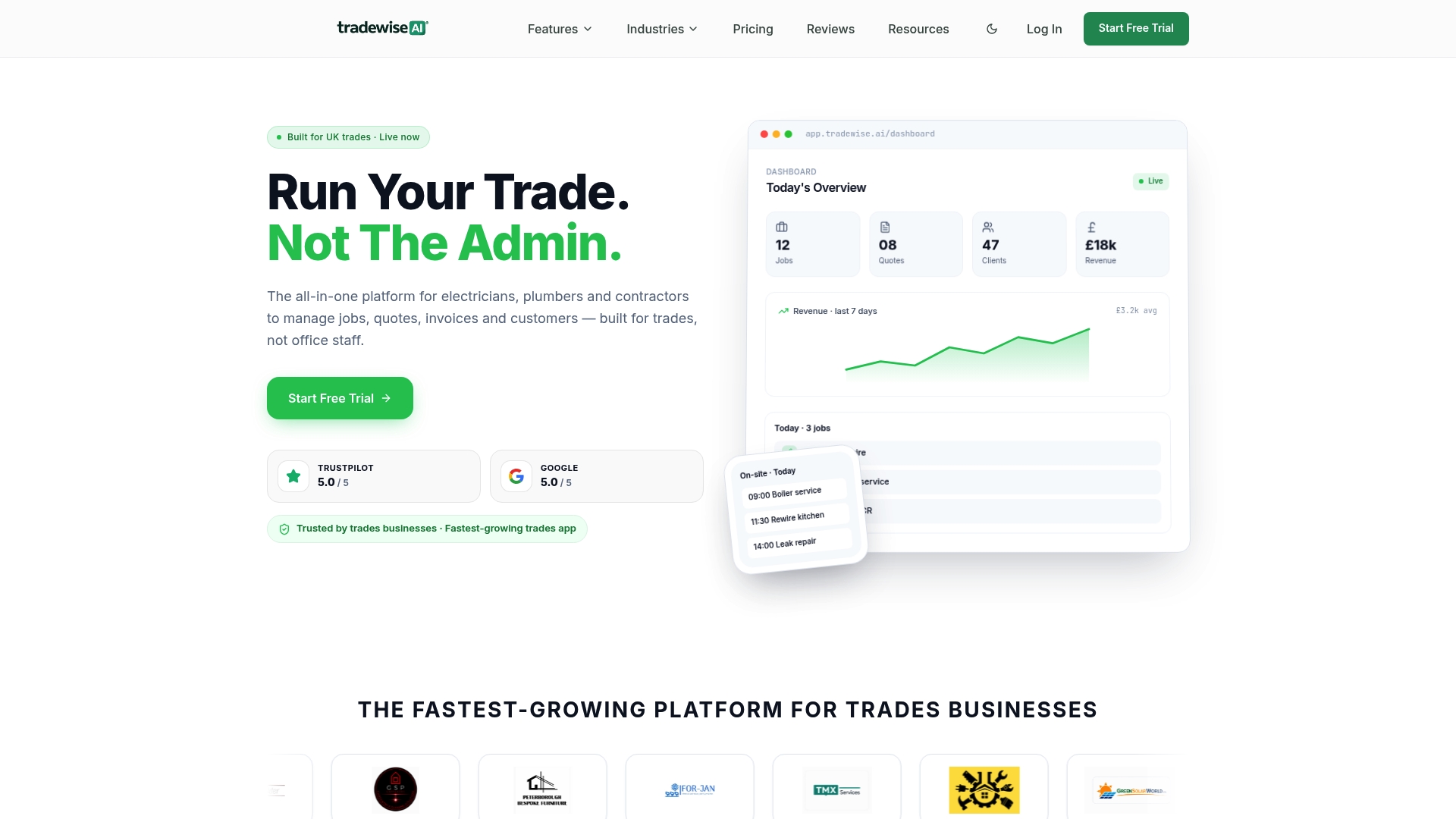
Picture a typical materials reorder: a job needs an extra length of cable, the electrician logs it from site on their phone, it routes automatically to the office manager if it's over the agreed threshold, or clears itself instantly if it's within the auto-approve band, and the order goes straight to the supplier with the approval already stamped on the record. No separate spreadsheet, no chasing a sign-off over text message, and no gap in the audit trail if HMRC or an accountant ever asks who approved what.
Tradewisehq's trade management platform builds this directly into scheduling, invoicing and client communication, so the approval workflow you've just designed on paper has somewhere real to live. A 14-day free trial lets you test it against your own spend patterns before committing to anything.
Sources
- Walkthrough: Set up and use a purchase approval workflow — Microsoft Learn
- How purchase order approval is processed — Oracle Cloud Procurement
- NetSuite purchase order approval workflow (2026 guide) — ProcureDesk
- PO approval workflow: what it is and where most of them break — FlowRunner blog