

The most effective way builders reduce admin time is by combining digital document management, workflow automation, and integrated software that connects scheduling, finance, and communication in one place. Small builders spend on average 36% of their workweek on administrative tasks such as invoicing and data entry.
The builders who claw that time back tend to do a few things consistently:
- Switch from paper and email chains to centralised digital filing and approval workflows
- Automate repetitive tasks such as invoice capture, payment reminders, and compliance checks
- Batch communications rather than responding to every message as it arrives
- Delegate documentation and scheduling tasks to site supervisors or support staff
- Use mobile-first platforms so field updates happen in real time, not at the end of the day
None of these require a large IT budget or a dedicated operations manager. Most UK builders can start with one or two changes and see the difference within a fortnight.
Table of Contents
- How technology helps you manage leads, projects, and finances
- How automating workflows cuts the repetitive work
- How digital planning reduces the admin burden on your team
- How TradeWise AI helps UK builders cut admin time
- Tradewisehq: less admin, more time on the tools
- Key takeaways
How technology helps you manage leads, projects, and finances
The biggest time drain for most builders is not any single task. It is the constant switching between disconnected tools: one spreadsheet for quotes, another for scheduling, a separate inbox thread for every client. Digital tools solve this by pulling those functions into a single view.
Lead and client management is where CRM software earns its keep. Instead of hunting through emails to find where a conversation left off, a CRM logs every contact, follow-up, and quote automatically. You can see at a glance which leads need a call back and which jobs are waiting on a signed contract.
Project scheduling benefits most from mobile access. The old model required builders to return to a desktop to update timelines, which meant field reality and system data could diverge by a week or more. Parkside Builders addressed exactly this problem: after integrating mobile scheduling with their accounting system, they reported cycle times cut by 10, 20, even 30 days. The integration between their project tool and Microsoft Dynamics 365 Business Central also eliminated a manual weekly upload process, saving around two hours every week.
Finance tracking is where automation pays off fastest. Tools that generate quotes from templates, send invoice reminders automatically, and flag budget discrepancies before month-end close remove the most error-prone manual steps. For builders managing multiple subcontractors, this is the difference between chasing paperwork and actually running a business.
- Centralised scheduling gives every team member the same view of deadlines and resource availability
- Automated quoting pulls in material costs and labour rates without manual calculation each time
- Real-time budget dashboards flag overspend before it becomes a problem, not after
Pro Tip: Link your project management tool to your accounting software from day one. Disconnected systems create duplicate data entry, and that duplication compounds every time a change order or variation comes through.
How automating workflows cuts the repetitive work
Automation in construction is not just digital forms. True workflow orchestration means a single event triggers all the downstream steps electronically: an approved invoice updates the budget, notifies procurement, routes to accounts payable, and logs the transaction, without anyone manually pushing it along.
The tasks most commonly automated by UK builders include:
- Invoice capture and cost-code matching on arrival
- Lien waiver generation triggered the moment a payable is created
- Approval routing to the right stakeholder based on contract value or project type
- Compliance checks that hold payment until certificates and waivers are returned
- Payment release via bank transfer once all conditions are met
The impact on subcontractor payments is measurable. Manual subcontractor payment workflows average 53 days from invoice to payment. Connecting invoice capture, waiver generation, and payment release into one automated sequence cuts that cycle significantly, freeing your finance team from building the queue and letting them focus on reviewing it instead.
The table below shows common admin tasks, their typical manual time cost, and what automation delivers.

| Admin task | Manual approach | Automated outcome |
|---|---|---|
| Invoice capture and coding | Manual data entry per invoice | AI extracts vendor, amount, and cost code on arrival |
| Lien waiver collection | Printing, posting, chasing signatures | Digital signature in minutes, funds held until returned |
| Approval routing | Email chain to project manager or director | Rules-based routing with automatic escalation |
| Budget discrepancy flagging | Month-end reconciliation | Real-time flag before the invoice reaches the books |
| Subcontractor payment release | Manual bank transfer after confirmation | Compliance-gated ACH release without manual intervention |
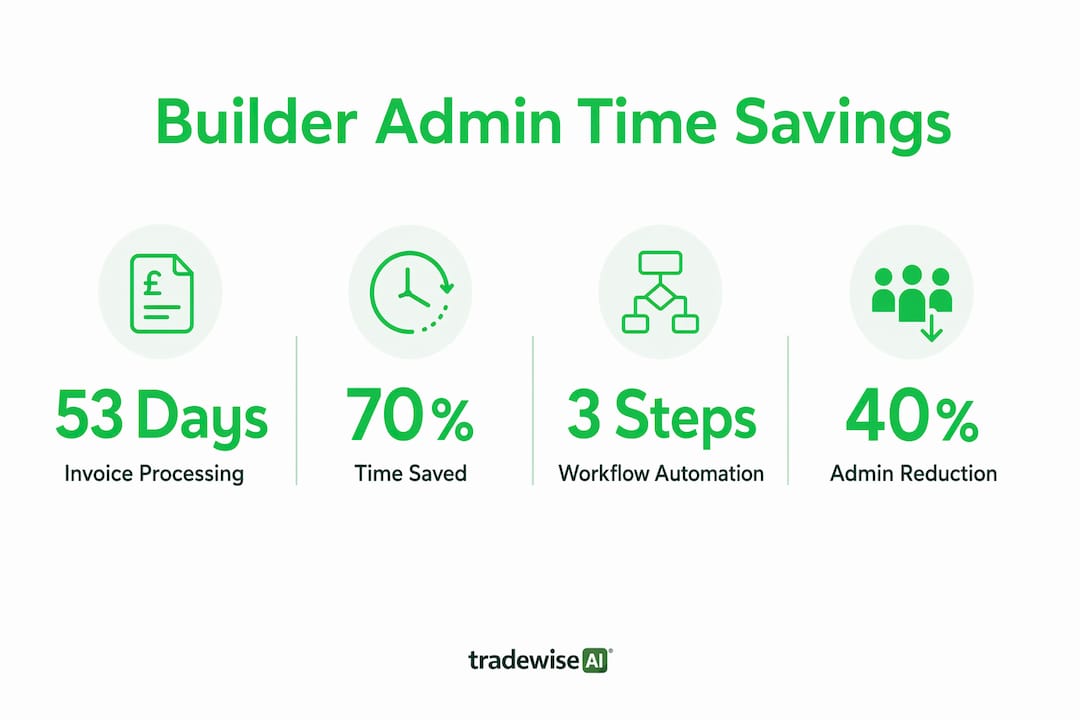
Cloud ERP document control standardises these approval paths across projects, reducing bottlenecks and giving finance leaders a live view of where every document sits. The operational gain goes beyond faster admin: fewer disputes, stronger audit trails, and more reliable revenue recognition.
Pro Tip: Start automation with your highest-friction workflows first. Submittals, RFIs, and AP invoice approvals affect both project delivery and cash flow, so early wins here are visible quickly.
How digital planning reduces the admin burden on your team
Planning is where admin overload tends to build quietly until it becomes burnout, and adopting a pre-task plan helps team leaders manage tasks efficiently and prevent burnout. Builders managing multiple sites often find that scheduling, compliance documentation, and client communication each demand attention simultaneously, and without clear systems, all three suffer.
A practical fix is time blocking: assigning specific windows for site visits, estimates, admin work, and client calls rather than reacting to whatever arrives first. Experts at Oasis Consulting Group recommend batching communications and setting firm boundaries on availability, noting that constant responsiveness leads to burnout and crowds out the strategic thinking that actually grows a business.

Pro Tip: Check emails at three fixed times a day rather than continuously. This single habit, combined with a pre-task planning checklist for your foremen, removes a surprising amount of reactive admin from your day.
Digital filing and document control are the other half of the equation. When specifications, contracts, and compliance records live in a governed digital system rather than shared drives and email attachments, retrieval time drops and version confusion disappears. Training foremen on common software tools and checklists enables delegation of documentation tasks, which frees site managers for coordination work rather than paperwork.
The comparison below shows how planning approaches differ in practice.
| Planning approach | Admin impact | Risk |
|---|---|---|
| Reactive, email-based | High admin volume, frequent interruptions | Version errors, missed deadlines |
| Centralised digital scheduling | Reduced duplication, real-time updates | Requires initial setup and team training |
| Integrated mobile planning with ERP | Lowest admin burden, live budget visibility | Higher upfront cost, change management needed |
Change management is often the part builders skip. Buying software is straightforward; getting your team to use it consistently is harder. Short, task-specific training sessions tied to real site scenarios work better than generic product walkthroughs. Pair new tools with simple checklists and weekly check-ins, and adoption tends to stick. For more on construction client communication practices that reduce back-and-forth, the principles are the same: structure replaces volume.
How TradeWise AI helps UK builders cut admin time
AI-powered tools are now addressing the cognitive side of construction admin, not just the transactional side. Research published in Frontiers in Built Environment found that AI submittals automation reduced manual processing of complex specifications from hours to minutes, with field testers describing outputs as "complete," "consistent," and "a massive value add." The key design principle: familiar output formats (Excel, Word) with human oversight preserved at decision points.
Tradewisehq applies this thinking to the full daily workflow for UK builders and trades. The platform brings together:
- Job management across multiple sites with live status updates
- AI-assisted scheduling that syncs workforce availability in real time
- Automated quoting and invoicing so estimates go out faster and payment reminders run without manual follow-up
- Client communication tools that log every message and update in one place
- Materials tracking linked to job records, reducing the back-and-forth with suppliers
- Mobile-first design built for builders who are on site, not at a desk
The mobile-first approach matters for UK builders specifically. When field updates happen from a phone rather than a desktop, the gap between what is happening on site and what the system shows closes from days to minutes. That gap is where most admin errors and scheduling delays originate. You can read more about builder automation benefits in UK construction contexts to see how this plays out in practice.
Tradewisehq also connects job management, scheduling, and finance in one platform, which removes the duplication that occurs when data has to be re-entered across separate tools. For a small building firm, that alone can recover several hours a week.
Tradewisehq: less admin, more time on the tools
Builders who have read this far know the problem precisely: too many hours lost to invoicing, chasing paperwork, and updating systems that do not talk to each other. Tradewisehq was built to fix that specific problem for UK tradespeople and builders, not as a generic business tool adapted for construction, but as a trade management platform designed around how builders actually work.
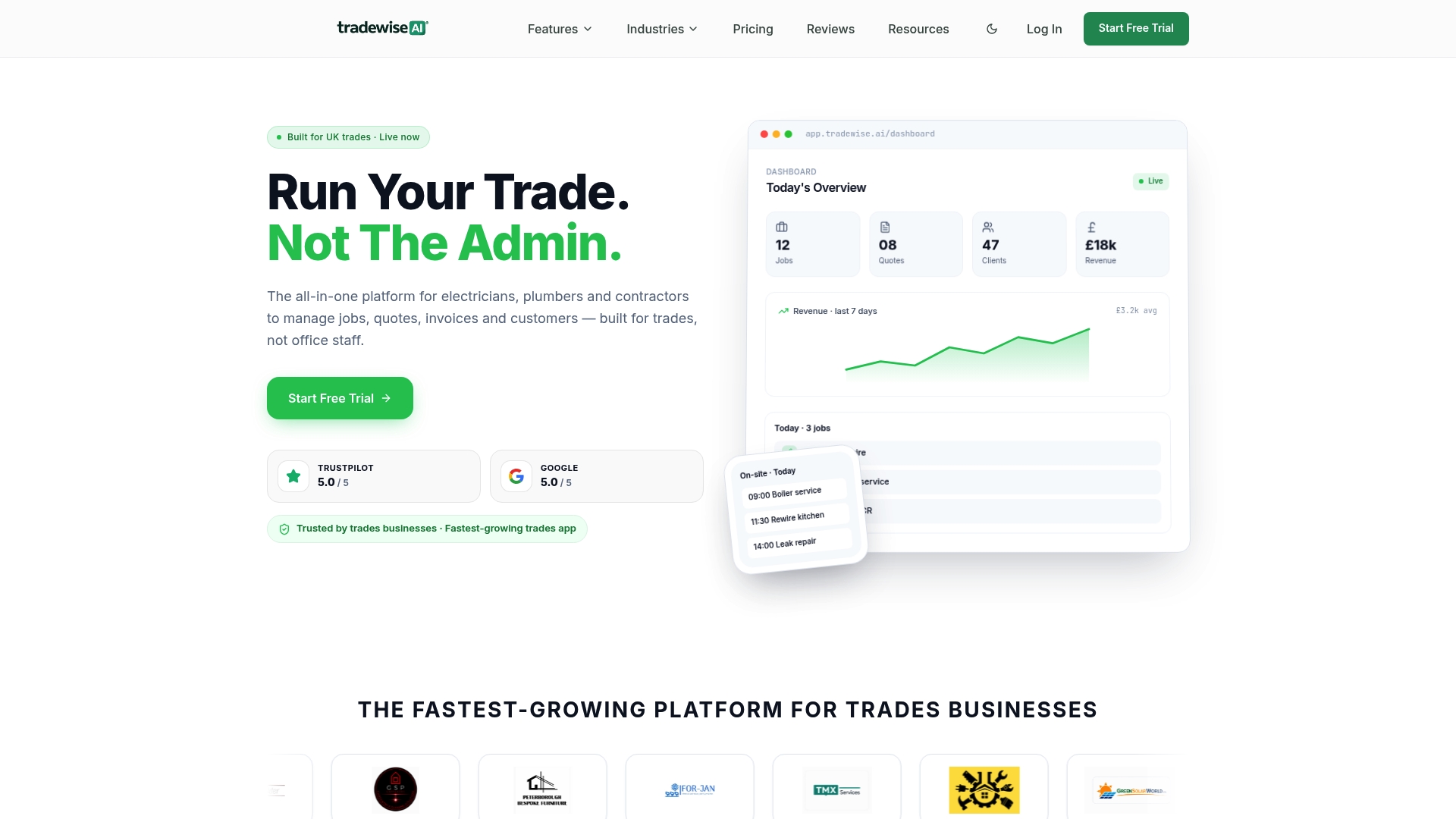
The concrete difference is consolidation. Quotes, job scheduling, client messages, invoices, materials, and workforce tracking all live in one mobile app. There is no weekly manual upload, no separate invoicing tool, and no spreadsheet holding your schedule together with hope. Automation handles the repetitive steps: reminders go out, approvals route to the right person, and job records update when field work is logged. Your team spends less time on admin and more time delivering work. If you are ready to see what that looks like for your business, start with Tradewisehq and explore the platform built for UK trades.
Key takeaways
Builders who combine digital document management, workflow automation, and integrated mobile tools consistently recover the most admin time, with the greatest gains coming from connecting project, finance, and communication functions in a single platform.
| Point | Details |
|---|---|
| Admin burden is significant | Small builders spend on average 36% of their working week on admin tasks like invoicing and data entry. |
| Integration removes duplication | Connecting project management and accounting eliminates manual data re-entry and can save around two hours weekly. |
| Automate the highest-friction tasks first | Submittals, RFIs, and AP invoice approvals deliver the fastest return when digitised and automated. |
| Time blocking prevents burnout | Batching communications and setting firm availability boundaries reclaims strategic thinking time for business owners. |
| Tradewisehq consolidates the full workflow | The platform combines job management, scheduling, invoicing, and client communication in one mobile-first tool for UK builders. |