

The fastest way to track invoice payments is to centralise every invoice in one system, run a weekly ageing report, switch on at least one online payment option and automate your reminders. Then reconcile what's come in every day, not once a month.
That's the whole method. Most of the late payments builders chase for weeks trace back to one of these steps being skipped: an invoice sat in an inbox instead of a system, or nobody checked who owed what until the money had already gone quiet.
To put this into practice straight away:
- Move every invoice, quote and payment record into a single platform rather than spreadsheets and email threads
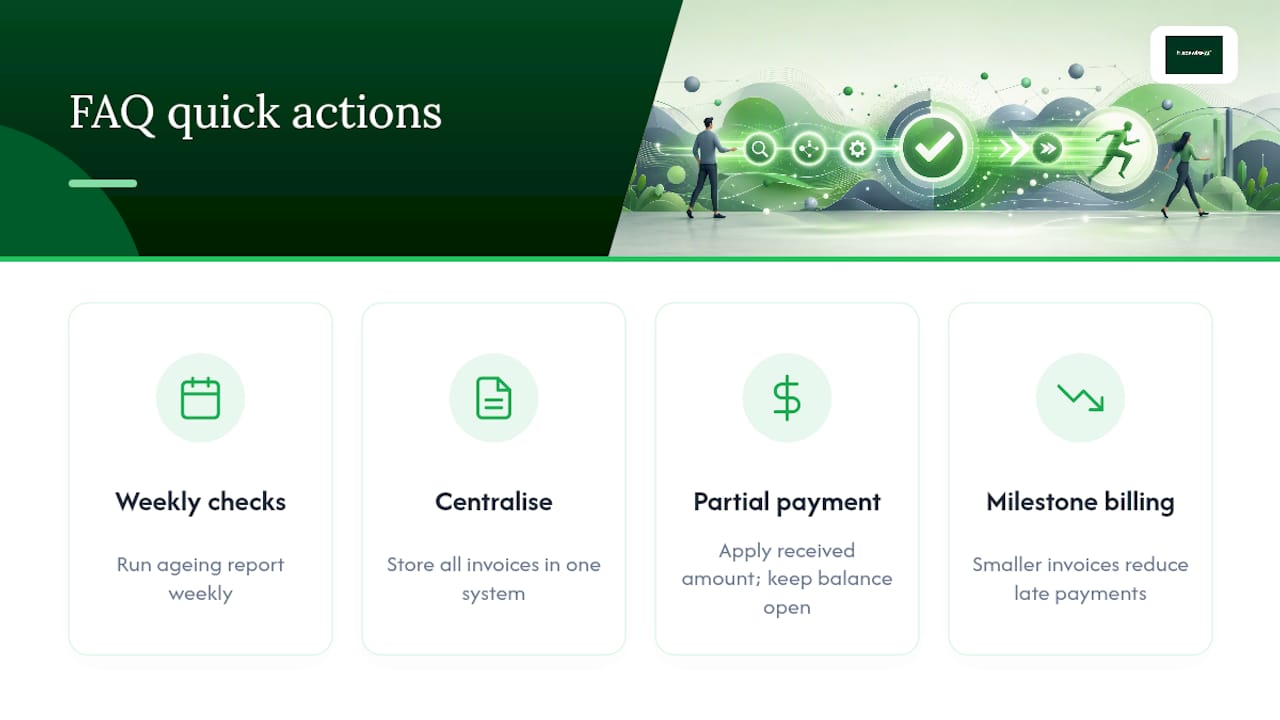
- Run an ageing report every week, not monthly, so overdue accounts get caught early
- Turn on online payments and automated reminders so chasing happens without you lifting the phone
- Reconcile payments against invoices daily to keep your real cash position visible
A trade-focused system like TradeWise builds these steps into the job workflow itself, so tracking payments becomes part of running the job rather than a separate admin task.
Key Takeaways
Consistently tracked invoices, centralised records, and daily reconciliation are what actually shorten the time it takes builders to get paid.
| Point | Details |
|---|---|
| Centralise every invoice | Keep drafts, sent, viewed, paid and overdue invoices in one system instead of spreadsheets and inboxes. |
| Run weekly ageing reports | Check the 30, 60 and 90 day buckets weekly to catch slipping payments before they stall. |
| Use milestone billing | Split long jobs into staged invoices to reduce DSO and avoid one large overdue balance. |
| Reconcile daily | Match payments to invoices using date, amount, bank reference and method as soon as they land. |
| Adopt trade-focused software | Tradewisehq centralises jobs, invoices, mobile pay links and reminders in one workflow for site teams. |
Table of Contents
- What to track: essential invoice statuses and AR metrics
- A practical workflow: daily and weekly tasks to keep invoice payments under control
- Tools and automation: what to adopt and how to avoid overcomplication
- How to reconcile payments and close invoices accurately
- Common causes of late payment and quick fixes builders can implement
- A site manager's view on making tracking routine
- Getting paid without chasing every invoice yourself
- Frequently asked questions
- Sources
What to track: essential invoice statuses and AR metrics
Every invoice moves through a lifecycle, and each stage tells you what to do next. A draft invoice needs finishing and sending. Sent means it's out but unconfirmed. Viewed tells you the client has opened it, useful for timing a follow up call. Partial means some money has landed but a balance remains. Paid closes it. Overdue means it's time to act, not wait.
Beyond status, four numbers matter more than any single invoice:
- Outstanding value — the total owed to you across all open invoices
- Overdue value — the portion of that total past its due date
- Number of overdue invoices — a count that flags a growing problem before the value does
- Ageing buckets — how much is 0 to 30, 31 to 60, 61 to 90 and 90+ days overdue
Ageing buckets are where the real signal sits. A client sliding from the 30 day bucket into the 60 day bucket is a pattern worth acting on before they reach 90, at which point recovery gets harder and slower.
Days Sales Outstanding (DSO) ties all of this together. It measures the average number of days it takes to collect payment after a sale. J.P. Morgan's treasury guidance recommends analysing ageing reports weekly specifically because catching a slipping DSO early protects working capital before it becomes a cash flow crisis. Accounts receivable are current assets on your books, and how promptly you record, monitor and collect them directly shapes your liquidity position.
A practical workflow: daily and weekly tasks to keep invoice payments under control
Tracking payments falls apart when it only happens in bursts, usually right before quarterly accounts are due. A short daily and weekly rhythm fixes that.
Daily tasks:
- Log any payment received that day, however it arrived (bank transfer, card, cash on site)
- Mark the matching invoice as paid or partial immediately, not at week's end
- Flag anything that doesn't match cleanly, a short payment, a wrong reference, a disputed amount
- Add a note against any invoice where a client has raised a query, so nobody chases a job that's already being sorted
Weekly tasks:
- Run the ageing report and scan the 30+ day bucket first
- Send automated reminders to everyone who's crossed a due date
- Call your top three overdue accounts personally rather than relying on email alone
- Where a job is dragging, discuss splitting the remaining balance into milestone payments rather than waiting for full completion
That last point matters more than it looks. Breaking a long job into staged invoices rather than one bill at the end reduces the size of any single overdue amount and makes each request for payment feel routine rather than confrontational. One experienced freelancer's take on progressive billing puts it plainly: milestone invoicing lowers the psychological barrier to asking for money, because you're asking for a smaller, expected amount rather than a large final sum nobody budgeted for.
Pro Tip: Assign one overdue account to one named person each week, even in a two-person business. "Someone will chase it" usually means nobody does.
Tools and automation: what to adopt and how to avoid overcomplication
You don't need five different pieces of software to track invoices properly. You need one system that talks to itself.
The tool categories worth knowing:
- Field job management apps that link quotes, jobs and invoices to the same client record
- Accounting or AR integrations that push payment data automatically into your books
- Payment portals that let clients pay by card or bank transfer from the invoice itself
- Bank reconciliation tools that match incoming transactions to open invoices without manual entry
Within those categories, a handful of features do most of the heavy lifting: invoice templates that populate job details automatically, auto reminders that fire on a schedule you set once, a "pay now" link embedded directly in the invoice, automatic cash application when a payment lands, and mobile capture so a site manager can log a payment or take a card tap on the spot.
Adoption advice worth taking seriously: start small. Pick one online payment method and one reminder cadence, get those working reliably, then add complexity. Trying to roll out five automations in one week usually means none of them get used properly. Job management software built specifically for trades tends to centralise this naturally, because invoicing sits next to the job record rather than in a separate accounting silo.

How to reconcile payments and close invoices accurately
Reconciliation is where sloppy tracking gets exposed. Every payment you record needs five fields to be genuinely useful later: the date received, the amount, the bank reference, the invoice number it relates to, and the payment method used.
For partial payments, apply the amount received against the invoice and leave the balance open rather than marking it paid. If a client disputes part of a bill, issue a credit note for the disputed line and keep the undisputed portion moving through as normal, rather than freezing the whole invoice while the argument gets sorted.
A simple monthly reconciliation checklist:
- Match every bank transaction against an open invoice
- Chase anything unmatched before it becomes unexplained
- Confirm partial payments have the correct remaining balance showing
- Export a clean ageing summary for your accountant
If you're unsure which fields a UK invoice legally needs before it even reaches this stage, TradeWise's own invoice requirements checklist covers the VAT and legal detail worth getting right from the start.
Common causes of late payment and quick fixes builders can implement
Most overdue invoices share the same handful of causes: unclear line items the client doesn't understand, payment terms stretched to 60 or 90 days, one enormous invoice at the very end of a job, and no easy way to actually pay.
The fixes are just as simple:
- Write clear, itemised invoices the client can check against the work done
- Agree milestones up front rather than one final bill
- Add an online pay link so payment takes thirty seconds, not a trip to the bank
- Set a fixed reminder cadence, and escalate politely but on schedule
If a reminder cadence gets no response after two or three attempts, move to a formal written notice before the account slides into a genuine dispute. Long payment terms without any credit policy are often the root cause. Requiring new clients to pay a deposit or work on staged terms prevents large balances building up in the first place.
A site manager's view on making tracking routine
Years spent scheduling jobs and chasing site paperwork teach you one thing fast: cash flow problems are almost always a tracking problem in disguise. Switching a small building business from one end invoice to milestone billing with weekly ageing checks cut its overdue balance noticeably within a couple of months. Make the routine boring and it stops being a crisis.
Getting paid without chasing every invoice yourself
There's a real cost to running invoice tracking across a spreadsheet, a banking app and a diary of who owes what. Tradewisehq puts jobs, invoices, reminders and mobile pay links in one place, so a site manager isn't reconstructing a client's payment history from three different tabs before making a call.
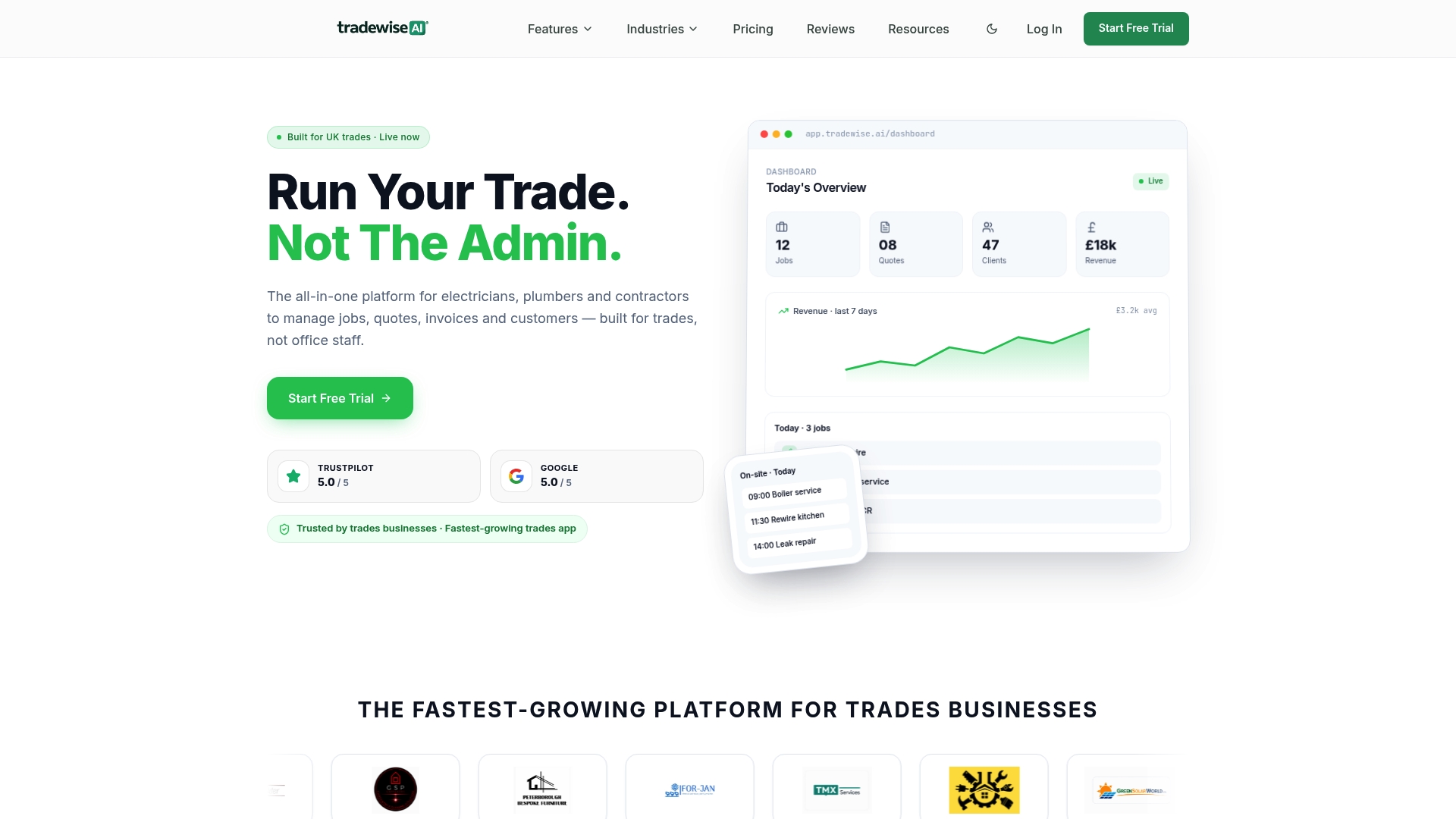
Because job data and invoice data sit in the same system, reconciliation stops being a monthly scramble. A payment logged on site syncs straight to the office, and automated reminders fire without anyone remembering to send them. That's the daily and weekly workflow covered above, built into the platform rather than run manually. If you want to see how it handles your own invoice list, start a 14 day trial and run your next ageing report through it.
Frequently asked questions
What's the quickest way to track invoice payments as a small building firm?
Centralise every invoice in one system, run a weekly ageing report, and turn on at least one online payment option so clients can pay directly from the invoice. Combine that with automated reminders and you'll catch overdue accounts within days rather than weeks.
How often should I run an accounts receivable ageing report?
Weekly. J.P. Morgan's treasury guidance on working capital points to weekly ageing checks as the practical minimum for spotting payment trends before they affect cash flow.
What's the difference between invoice tracking and accounts receivable tracking?
Invoice tracking follows a single bill through its lifecycle, from draft to paid. Accounts receivable tracking looks at the whole picture across every client and job, including outstanding value, overdue value and DSO trends over time.
How do I handle a partial payment on an invoice?
Apply the amount received against the invoice and leave the remaining balance open rather than marking the invoice fully paid. If part of the amount is disputed, raise a credit note for that portion and keep the rest moving through your normal process.
Does milestone billing actually reduce late payments?
It tends to, because smaller, expected payment requests are easier for clients to plan for than one large final invoice. Practitioner guidance on progressive billing notes it also lowers the psychological barrier to asking for money at each stage of a job.
What invoice details are legally required in the UK?
UK invoices need specific fields covering your business details, VAT treatment where applicable, and a clear description of the work. TradeWise's invoice requirements checklist covers the full legal and VAT detail before you send.
Sources
- 6 ways to increase working capital (J.P. Morgan)
- What is the correct way to handle progressive billing? (Freelancing Stack Exchange)