
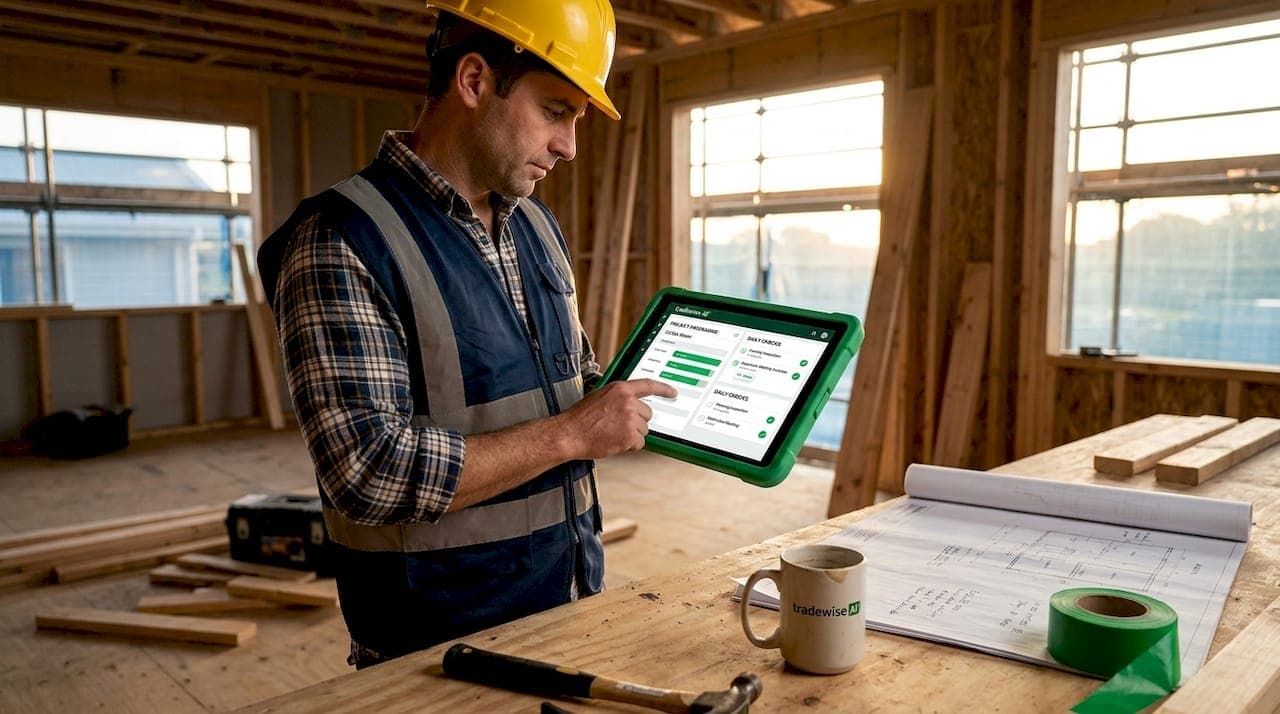
Job management software is a specialised digital platform that centralises construction workflows, scheduling, and reporting to optimise project delivery for builders. Without it, most construction businesses run on a patchwork of spreadsheets, phone calls, and paper forms that create delays, miscommunication, and compliance gaps. The case for why builders need job management software has never been stronger. Platforms like Buildertrend, Procore, and JobTread have demonstrated that integrating scheduling, client communication, and field reporting into one system cuts wasted hours and keeps projects on track. This article breaks down exactly where the gains come from and how to capture them.
Why builders need job management software: the compliance problem hiding in plain sight
Most reporting failures on construction sites do not start on site. They start in the gap between when a task is completed and when the paperwork is supposed to be filed. Task-nested reporting drives better compliance than separate end-of-day paperwork, because it removes the reliance on memory and discipline that separate systems demand.
The Digital Construction Week 2026 coverage confirmed that embedding compliance tasks directly within job workflows eliminates delayed paperwork and forgotten forms. That matters because a missed inspection photo or an unsigned permit can stall a project for days, not hours. When reporting is a separate step, it competes with every other priority a site manager has at the end of a shift.

The practical fix is to build reporting prompts into the task itself. When a worker marks a task complete in a job management platform, the system can immediately prompt them to upload a photo, log a note, or submit a form. Compliance becomes almost effortless because enforcement is no longer a separate conversation. The system handles the reminder at exactly the right moment.
Pro Tip: Design your task workflows so that reporting fields appear as part of task completion, not as a separate form. Workers will submit documentation almost without thinking, and your compliance rate will reflect it.
This approach also creates an audit trail that protects builders during disputes or inspections. Every photo, form, and log entry is timestamped and tied to a specific task and job, giving you documented evidence without any extra administrative effort.
How do scheduling tools prevent costly crew conflicts?
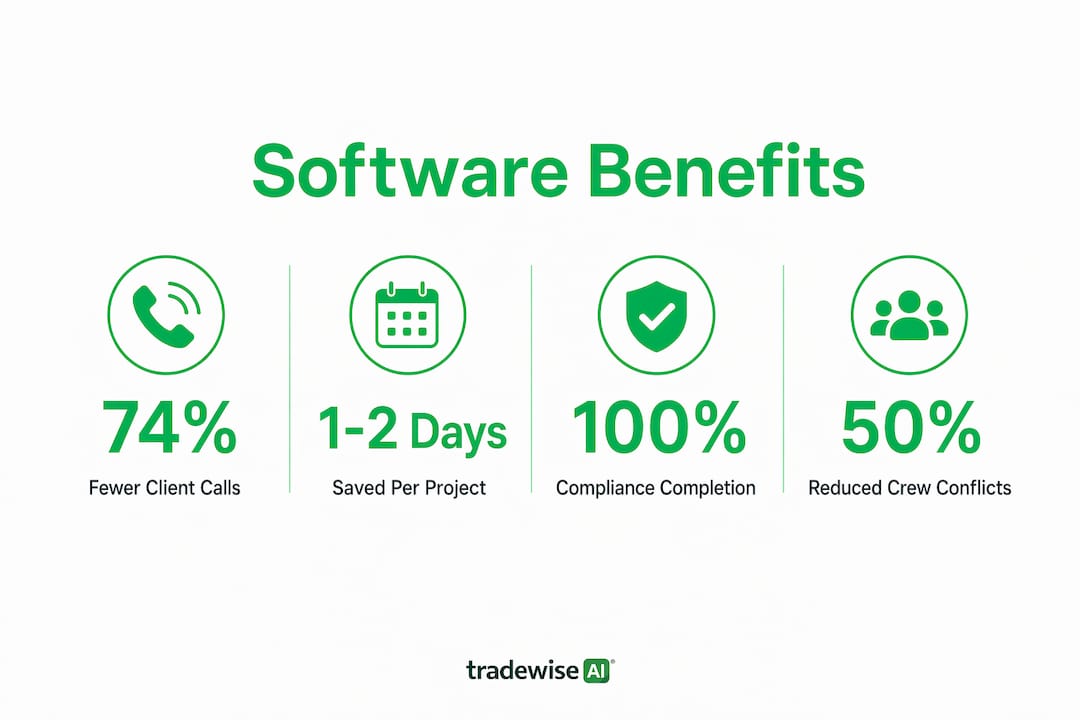
Construction-specific scheduling tools can save builders 1 to 2 days per project by preventing crew scheduling conflicts and no-shows. That figure compounds quickly across a portfolio of five or ten active jobs. A single recovered day on each project represents a significant reduction in overhead and a meaningful improvement to cash flow.
The reason generic calendar tools fail builders is that they operate at the job level rather than the task level. Construction work has dependencies. The electrician cannot rough in until the framing is complete. The plasterer cannot start until the electrician signs off. A tool that does not model these dependencies cannot flag a conflict before it becomes a delay.
Here is how purpose-built scheduling works in practice:
- Map task dependencies. Assign each task a predecessor so the system automatically shifts downstream tasks when one item moves. JobTread's task-based scheduling with assigned owners and task dependencies prevents the cascading delays that catch builders off guard.
- Use subcontractor confirmation portals. Tools like JobTread assign tasks with portal access, allowing subcontractors to confirm assignments and log completions. Subcontractor portal confirmations reduce day-of scheduling failures by creating documented acknowledgment of every assignment.
- Build reusable job templates. Once you have a working schedule for a house type or project category, save it as a template. Every new job of that type starts with a proven sequence rather than a blank calendar.
- Sync schedules to mobile. Field crews need to see their tasks on their phones, not on a desktop back at the office. Cloud-based, mobile-accessible scheduling tools are the standard Autodesk recommends for effective adoption.
Pro Tip: Start with scheduling for one project type only. Refine the template until it reflects how your crews actually work, then roll it out across the rest of your jobs. Trying to schedule everything at once is the fastest way to abandon the system.
The difference between a builder who runs five jobs smoothly and one who is constantly firefighting often comes down to whether their scheduling tool models reality or just approximates it.
How does automating client updates change project management?
A 2026 case study using Buildertrend, CompanyCam, and an automation layer found that PM reporting time dropped from 52 to 11 hours weekly, and inbound client calls fell by 74% within 90 days. That is not a marginal improvement. It is the difference between a project manager who spends their week chasing status updates and one who spends it managing the actual project.
The mechanics behind this result are straightforward:
- Automated photo reports. CompanyCam captures site photos and the automation layer compiles them into a progress report sent to the client on a set schedule. No manual assembly required.
- Schedule milestone notifications. When a milestone is marked complete in Buildertrend, the client receives an automatic notification. They know the slab is poured before they think to ask.
- Separate templates for residential and commercial clients. Homeowners want reassurance and visual updates. Commercial clients want schedule adherence data and budget summaries. Using the same report template for both creates friction. Purpose-built platforms allow you to configure client-facing outputs by project type.
- Reduced reactive communication. When clients receive consistent, proactive updates, they stop calling to ask what is happening. The 74% reduction in inbound calls reflects this directly.
The time freed from reactive reporting goes back into proactive project management. A site manager who is not answering status calls can spend that time visiting sites, reviewing upcoming work, and catching problems before they become delays. That reallocation of attention is where the real productivity gain lives.
Purpose-built vs generic software: which is right for builders?
Industry-specific software wins over one-size platforms when the workflows of a sector are complex enough to require dedicated controls. Construction is exactly that sector. Forbes Tech Council notes that generic platforms lack the specialised workflows and controls that construction businesses need for accurate forecasting, change management, and risk control.
The table below shows where the gap appears in practice:
| Feature | Generic tools | Purpose-built construction software |
|---|---|---|
| Change order management | Manual, often in email | Built-in approval workflows with cost tracking |
| Job costing and forecasting | Requires manual export to accounting | Integrated with project budgets in real time |
| Subcontractor scheduling | Basic calendar entries | Task dependencies, portal confirmations, notifications |
| Compliance and field reporting | Separate forms or email attachments | Embedded within task completion workflows |
| Client communication | Email or manual updates | Automated progress reports tied to schedule milestones |
Purpose-built accounting integration delivers superior project control because it connects job costs to live project data rather than requiring a manual reconciliation at month end. For builders managing multiple projects simultaneously, that visibility is the difference between catching a budget overrun early and discovering it after the damage is done.
The argument for generic tools is usually cost or familiarity. Both are real considerations. But the hidden cost of a generic tool is the workaround time it creates. Every manual export, every email chain used as a change order, and every missed compliance prompt is labour that a purpose-built system would have handled automatically.
How should builders implement job management software?
Starting with one well-chosen workflow and scaling gradually increases success and user adoption for builders. Autodesk's guidance on construction scheduling is consistent on this point: overwhelming a team with a full system rollout is the most common reason implementations fail.
A phased approach that works in practice looks like this:
- Week 1 to 4: scheduling only. Set up the scheduling module for one active project. Build the task list, assign dependencies, and invite subcontractors to the portal. Measure whether conflicts and no-shows decrease.
- Month 2: add field reporting. Once the team is comfortable with the scheduling workflow, embed reporting prompts into task completion. Start with the most frequently missed compliance items, such as inspection photos and daily logs.
- Month 3: client communication. Configure automated progress reports for one client. Use their feedback to refine the template before rolling it out to all clients.
- Month 4 onwards: job costing and materials. Connect the scheduling and reporting data to your budget tracking. At this point, the system is generating live project intelligence rather than just replacing manual processes.
The role of materials management becomes far more visible once scheduling and reporting are in place, because delays caused by missing materials show up in the task dependency chain rather than as a surprise on the day. Scaling gradually also gives your team time to build confidence with each module before the next one is introduced.
Key takeaways
Job management software delivers the greatest return for builders when it embeds compliance, scheduling, and client communication into a single connected workflow rather than treating each as a separate tool.
| Point | Details |
|---|---|
| Embed compliance into tasks | Attach reporting prompts to task completion to eliminate forgotten forms and late submissions. |
| Use task-level scheduling | Model dependencies and use subcontractor portals to prevent cascading delays across projects. |
| Automate client updates | Automated progress reports cut inbound client calls and free project managers for site work. |
| Choose purpose-built software | Construction-specific platforms integrate job costing, change orders, and compliance in ways generic tools cannot. |
| Implement one workflow at a time | Phased rollouts starting with scheduling increase team adoption and reduce the risk of abandonment. |
What I have learned from watching builders adopt these systems
The builders who get the most from job management software are rarely the ones with the biggest budgets or the most technically confident teams. They are the ones who pick one problem, solve it properly, and then move on to the next. I have seen firms spend months configuring every module of a platform like Procore before a single person on site has logged in. The system becomes a project in itself rather than a tool for managing projects.
The compliance insight from Digital Construction Week 2026 resonates with me because it reframes the problem correctly. Reporting failures are not a discipline problem. They are a design problem. When you ask someone to remember to file a form at the end of a twelve-hour shift, you are setting them up to forget. When the system asks them to upload a photo the moment they mark a task complete, you have removed the memory requirement entirely. That is good system design, not just good software.
On scheduling, the builders I have seen struggle most are those who try to manage subcontractors through WhatsApp groups and phone calls. The information exists, but it is not structured. A subcontractor confirmation portal does not just send a message. It creates a record. When a sub claims they were never told about a start time, you have documented evidence either way. That shift from informal to documented communication changes the dynamic of every subcontractor relationship.
My honest advice on software selection: match the tool to your project scale before you match it to your budget. A sole trader running small domestic jobs does not need Procore. A builder managing ten concurrent commercial projects cannot afford to use a basic calendar app. The AI tools available for builders in 2026 have made purpose-built platforms more accessible than ever, but the right fit still depends on the complexity of what you are managing.
— Mateusz
See how Tradewisehq handles this for builders
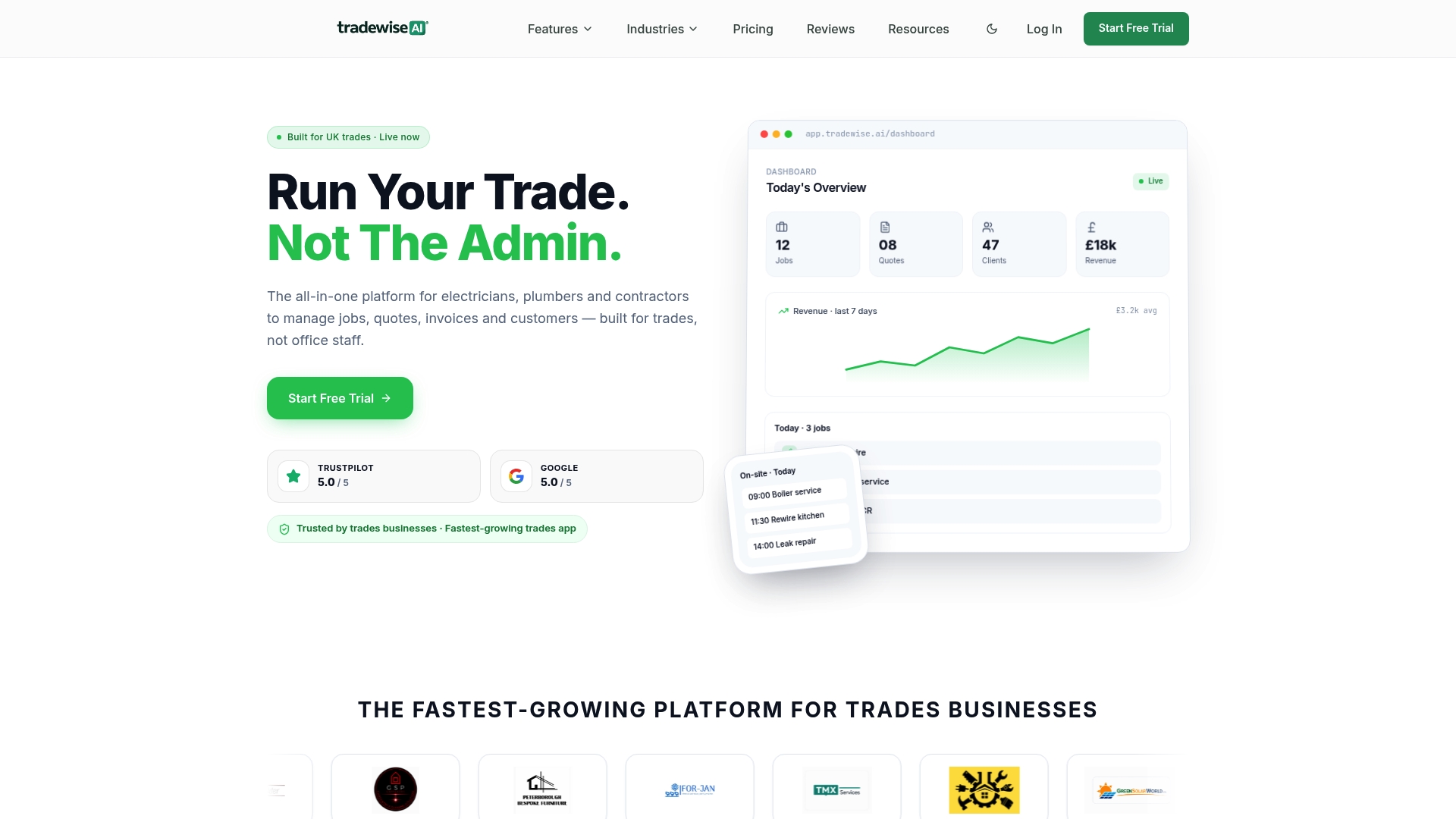
Tradewisehq is an AI-powered operating system built specifically for tradespeople and builders. It combines job and scheduling management with automated client communication, live workforce syncing, and mobile-first field tools in one platform. Builders using Tradewisehq can set up task-level schedules, embed reporting into workflows, and send automated client updates without switching between multiple apps. If the problems covered in this article sound familiar, the platform is worth exploring. Visit Tradewisehq to see how it fits your current operations and where it can recover the most time.
FAQ
What is job management software for builders?
Job management software for builders is a digital platform that centralises scheduling, field reporting, client communication, and job costing into one system. Purpose-built platforms like Buildertrend, Procore, and JobTread are designed specifically for construction workflows.
How much time can scheduling tools save on a construction project?
Construction scheduling tools can save builders 1 to 2 days per project by preventing crew conflicts, no-shows, and double-booked subcontractors. Across a portfolio of active jobs, that saving compounds into significant overhead reduction.
Why is purpose-built software better than generic tools for builders?
Purpose-built construction software includes integrated job costing, change order workflows, subcontractor portals, and compliance tracking that generic platforms do not offer. Generic tools lack the specialised controls needed for accurate forecasting and risk management on construction projects.
How do builders reduce inbound client calls with software?
Automating client progress updates using tools like Buildertrend and CompanyCam cut inbound client calls by 74% within 90 days in a 2026 case study. Clients stop calling when they receive consistent, scheduled updates tied to real project milestones.
Where should a builder start when adopting job management software?
Start with the scheduling module for one project type, build a reusable template, and measure the reduction in conflicts before adding further modules. Scaling one workflow at a time is the approach most likely to result in long-term team adoption.