

Builder software features are the specialised tools that enable construction professionals to manage projects, schedules, budgets, compliance, and subcontractor workflows from a single platform. The term "construction management software" is the recognised industry label for these platforms, though builders commonly search for the types of builder software features they need before committing to any product. All 57 construction management platforms surveyed in 2026 include bid estimating and scheduling as standard. That figure tells you these two capabilities are the baseline, not the differentiator. What separates a capable platform from a basic one is the depth of its subcontractor management, compliance tracking, and financial risk tools.
1. What are the core scheduling and project planning features in builder software?
Project scheduling is the foundation of every builder software platform. Without it, trades clash, materials arrive late, and timelines collapse. Visual dependency mapping lets site managers assign tasks to specific trades and monitor progress in real time, so a delay in groundworks automatically flags its impact on framing and roofing.
The best scheduling tools go beyond Gantt charts. They include buffer management, which builds contingency time into dependent tasks, and automated notifications that alert subcontractors when their start date shifts. This removes the need for daily phone calls and reduces the risk of trades arriving on site with no work ready for them.

Field daily reporting is a scheduling feature that many builders underestimate. When site supervisors log progress directly in the platform, the project timeline updates automatically. Office teams see an accurate picture without chasing calls, and the site diary becomes a legal record if disputes arise.
Key scheduling capabilities to look for:
- Gantt chart and dependency planning with drag-and-drop editing
- Automated trade notifications when schedules change
- Field daily reporting linked to the master programme
- Resource allocation showing labour and equipment availability
- Baseline vs actual progress tracking
Pro Tip: Choose software with visual scheduling built specifically for construction sequencing, not adapted from generic project management tools. Construction logic, such as finish-to-start dependencies between trades, is not replicable with workarounds.
2. How do subcontractor management features improve communication and workflow?
Subcontractor coordination is where most construction projects lose time and money. Automated subcontractor workflows eliminate repeated phone calls and email chains by giving subcontractors direct login access to view their schedules, upload progress photos, and flag issues in one place. The result is a centralised record that both office and site teams can trust.
Progress tracking through a subcontractor portal means you know exactly what has been completed without waiting for a weekly report. When a subcontractor flags a problem, such as a blocked access route or a missing material delivery, the issue is logged with a timestamp and photo. That record protects both parties if a dispute reaches adjudication.
Integration with purchase orders and invoicing is a critical part of subcontractor management. When a subcontractor completes a stage, the platform can trigger a payment application automatically, reconciling it against the agreed contract sum. This removes manual reconciliation errors and speeds up cash flow for everyone on the project.
Core subcontractor management capabilities include:
- Subcontractor login portals with schedule visibility
- Progress photo uploads linked to specific tasks
- Centralised issue reporting with timestamps
- Purchase order creation and invoice reconciliation
- Automated payment triggers on milestone completion
Pro Tip: Verify that the platform allows subcontractors to access their own data without seeing other firms' rates or contract details. Role-based permissions are not optional in a multi-trade environment.
3. Which compliance and safety tracking features are vital in builder software?
Purpose-built builder software handles site safety compliance far better than generic project management tools. Generic tools require manual workarounds to replicate construction-specific logic, such as inspection checklists, permit tracking, and CDM regulations compliance. Builder software embeds these workflows natively.
Inspections and safety tracking integrated within the platform help meet regulatory requirements and prevent costly build stoppages. Site managers can schedule inspections, log outcomes on a mobile device, and attach photo evidence, all within the same system that holds the project programme. That integration means a failed inspection automatically flags a task as blocked.
Permit management is a compliance feature that separates builder software from general tools. The platform tracks permit applications, approval dates, and expiry windows. When a permit is due for renewal, the system alerts the relevant team member before work is affected.
Compliance capabilities to prioritise:
- CDM and site safety checklist templates
- Scheduled inspection logging with photo evidence
- Permit application tracking and expiry alerts
- Environmental and stormwater compliance records
- Audit trail for all safety-related actions
4. What financial management and risk mitigation capabilities should builder software include?
Real-time budget versus actual cost tracking is the single most protective financial feature in any builder platform. When costs are logged as they occur, project managers spot overruns in week two rather than week ten. That early warning gives you time to adjust scope, renegotiate with suppliers, or raise a change order before the margin is gone.
Automated lien waiver collection reduces legal exposure at project closeout. Builders who skip this feature often face margin erosion when subcontractors or suppliers raise late claims against the property. The software collects signed waivers as each payment is processed, creating a clean paper trail.
Change order management must be integrated directly with the live budget. When a client requests additional work, the change order workflow captures the scope, price, and approval in one step. The budget updates automatically, so there is no gap between what was agreed and what the accounts team sees.
Financial capabilities that protect UK builders:
- Budget versus actual cost tracking in real time
- Change order creation linked to the live budget
- Automated lien waiver collection on payment
- Invoice reconciliation and payment application workflows
- Cash flow forecasting by project phase
The distinction between entry-level field apps and enterprise platforms is clearest in financial features. Entry-level tools often cover invoicing but lack change order integration or lien waiver automation. Enterprise platforms handle the full financial lifecycle, from initial estimate through to final account.
5. How do document control and client communication features support project transparency?
Centralised document storage with version control prevents the single most common source of construction errors: teams working from different drawing revisions. When every document lives in one place and version history is automatic, the risk of a subcontractor building to an outdated spec drops to near zero.
Client-facing owner portals appear in 96.5% of surveyed platforms. That near-universal adoption reflects how firmly client transparency has become a standard expectation, not a premium feature. Clients can log in to view project milestones, approved change orders, and current programme status without calling the site manager.
RFI (Request for Information) submittal and approval workflows speed up the clarification process on complex projects. When a subcontractor raises an RFI, the platform routes it to the architect or engineer, tracks the response time, and logs the outcome against the relevant drawing. Unresolved RFIs are a leading cause of programme delay, and software that tracks them reduces that risk directly.
Role-based access control secures sensitive information across all document types. A subcontractor sees their own scope and drawings. A client sees progress and financials. The quantity surveyor sees cost data. No single login exposes everything to everyone.
Document and communication capabilities to expect:
- Version-controlled document storage with audit history
- RFI creation, routing, and response tracking
- Client portal with milestone and programme visibility
- Role-based access permissions by user type
- Submittal log for drawings, specifications, and approvals
Key takeaways
The most effective builder software combines scheduling, subcontractor management, compliance tracking, and financial controls in a single shared job record, because integrated workflows eliminate data drift between office and site.
| Point | Details |
|---|---|
| Scheduling is the baseline | All major platforms include it; depth of dependency planning is the real differentiator. |
| Subcontractor portals cut admin | Direct login access replaces phone calls and creates a timestamped record for disputes. |
| Compliance features are construction-specific | Generic PM tools cannot replicate CDM checklists, permit tracking, or inspection logging natively. |
| Financial tools protect margins | Automated lien waivers and real-time cost tracking prevent margin erosion at closeout. |
| Client portals are now standard | 96.5% of platforms include them; clients expect self-service access to project status. |
What I have learned about choosing builder software features
The most common mistake I see UK builders make is treating scheduling as the only feature that matters. They adopt a platform, get the Gantt chart working, and then realise six months later that their subcontractor payments are still managed on spreadsheets and their compliance records live in a filing cabinet. That gap between the digital and the paper is where projects go wrong.
Feature availability varies widely across platforms, and procurement, RFIs, and workforce dispatch are the strongest indicators of software depth. If a platform handles those three well, it has been built by people who understand construction, not adapted from a generic task manager.
My honest advice is to start with the features that carry the most legal and financial risk. Compliance tracking and lien waiver automation are not glamorous, but they are the features that protect your business when a project goes to dispute. Scheduling is visible and satisfying to use. Financial risk tools are invisible until you need them, and by then it is too late to wish you had them.
Scale also matters. A sole trader managing small domestic extensions needs different builder software capabilities than a regional contractor running ten concurrent commercial sites. Do not pay for enterprise-grade document control if your team is three people. Do choose software that can grow with you, because switching platforms mid-growth is expensive and disruptive.
— Mateusz
Tradewisehq: builder software built for UK trades
Tradewisehq is an AI-powered platform that brings project scheduling, subcontractor management, compliance tracking, and financial tools into one mobile-first system. It is built specifically for UK tradespeople and contractors, which means the workflows reflect how British construction sites actually operate, not how a generic software team imagined they might.
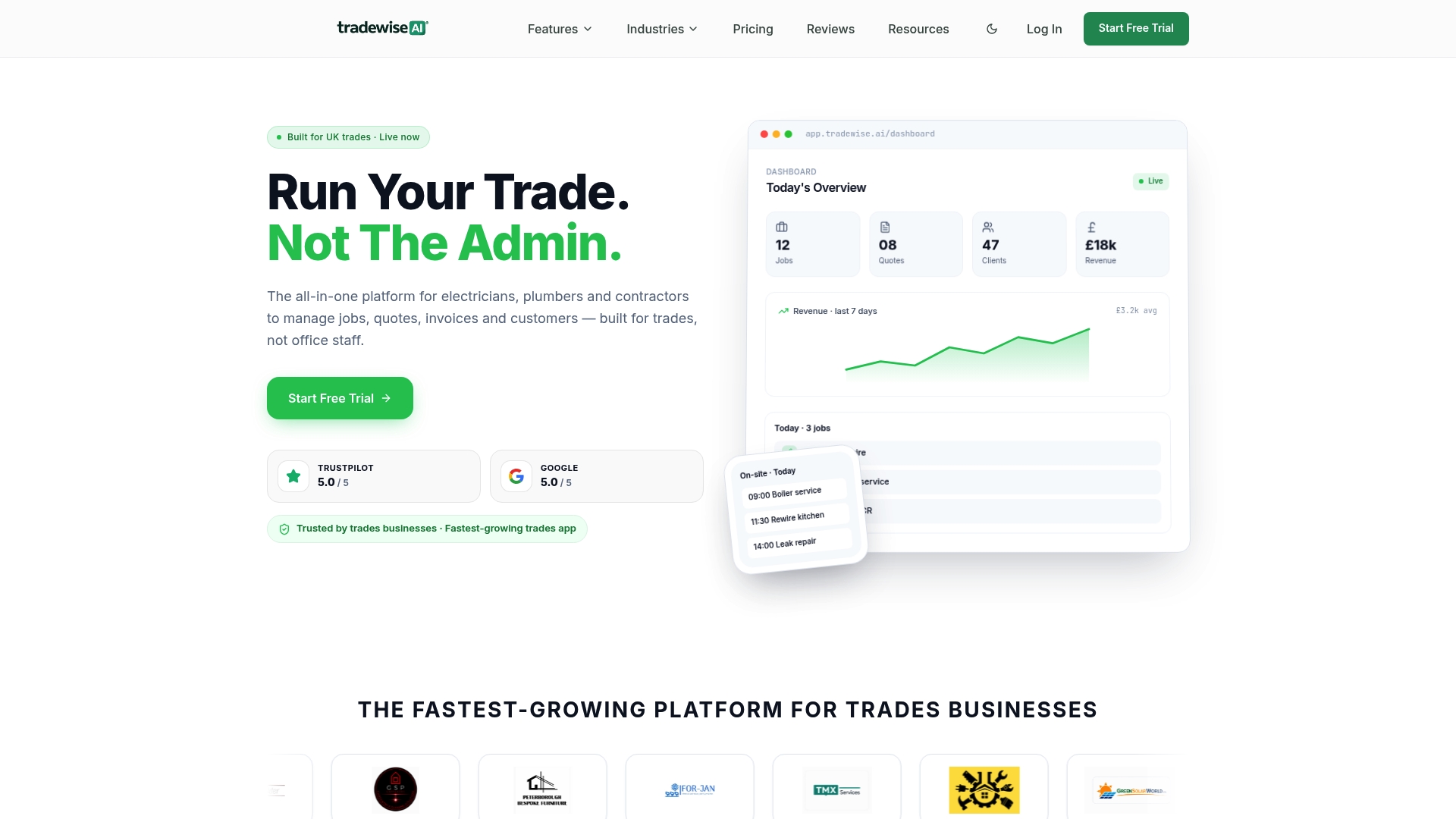
For builders who want to move beyond spreadsheets and disconnected apps, Tradewisehq handles job records, staff scheduling, quotes, invoices, and client communication from a single platform. The benefits for UK builders are practical: less time on admin, fewer errors between office and site, and a clear audit trail for every project. Visit Tradewisehq to see how it fits your operation.
FAQ
What are the must-have builder software features for UK contractors?
Scheduling, subcontractor management, compliance tracking, and real-time budget versus actual cost tracking are the four must-have categories. All major platforms include scheduling, but compliance and financial risk tools vary significantly between products.
How does builder software differ from general project management tools?
Builder software includes construction-specific logic such as CDM compliance checklists, permit tracking, and trade-sequencing dependencies. General project management tools require manual workarounds to replicate these workflows, which creates inefficiencies on site.
Are client portals standard in builder software?
Client-facing portals appear in 96.5% of surveyed construction management platforms, making them a near-universal feature. They give clients self-service access to project milestones and programme status without requiring calls to the site manager.
Why is lien waiver automation an important financial feature?
Automated lien waiver collection creates a signed paper trail as each subcontractor payment is processed. Builders who skip this feature risk late claims against the property at project closeout, which directly erodes final account margins.
How do I choose between entry-level and enterprise builder software?
Entry-level platforms cover scheduling and basic invoicing, while enterprise platforms handle the full project lifecycle including change order integration, RFI workflows, and automated compliance records. Match the platform depth to your project complexity and team size.