
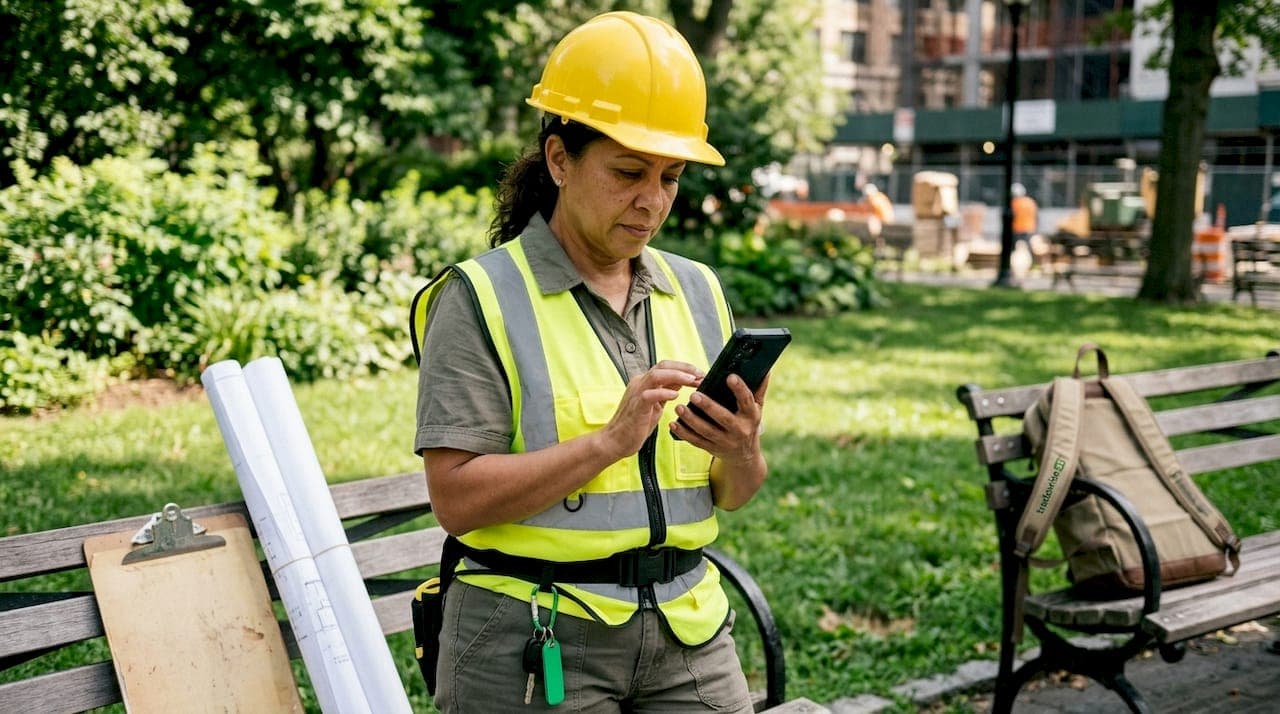
Mobile software in construction is defined as field-ready applications that capture, process, and share project data directly from a construction site in real time. The industry has a costly problem: rework accounts for 4–10% of total project costs in UK construction, with miscommunication responsible for 26% of that rework. Understanding why construction needs mobile software starts with recognising that paper forms, desktop ERPs, and delayed reporting cycles are no longer fit for purpose on a live site. Mobile solutions for construction close the gap between what happens on the ground and what the office knows about it.
Why construction needs mobile software to cut errors and rework
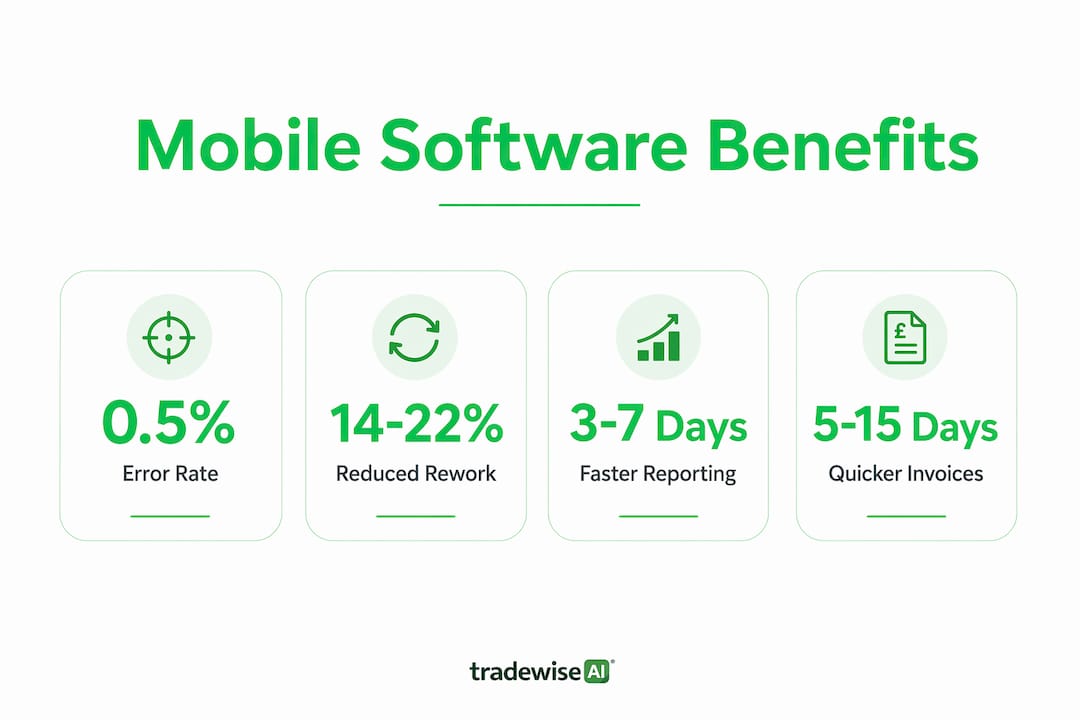
Manual data entry on construction sites produces error rates of 5–10%. Automated mobile capture brings that figure to under 0.5%. That difference translates directly into fewer defects, fewer disputes, and lower remediation costs on every project you run.
The mechanism is straightforward. Mobile applications for builders use GPS tagging, timestamps, photographs, and barcode scanning to document site conditions in real time. Every record carries a location stamp and a time stamp, which removes the ambiguity that causes most miscommunication. A photo of a completed first fix, tagged to a specific plot and time, is far harder to dispute than a handwritten note.
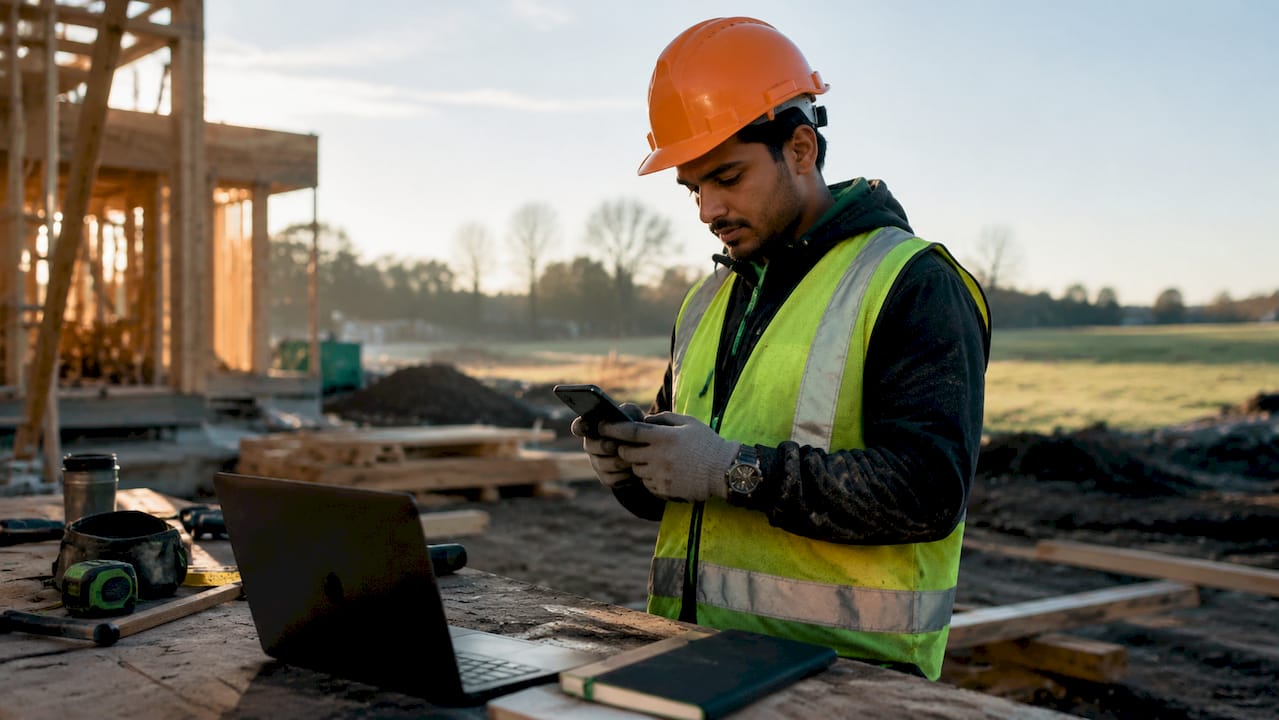
Inaccurate information drives 14–22% of all rework in UK construction. That figure sits alongside miscommunication as the two leading causes of avoidable cost. Mobile capture eliminates both by making the site record the single source of truth, visible to everyone with access.
| Data method | Typical error rate | Financial impact |
|---|---|---|
| Paper forms and manual entry | 5–10% | High rework and dispute costs |
| Cloud-only desktop ERP | 2–4% | Moderate delays from lag and re-entry |
| Mobile-first automated capture | Under 0.5% | Minimal rework, faster sign-off |
Pro Tip: Set your mobile app to require a photograph before a task can be marked complete. This single rule eliminates the most common source of "it was done" disputes between site managers and subcontractors.
For a detailed breakdown of how daily site reporting improves accuracy on UK sites, the principles above apply directly to your reporting workflow.
Does traditional office software fail field teams?
Desktop ERP systems were designed for offices. They assume a stable broadband connection, a keyboard, and a user with time to navigate complex menus. Construction sites offer none of those conditions reliably. A site manager on the third floor of a steel frame building, with patchy 4G and gloves on, cannot use a system built for a finance department.
The core technical problem is architecture. Traditional cloud-only software sends every request to a remote server and waits for a response. When connectivity drops, the app stops working. Mobile-first apps invert this design: the device itself is the primary data store, and the cloud sync is secondary. Work continues uninterrupted, and data uploads when the connection returns.
Offline-first construction apps keep working without internet, syncing automatically when a connection is restored. This is not a minor convenience. On a basement dig or a rural groundworks project, it is the difference between a working tool and a useless one.
"Successful mobile tools for construction must prioritise battery efficiency and minimal UI latency to fit the realities of on-site use."
The user experience gap is equally significant. Mobile-first construction project management apps use device-native features: the camera, the GPS chip, the local database. They load fast, respond instantly, and require minimal training. A desktop ERP ported to a browser tab on a phone is not a mobile solution. It is a desktop solution made smaller, and it fails in the field for exactly that reason.
- Offline capability: data entry continues without a signal and syncs automatically.
- Device-native features: camera, GPS, and local storage replace manual input.
- Speed: local memory-first architecture removes server round-trip delays.
- Usability: large touch targets and minimal menus suit gloved hands and bright sunlight.
- Battery efficiency: well-built mobile apps consume less power than browser-based alternatives.
How does real-time data improve UK construction project management?
Construction projects suffer from an information lag of 3–7 days. That lag means site managers make decisions based on reports that are nearly a week old. Mobile solutions collapse that reporting window to minutes, shifting project management from reactive to proactive.
The practical effect is significant. When a structural issue appears on site at 9am, a mobile-equipped site manager can photograph it, tag it to the drawing reference, assign a corrective task, and notify the structural engineer before 9:15am. Without mobile tools, that same issue might sit in a paper diary until the weekly progress meeting.
Real-time GPS crew tracking, combined with photo and compliance documentation, also creates a legal audit trail that protects contractors during disputes. Every action is timestamped and geotagged. That record is admissible evidence if a project ends in a claim.
The financial impact of faster reporting is direct. Traditional paper invoicing takes 10–15 days. Mobile capture enables auto-generated invoices and payment within 5–7 days. For a contractor running multiple jobs simultaneously, that difference in cash flow is material.
The following processes improve immediately when real-time mobile data replaces paper:
- Defect logging: issues are captured and assigned on the spot, not at end of day.
- Compliance sign-off: inspection records are completed and stored digitally in real time.
- Crew attendance: GPS check-in replaces paper timesheets and reduces payroll disputes.
- Materials tracking: barcode scanning records deliveries as they arrive, not hours later.
- Client updates: progress photographs are shared automatically, reducing inbound calls.
- Invoice generation: completed work triggers billing without a separate admin step.
For UK builders managing live job tracking across multiple sites, the shift from weekly reports to live dashboards changes how decisions get made at every level of the business.
Integrating mobile solutions into construction workflows
Adoption is where most mobile rollouts succeed or fail. The technology is rarely the problem. The process around it is. Construction teams that adopt mobile tools without changing their underlying workflows end up with digital versions of the same paper problems.
The most effective approach is to start with one high-friction process and replace it completely. Defect logging, daily diaries, and material delivery records are the three most common starting points. Each produces an immediate, visible result that builds confidence across the team.
GPS tracking with offline capability increases crew adoption from 40% to over 85% by removing continuous real-time surveillance concerns. The distinction matters: crews accept location logging when it is tied to job records and not to constant monitoring. Frame the tool around job documentation, not staff surveillance, and resistance drops sharply.
Managing multiple job sites with mobile apps requires clear task assignment protocols. Each operative should receive their daily tasks through the app, mark them complete with a photo, and flag any issues before leaving site. That single workflow replaces the morning briefing, the end-of-day report, and the weekly progress call.
- Assign tasks digitally: every operative sees their work list on their phone each morning.
- Require photo completion: no task closes without a photograph of the finished work.
- Use in-app messaging: keep all site communication inside the platform, not across WhatsApp threads.
- Sync subcontractor access: give subbies read access to relevant job data to reduce coordination calls.
- Review dashboards daily: replace the weekly meeting with a five-minute morning dashboard check.
Pro Tip: When rolling out a new mobile platform, run a two-week parallel period where both paper and digital records are kept. This catches gaps in the digital workflow before paper is removed entirely, and it gives the team confidence in the new system.
Effective subcontractor management depends on shared, accurate information. Mobile tools that give subcontractors access to drawings, task lists, and compliance requirements in one place reduce the coordination overhead that eats into project margins.
Key takeaways
Mobile software is the single most effective tool for reducing rework, closing information gaps, and improving cash flow in UK construction project management.
| Point | Details |
|---|---|
| Error reduction | Mobile capture cuts site error rates from 5–10% to under 0.5%, reducing rework costs directly. |
| Offline-first architecture | Mobile-first apps store data locally and sync later, keeping teams productive without a signal. |
| Real-time reporting | Collapsing the reporting lag from days to minutes enables proactive decisions on live site conditions. |
| Faster invoicing | Mobile logging cuts invoice cycles from 10–15 days to 5–7 days, improving cash flow. |
| Adoption strategy | Starting with one high-friction process and requiring photo completion drives team-wide uptake. |
The case for mobile-first is stronger than most builders realise
I have watched UK construction firms spend significant money on enterprise software that their site teams never use. The system sits on a server, the office loves the reports it generates, and the operatives carry on with paper. The disconnect is not laziness. It is a design problem.
Desktop software was not built for a muddy site in february with patchy 4G. Mobile-first software was. The architecture difference is not a technical footnote. It is the reason one approach gets used and the other does not.
What I find most telling is the adoption data. When GPS tracking is tied to job records rather than constant surveillance, crew adoption rises above 85%. That number tells you the resistance was never to technology. It was to the way the technology was framed and deployed.
The builders I see pulling ahead in 2026 are not necessarily the ones with the biggest budgets. They are the ones who have replaced their paper diary with a mobile platform and trained their teams to use it properly. The efficiency gap between them and firms still running on spreadsheets is widening every month.
The future expectation is clear: clients, insurers, and main contractors will increasingly require digital audit trails as standard. Firms that build those habits now will meet those requirements without disruption. Firms that wait will face a forced transition under pressure, which is always more expensive.
— Mateusz
How Tradewisehq supports UK construction professionals
Tradewisehq is built specifically for tradespeople and construction businesses that need a mobile-first platform to manage jobs, teams, quotes, invoices, and client communication in one place.
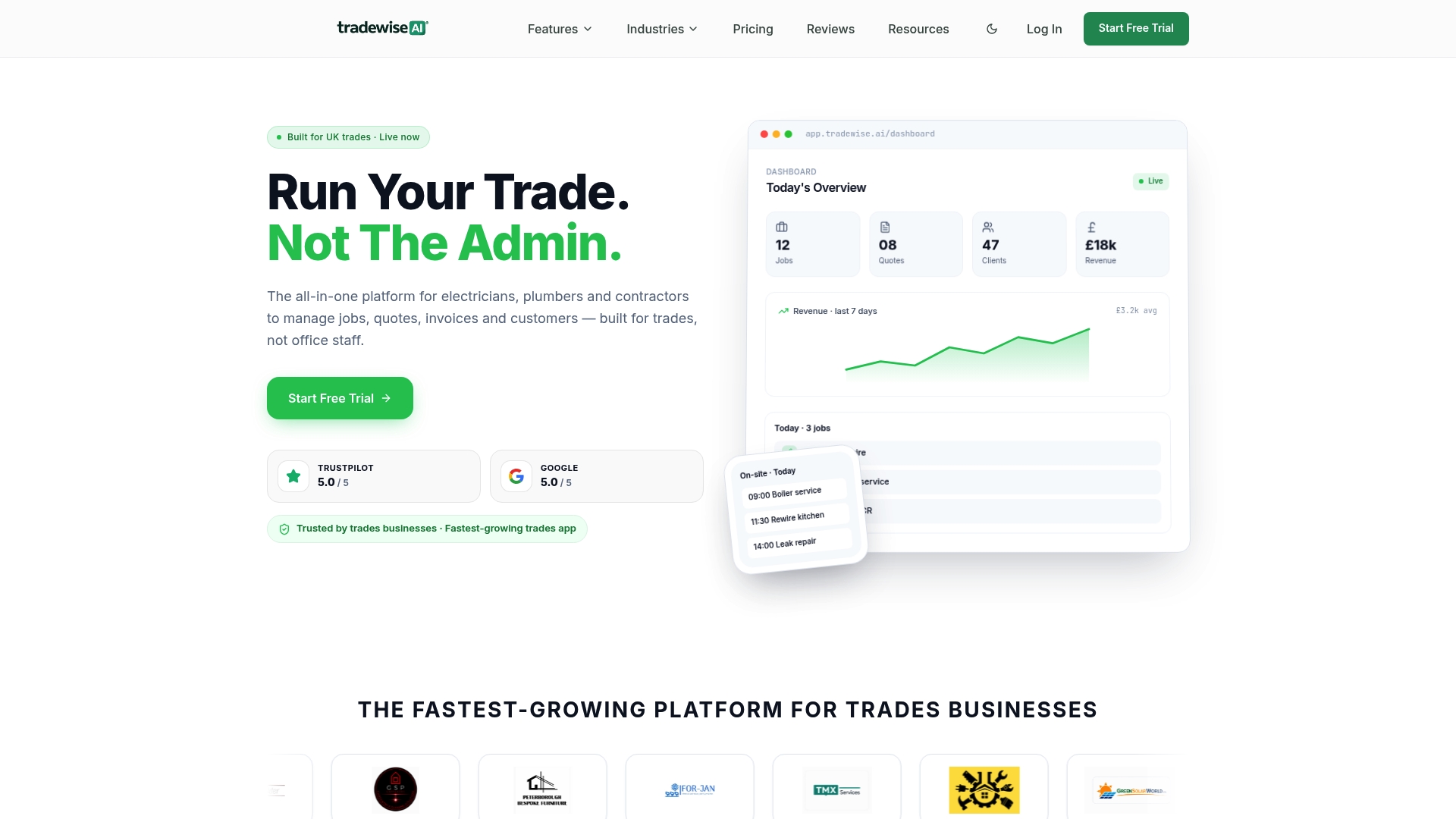
The platform uses AI-powered automation and live workforce syncing to replace the paper processes that slow sites down. Site managers can assign tasks, track crew locations, capture compliance photos, and generate invoices from the same app their operatives use in the field. For UK builders managing multiple sites, Tradewisehq's trade management software connects the office and the site without the information lag that causes rework and disputes. If you are ready to replace paper with a platform built for the realities of UK construction, Tradewisehq is worth a close look.
FAQ
What is mobile software in construction?
Mobile software in construction refers to field-ready applications that capture, manage, and share project data directly from a site using smartphones or tablets. These tools replace paper forms, manual data entry, and delayed reporting with real-time digital records.
How does mobile software reduce rework costs?
Mobile capture reduces site error rates from 5–10% to under 0.5% by using GPS tags, timestamps, and photographs to create accurate, verifiable records. Fewer errors mean fewer disputes and less remediation work.
Why do cloud-only apps fail on construction sites?
Cloud-only apps require a continuous internet connection to function. Construction sites frequently have poor or absent connectivity, so offline-first mobile apps that store data locally and sync later are far more reliable in practice.
How quickly can mobile tools improve invoicing?
Traditional paper-based invoicing takes 10–15 days. Mobile logging enables auto-generated invoices and payment within 5–7 days, which has a direct positive effect on cash flow for contractors running multiple jobs.
How do you get construction crews to adopt mobile apps?
Frame the tool around job documentation rather than surveillance, and tie GPS tracking to task records rather than continuous monitoring. This approach lifts crew adoption rates from around 40% to over 85%.